Hello, I’m trying to set the scripting define symbols from code using PlayerSettings.SetScriptingDefineSymbols, but that code seems to do something undocumented:
If a Build Profile is active, rather than the Player Settings being updated, the active Build Profile is updated instead.
Here’s my use case: I have a system that supports two audio implementations: FMOD and Unity. Users choose which system they use in a wizard, and then FMOD_AUDIO_SYNTAX / UNITY_AUDIO_SYNTAX symbols are defined based on which systems they picked. This way if you do not use FMOD, the FMOD-specific code is excluded from the project.
These symbols must be defined for every Build Target. This was working as expected:
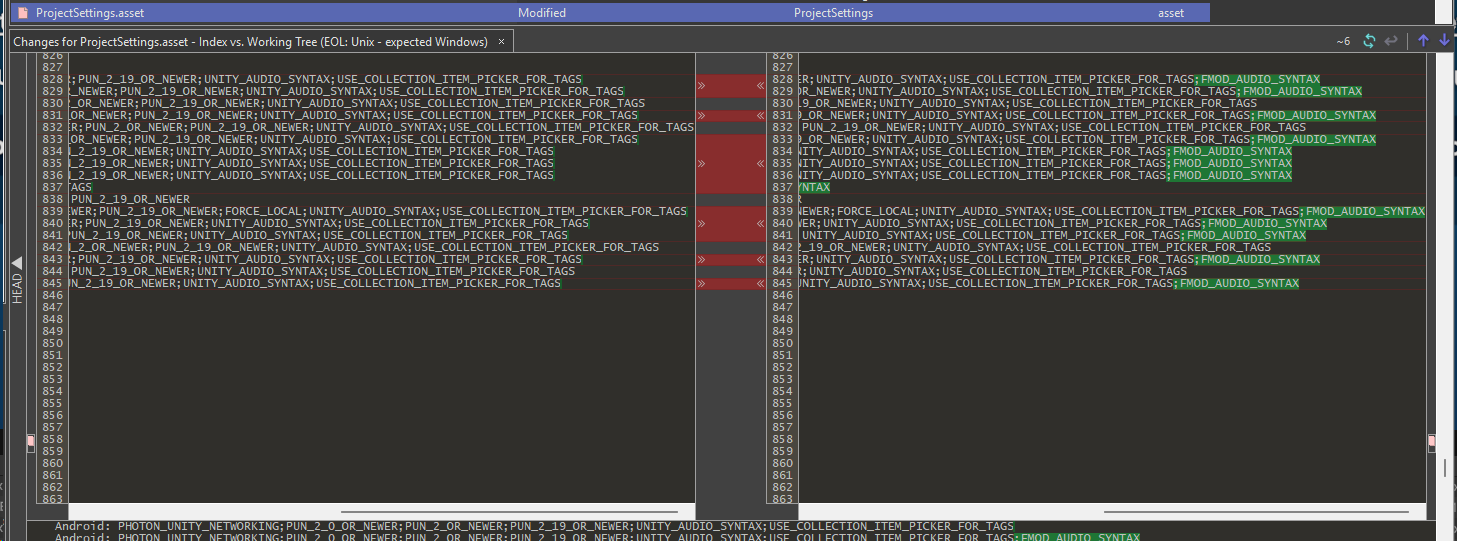
But now a user has tested this system on a project that uses Build Profiles, and after running the setup wizard, only the active Build Profile’s “Player Settings” were updated, leaving the actual base Player Settings unchanged.

So other people in their team had compile errors because they were not on the same Build Profile.
What is now the suggested way to update the scripting define symbols from code for all Build Targets, like it normally does when there isn’t a Build Profile active? As far as I can tell there is no official way to do this any more. The only thing I can think of is to update the Project Settings.asset file / any Build Profile .asset file in the project as a text file, which sounds very hacky and error-prone 
Any advice is appreciated, and I also wanted to just let other people know that if they are trying to set scripting define symbols from code, they will probably run into this issue too. In fact, I’m a bit surprised that I couldn’t find anyone else talking about this. Is this change not going to break a bunch of people’s custom packages  ?
?