So I have a Camera called "PlayerCam" and a Cinemachine camera called "ThirdPersonCam" and I recently have a script that allows anyone to left click the mouse to rotate the camera angle view using Input.GetMouseButton(0) both "Mouse X" and "Mouse Y". But when I move the "PlayerHolder" an empty game object that holds my character and drag it from either from the x-axis or z-axis the Cinemachine camera is NOT behind the player as I want it to be, Instead the camera is angled on the right side when I drag my "PlayerHolder" to the left side. Same happens on the opposite site on the right. When I drag my player to the Z-axis forward the camera is now behind the player as I WANT IT TO BE, But when I drag my player to the Z-axis backwards the camera is in front. Is their a way to make sure that my "PlayerCam" or "ThirdPersonCam" is placed Behind my character no matter if I decided to drag my player in a different location spot in the scene the camera will still be behind the player and I can Still rotate my camera when I click the left button of my mouse?
Me trying to drag the camera from X and Y and Z axis:
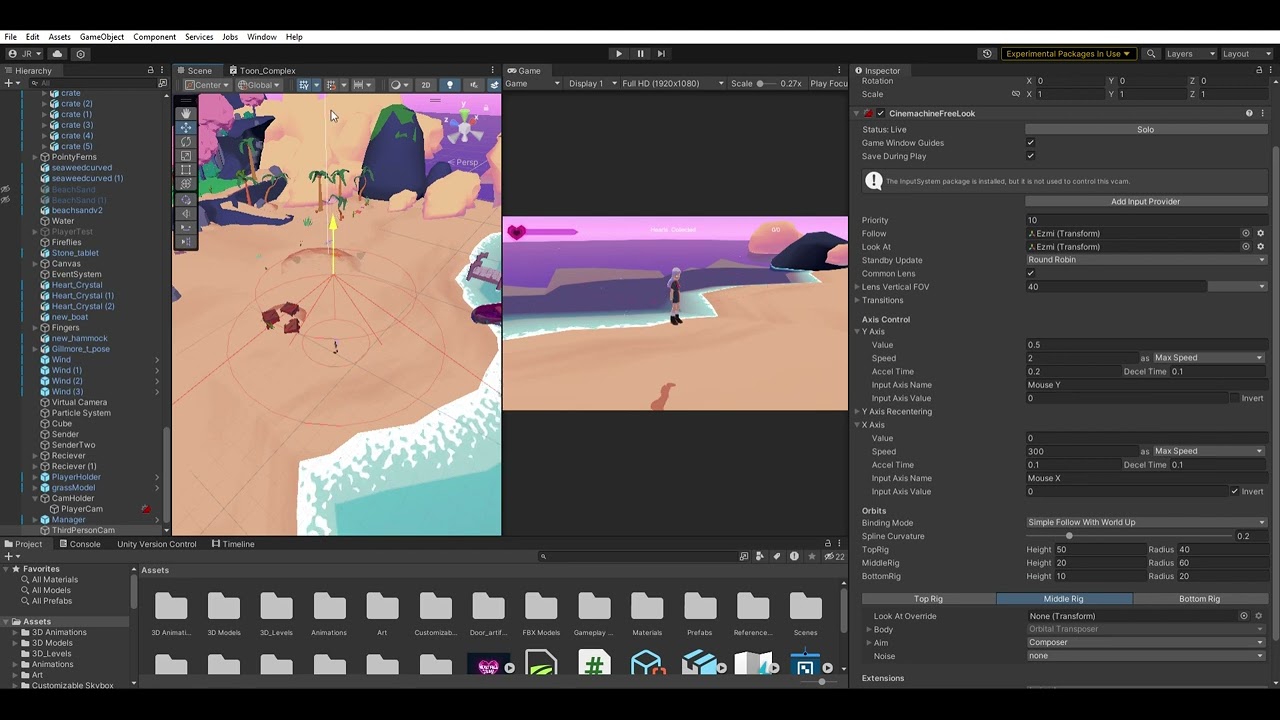
GamePlay Footage of drag the camera
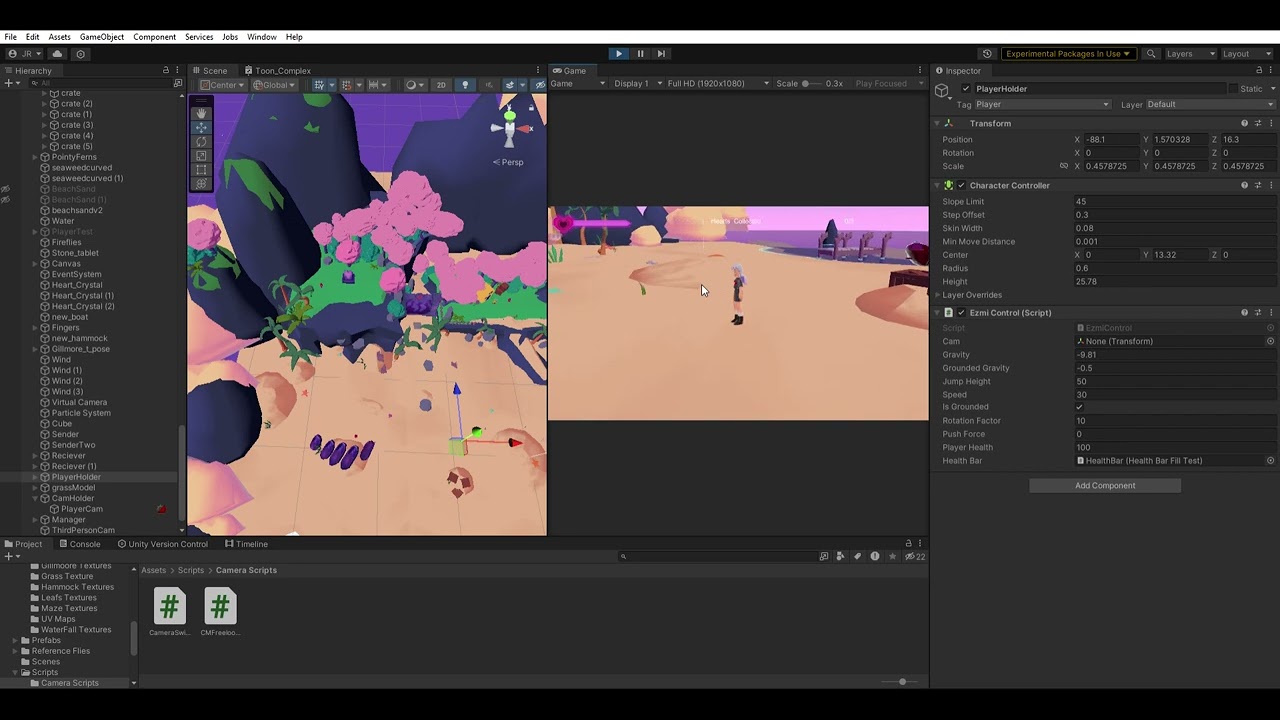
Code:
// paste the code here

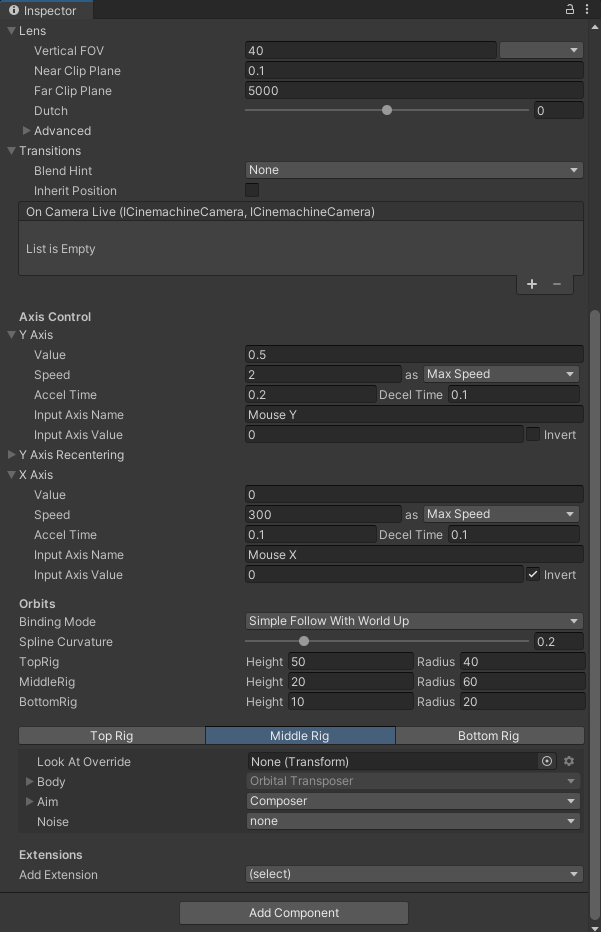
ThirdPersonCam Inspector

PlayerCam & PlayerHolder Inspector


Part2: GamePlay Footage of drag the camera https://www.youtube.com/watch?v=TMiqES5k4ME&ab_channel=JamesRFlores
– Jamesbrod21Nice nice very nicy
– Ak0799