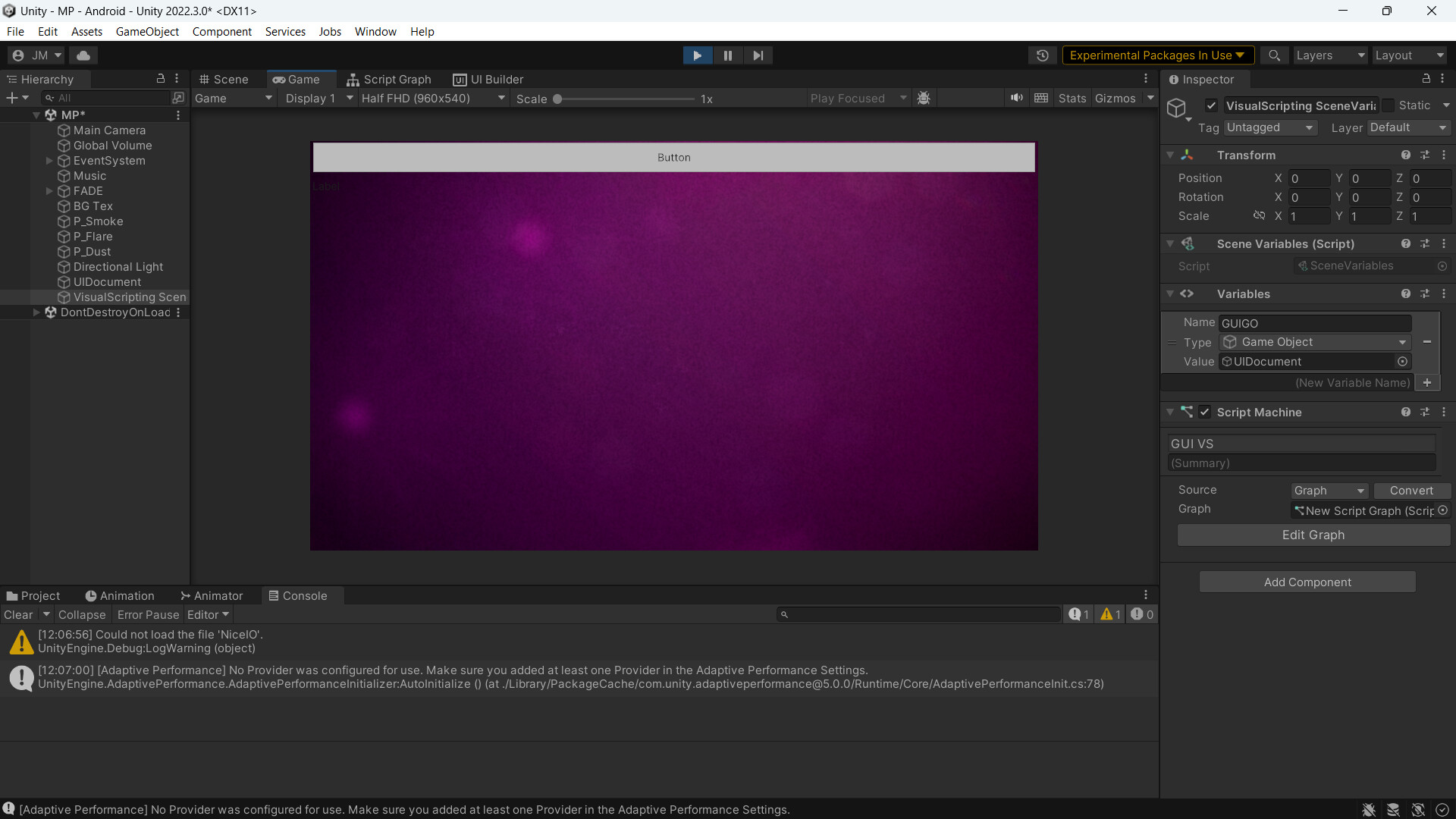
Good morning, I apologize for the inconvenience, and I apologize in advance for my English. My native language is Spanish. I need help integrating UI Toolkit with Visual Script. I’m developing a demo app, and I think it would be easier for me to do it visually rather than through code since I’m still learning C#. I already have the interface done in UI Builder, and it works perfectly with C#, but I would like to transfer the little I’ve done to Visual Script. Please help, I really appreciate your time. I have already searched a lot on the internet, but I couldn’t find enough information to make it work. I have attached a screenshot of what I have so far. At the moment, I need help making the test button print some text in the console when clicked. Once I can connect that, I think I can understand how it works and move forward with the rest.
Hi,
you would need to use the result from the Query extension node (which is a VisualElement) and register the button events on it. And you would have to hook a trigger into the Q node to make it actually execute.
The key part would be to register the callbacks on the button. To do that you could implement a custom c# Event node:
registerCallbacks(VisualElement ve) // That's the result from the Q Node
{
   var button = ve as Button;
   if (button != null)
   {
       button.RegisterCallback<ClickEvent>(handleEvent);
   }
}

protected void handleEvent(ClickEvent evt)
{
   // Do your stuff
}
I have written an asset that automates and streamlines the process, though it’s not released yet. However, the manual is already online: https://kamgam.com/unity/UIToolkitVisualScriptingManual.pdf
If you look into it you can see how this could be done (I did it with custom nodes).