Visual Scripting with a UI Button - help or advice request -
Hi I’ve just started learning Unity and have been pleased to find that there is a “Introduction to Visual Scripting” tutorial - that’s great as I’m not a coder (yet…) but I’m having problems finding online advice and more visual scripting tutorials -as I think its so new to v2021.1. (I know it was previously called bolt but that stuff seems to have slightly different implementation) so am focussing on the current release.
I’m Interested in controlling UI buttons via visual scripting.
I have a primitive that can spin - I just want to start and stop it spinning with the UI button,
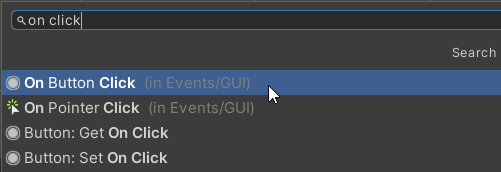
I’m guessing that I need to look at a “Button.onClick” event unit, but i cant work out what to do to link up the UI Button. any tips, or examples that anyone can share please>?
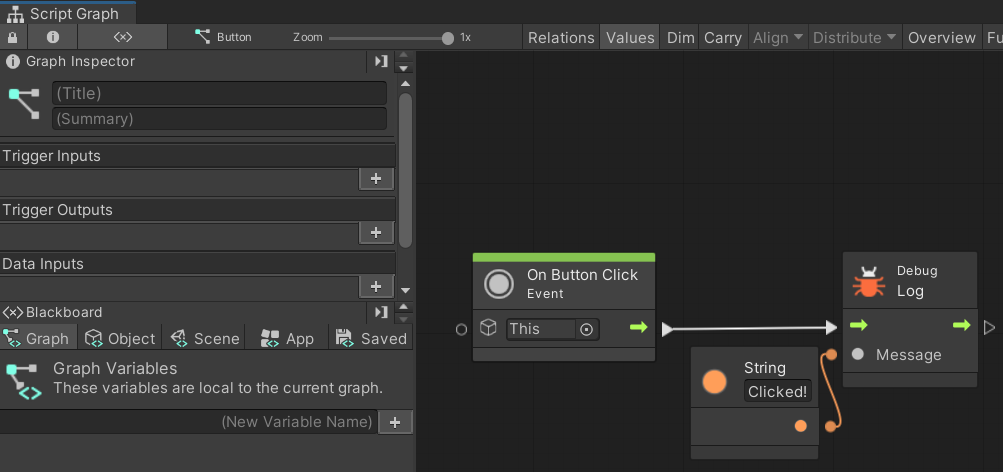
This should work. When you create your button UI, drag and drop it into the “On Button Click” node. Make sure the object you want to rotate is in the “Transform Rotate” node as well.
Thanks for the input Renicon13377 - no luck after looking at your illustration.
Regarding your comment If you don’t mind clarifying, I only seem able to drag a button that has been made into a prefab onto the “on button click” event node - (as i’m so unfamiliar) - is that expected>?
I’m wondering if i need to implement any special config in order to get the button to see or talk to the Visual script.
Assuming the button interaction is being setup in a visual script graph - is this “on Click ()” field in the button inspector also need to be populated>? could it be conflicting>? if it is needed, how should it be configured?
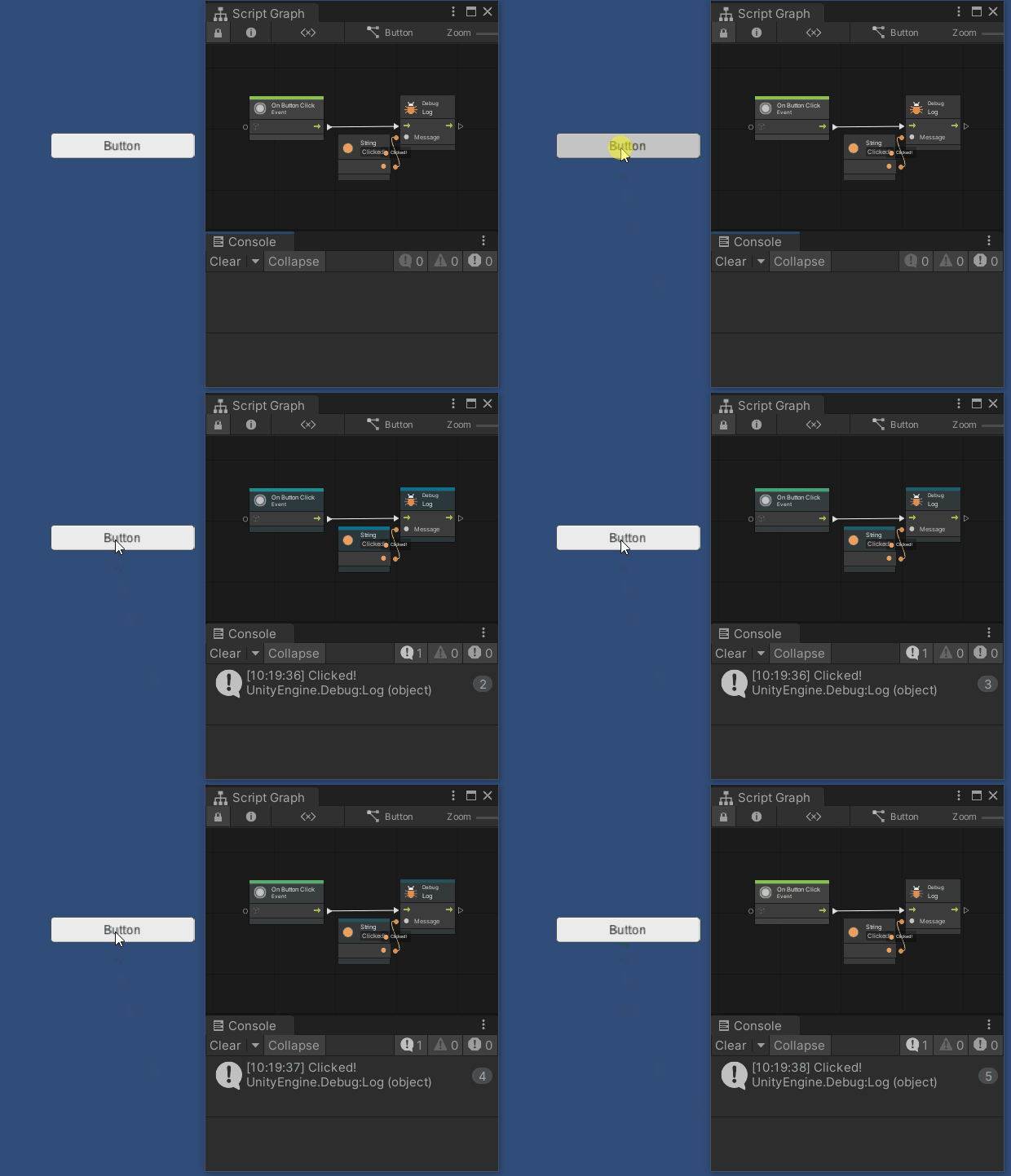
When you add the “On Button Click” event node in your graph, you don’t need to put anything in the “On Click ()” section of the button component. As long as your script machine or state machine is on the same Game Object that containing the button component, you are ready to consume the click event.
I Still can’t get a button to show anything using a VS graph as I don’t know how to set it up. Can you think of any specific examples, tutorials to recommend or give some detailed screenshots on the basics please
thanks in advance