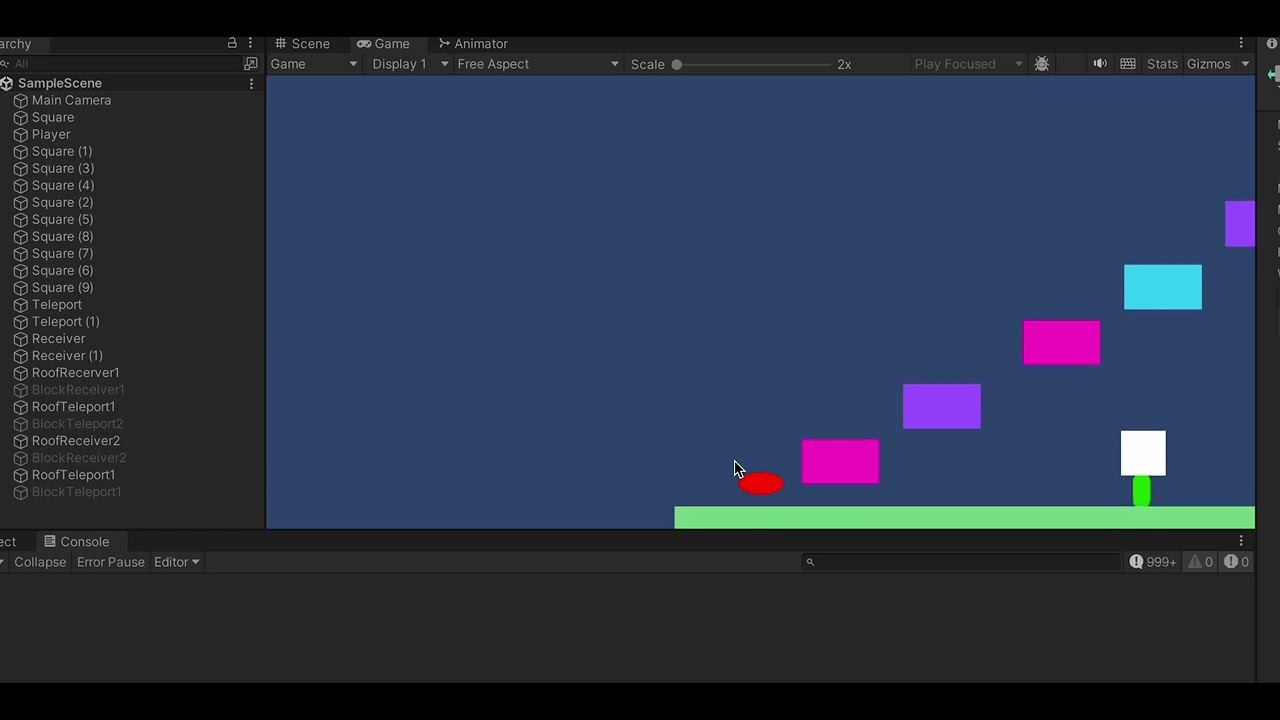
The problem with the code is that the console is picking up the ‘E’ input multiple times per frames instead of only picking it up once. Basically, the code, when clicking ‘e’ will make the character smaller and I want it to stay like this, but it is flickering between large and small. As well the white blocks by the teleporters not setting active again after ‘E’ is pressed a second time.
Can anyone assist with this?
using System.Collections;
using System.Collections.Generic;
using UnityEngine;

public class PowerUp : MonoBehaviour
{
    private bool isSmall = false;
    // Start is called before the first frame update
    void Start()
    {

    }

    // Update is called once per frame
    void Update()
    {
        if (Input.GetKey (KeyCode.E))
        {
            Debug.Log("E WAS PRESSED");
            checkForSize();

        }
    }

    private void checkForSize()
    {
         if (isSmall == false)
            {
                transform.localScale = new Vector3(1f,0.5f,1f);
                isSmall = true;
                Debug.Log("BECOME SMALL");
                GameObject[] gameObjectArray = GameObject.FindGameObjectsWithTag ("TeleportBlock");
                foreach (GameObject go in gameObjectArray)
                {
                    go.SetActive (false);
                    Debug.Log("Objects GONE");
                }
            }
            else
            {
                if (isSmall == true)
                {
                    transform.localScale = new Vector3(1f, 1f, 1f);
                    isSmall = false;
                    Debug.Log("BECOME BIG");
                    GameObject[] gameObjectArray = GameObject.FindGameObjectsWithTag ("TeleportBlock");
                    foreach (GameObject go in gameObjectArray)
                    {
                    go.SetActive (true);
                    Debug.Log("Objects BACK");
                    }


                }
            }
            // CODE BAD FIND A WAY TO RUN E OUTSIDE UPDATE AS IT IS
            //RUNNING TOO MANY TIMES AND IF CAN REMOVE DELAY AND PLACE CODE BACK IN INPUT
    }
}