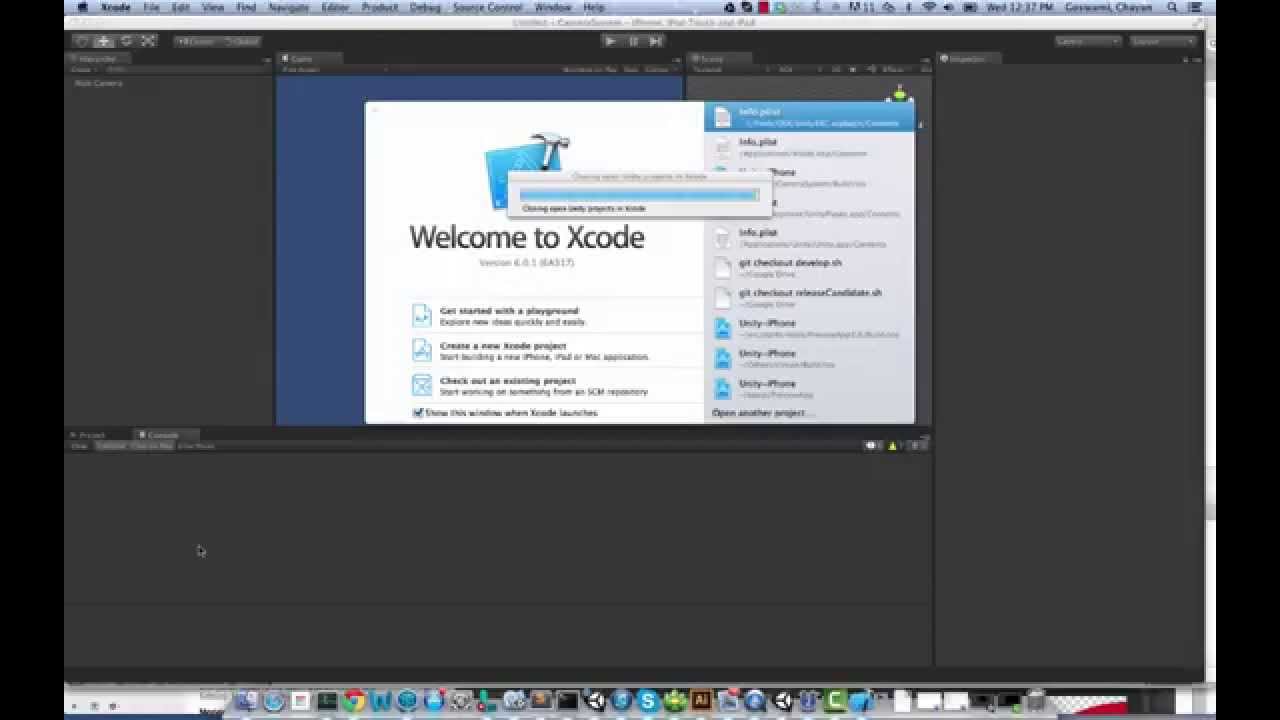
After XCode upgrade to last 6.2 version I getting the following error message when built and run my project:
UnityException: Launching iOS project via Xcode failed. Check editor log for details. UnityEditor.iOS.PostProcessiPhonePlayer.LaunchInXcode (BuildTarget target, System.String path) UnityEditor.iOS.PostProcessiPhonePlayer.Launch (BuildTarget target, System.String path) UnityEditor.iOS.iOSBuildPostprocessor.LaunchPlayer (BuildLaunchPlayerArgs args) UnityEditor.PostprocessBuildPlayer.Launch (BuildTarget target, System.String path, System.String productName, BuildOptions options) (at /Users/builduser/buildslave/unity/build/Editor/Mono/BuildPipeline/PostprocessBuildPlayer.cs:282) UnityEditor.HostView:OnGUI()
Any ideia \on how to solve this problem ?
1 Like
Hi,
This issue has been caused by Apple changes. We already have a fix, which will be released in 5.0.0p3 and 4.6.4p1.
This sounds like 2-3 weeks away
VIC201
March 19, 2015, 5:56pm
4
**
[quote]**
sounds more like next week
Hi,
Hi Povilas, any news on this? I have the same problem
I have the same issue too.
Just Build, and open the iOS project on you hand, and run it from Xcode, … That how I test on the device now…
try 5.0.0p3 seems to be fixed now.
This is still happening in 5.1.2 oy…
BinaryBanana:
I see it on 5.1.0f3
I’ve just tried UNITY 5.1.2 and I still see the same exception
I found the fix! I copied GUID from Xcode plist:
More details in this video (I am not the author):