Hi all
I found some lightmapping experiences in my latest tests. Those may helps you to avoiding from lightmapping problems :
If you want a higher lightmap resolution, you should slice your models into more chunks. For example , if you combine your all house parts into one, you may can not set lightmap resolution to high values. I learned this from CG artists:
If you bake your model with low scale in transform component, for example less than 1, you may not have your lightmap correctly
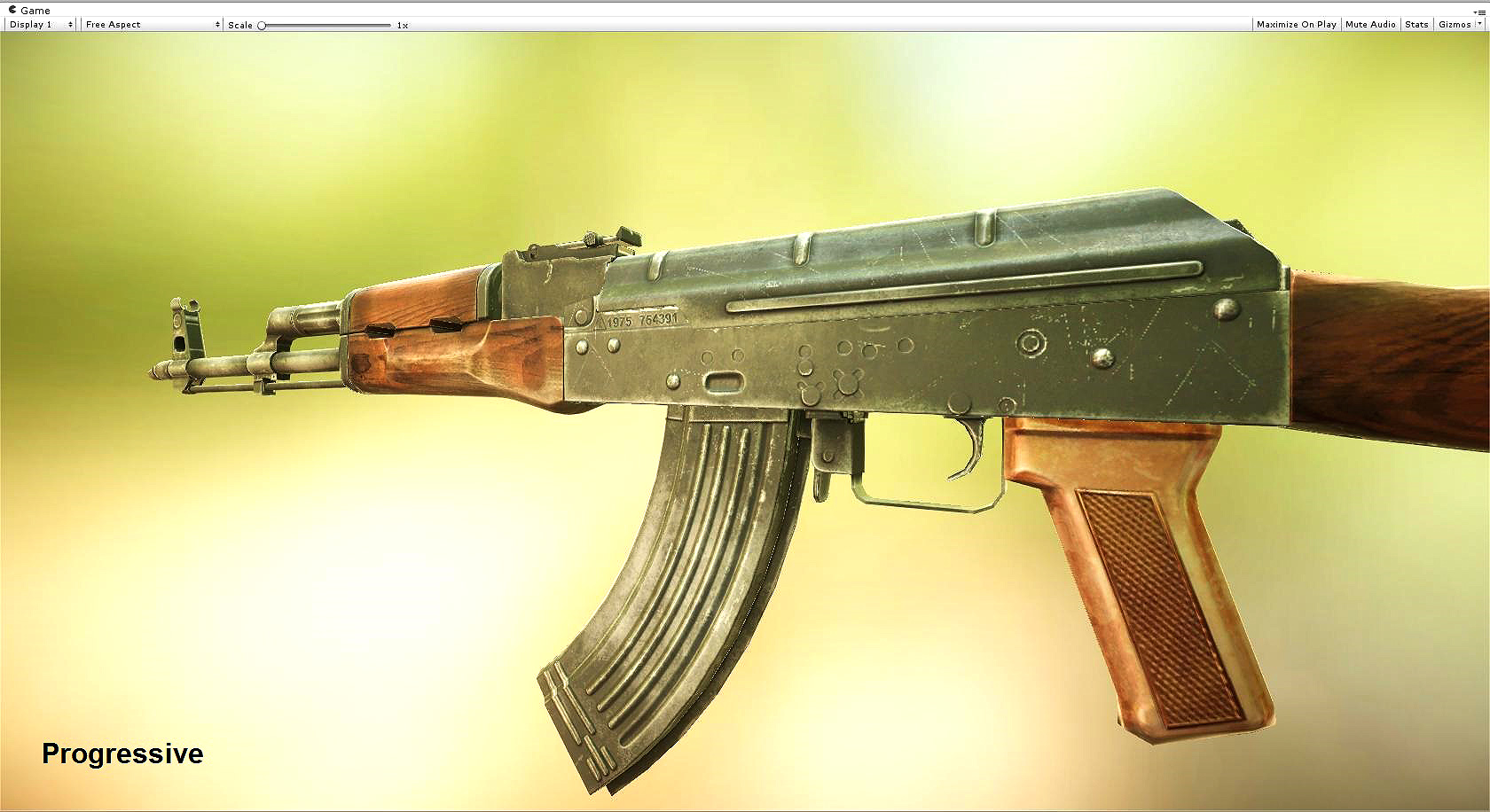
In the below GIF image, second image has been baked with enlighten(E) with 0.1 scale. Lightmap is completely incorrect with awful quality:
After i set model scale to 10 or 100, lightmap quality is equals to first image (Progressive Lightmapper).
I don’t know what is the problem. but you can import model with scale 0.1 in import settings,and then make your model scale larger in your scene.
If you want to bake lightmap with new Progressive Lightmapper, Some times you may see black holes around your baked models. To solve this problem, Create a new Lightmap Parameters and set Backface Tolerance to lower value. For example lower than 0.4 should be solve this problem:
if you want to bake AO with better quality, you should use the higher lightmap resolution.
Firstly, thank you for sharing your notes on working with the new Progressive Lightmapper.
In the quoted comment, are you suggesting to export models as a grouped set of submeshes, or would baking lightmaps using the UDIM workflow generate a similar result since each texture set has it’s own UV space?
Also, would you mind suggesting some baking settings for what you might consider “preview” vs. “production” quality when using the progressive lightmap baker?
I might remember wrong but I think it is related to the model size when imported versus unity scale. In this case 1x1 meter unity cube vs a imported cube that is smaller due to different scale when modeling and later imported. So I think there is a setting somewhere that allows you to alter the projects entire environment lightmap scale so it would solve this type of issue. I believe there are other reasons to related to unwrapping + scale and a few other things. But I don’t remember it right now fully.
is it possible, that the performance on mobile will be decreasing if the scale factor of the model is less then 1, because of the incorrect lightmaps of the model?
Is this the same in 5.5.4f1 I’m currently still working with? I’ve a scene (see attached picture)
with 182k triangles and 240k vertices.
Used textures (45) need 1.22MB of memory and Unity shows me a performance of around 30 fps.
And I compressed all textures to the ETC2 compression format. And I have no textures with alpha channels. None of them is larger than 512 x 512 pixels. But after I build the Android apk the performance is very slow and absolutely not comparable with your interior lightning demo I’ve downloded. Is there a special secret that I should know or what doing I’m wrong fundamentally?
Thanks for your respond and help.
there is not differnce after following your performance tips in the thread you mentioned. Movement of the player judders and is not as fluent as in your demos.