Unity version I’m using: 2021.3.4f1
Localization Package Version: 1.3.2
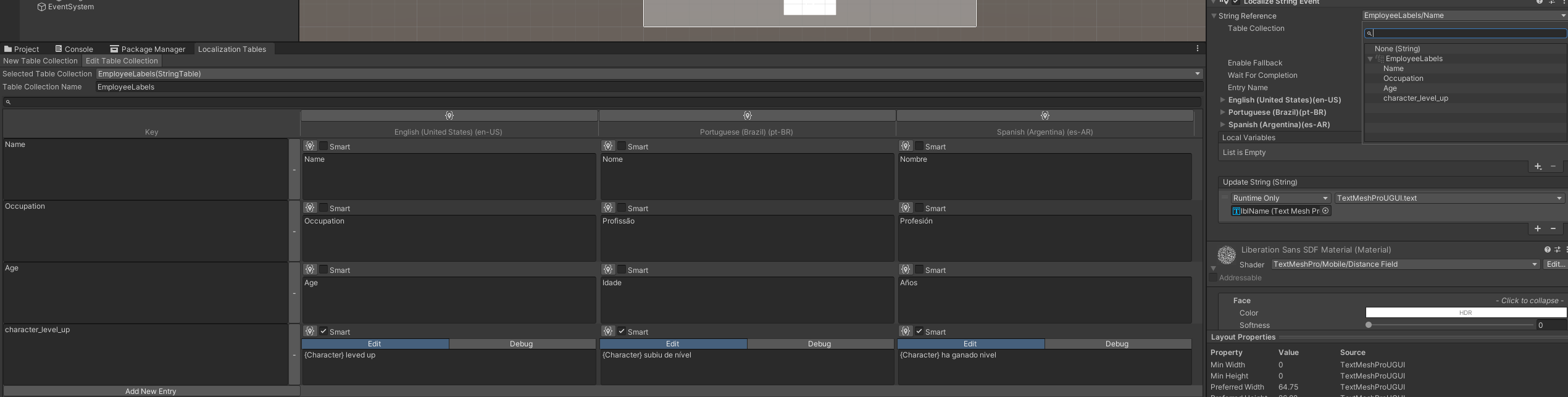
When adding a Localize String Event to my text, I select a String Table and no String reference appears to select, even though I have already added the values in the table
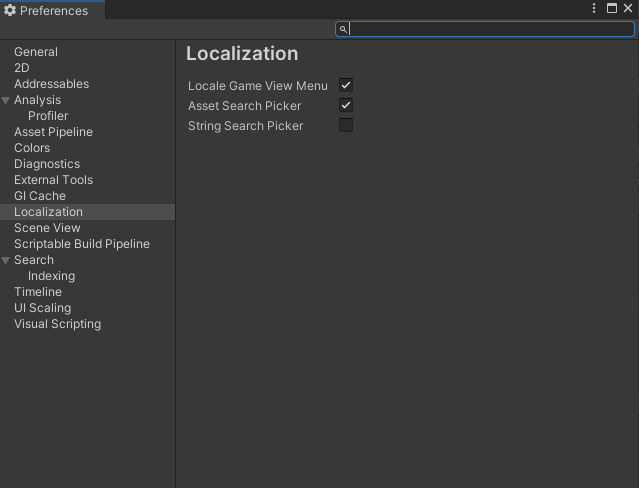
Having a blank search field felt like a bug or that there was something wrong with my setup, as I was expecting to see a list of the keys. It took me a while to finally find this thread and realize it wasn’t an issue. I also prefer to switch to the picker as it gives me the overview I need. If using the search field I think it would be more intuitive to already have the list of all the keys visible from the beginning and then filtering while typing.
This is fixed in 1.4.3. You should be able to update by clicking the show all versions option or manually editing the manifest.json file in the Packages folder.




 Thanks for the heads up!