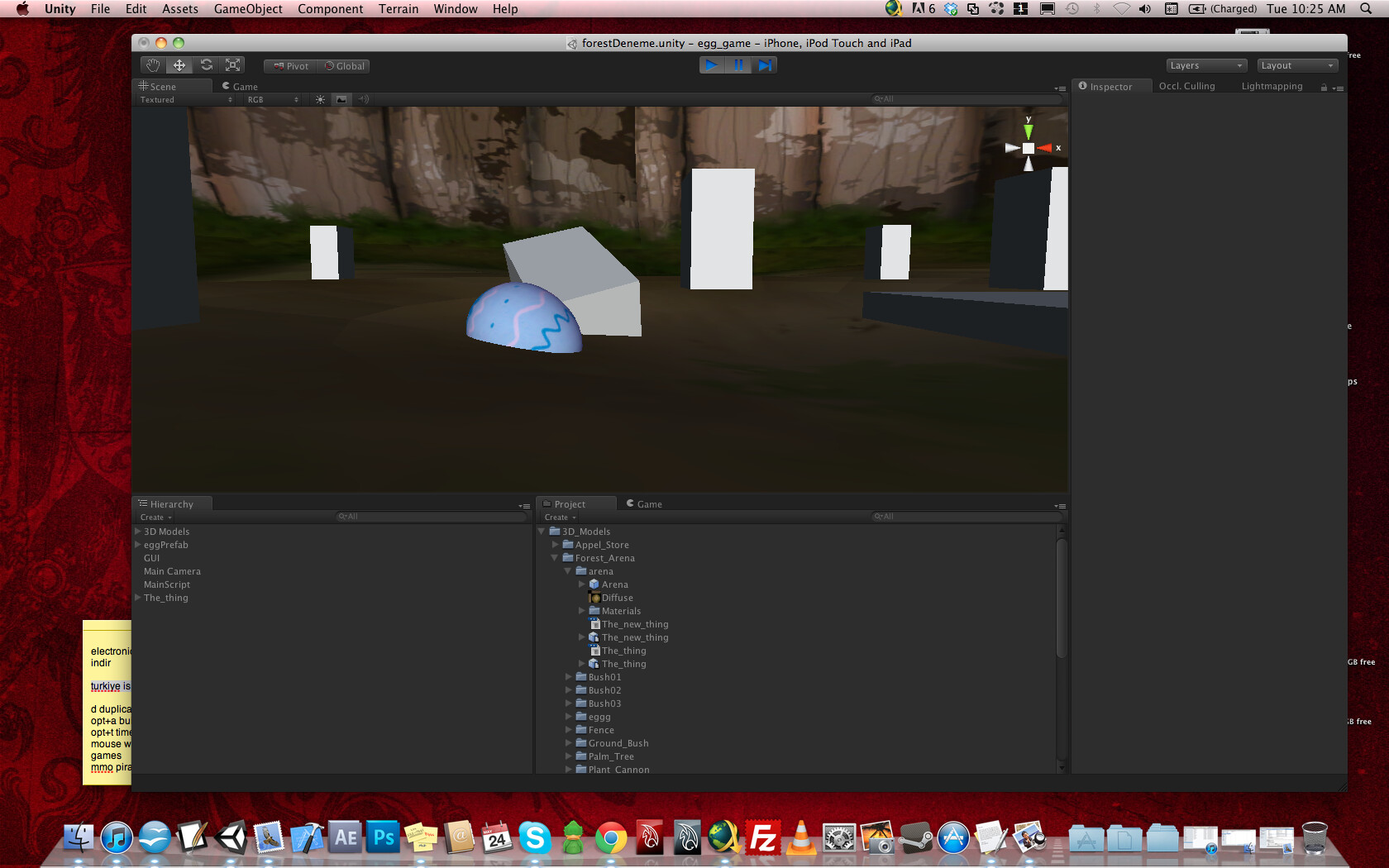
i have an obejct with a mesh collider on it, and it is properly interacting with other objects,
but
anothe object with a mesh collieder, everyting goes inside it, a normal sphere with a sphere collider, or another (the other working) mesh collider.
Could you help me?
Here the blue egg is a active rigidbody, it is colliding with other objects properly with its mesh collider. But the ground, with another mesh collider, everthing is going inside of it…
Hi!
This is the way colliders work. There is a matrix somewhere in the docs describing this. You can not have mesh colliders collide with mesh colliders, one of the colliders has to be a primitive type like box, sphere or capsule.
Mesh colliders can collide with mesh colliders if you have ‘Convex’ checked, but otherwise, it won’t. I’ve seen about 3 posts trying to solve this same problem… I think Unity should do something about this…
Mesh colliders not colliding with other mesh colliders (aside from convex) is deliberate; arbitrary concave mesh collision would be too slow. Also, it’s Nvidia, not UT, who is in charge of that (PhysX).
Is a mesh collider “heavy” when it is not being collided with?
I got quite large, quite complex shapes, that needs mesh colliders. So I’ve got mesh colliders on 1000 obejcts. They are only to collide with the player which is a flying, tiny aircraft. So either I let them be (the colliders) if they are only computationally heavy when collided with, or I switch the component on/off when player is close enough.
Hi there, do you have any idea to disable this bound box calculations?
I am making a ball game and there are some balls that rolling on a mesh collider. If some of them go off screen, it just seems like there isn’t a mesh collider exist, all balls that offscreen are fall down trough the mesh collider.
You can’t disable the bounding box, nor would you want to, since it would have no benefits and only slow things down. Going offscreen isn’t relevant, since the physics system is entirely separate from the rendering system and they don’t interact at all.