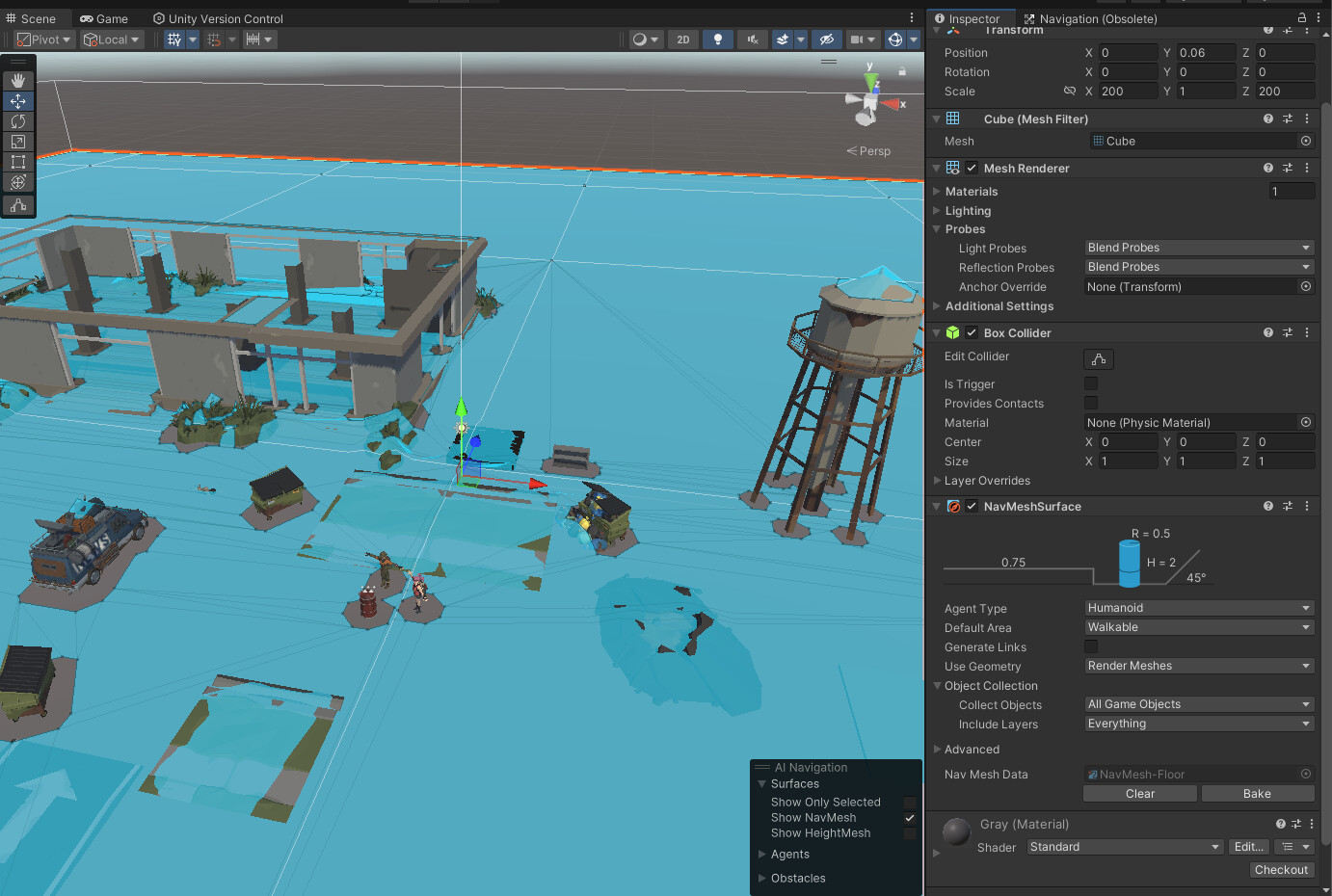
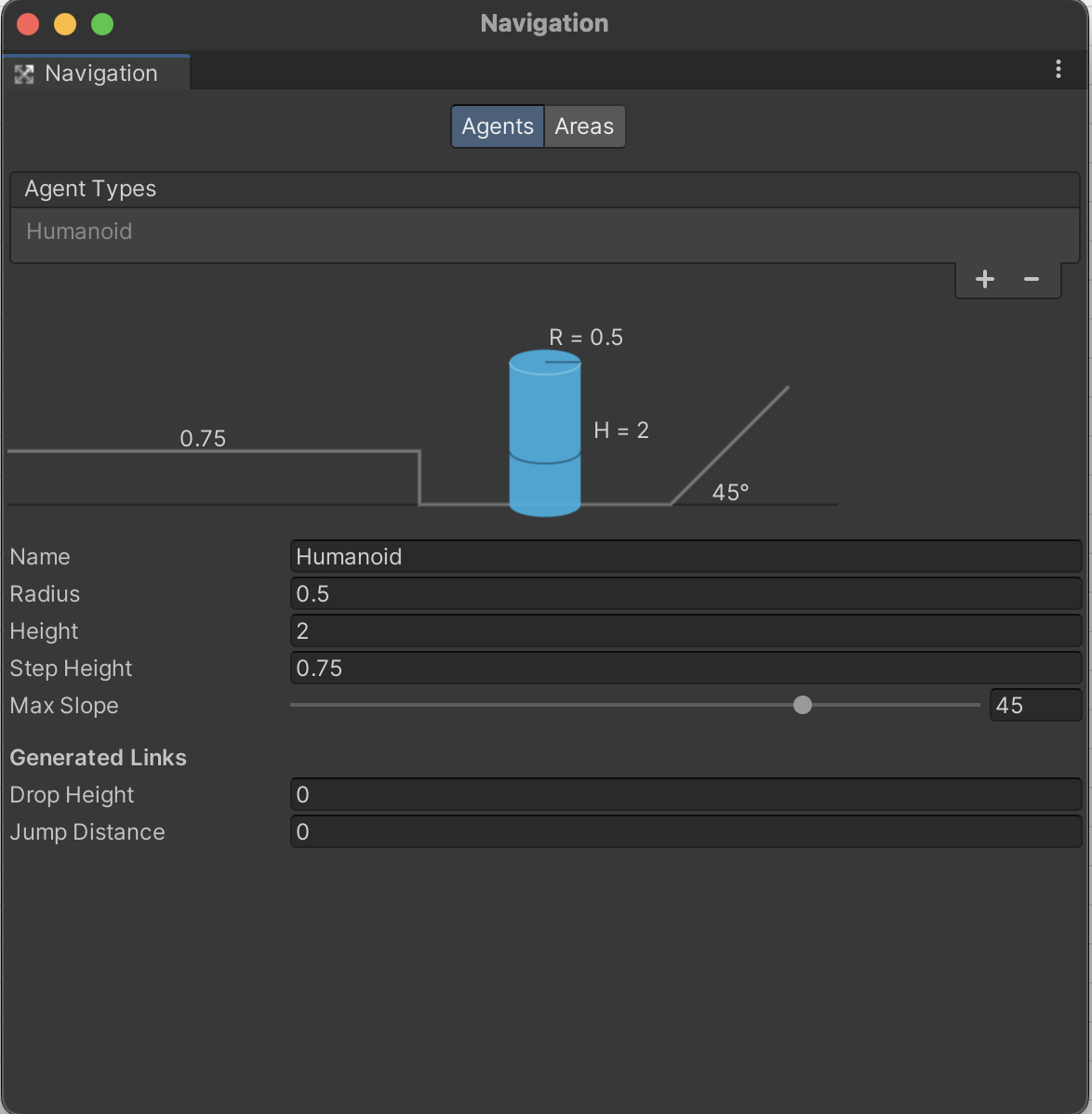
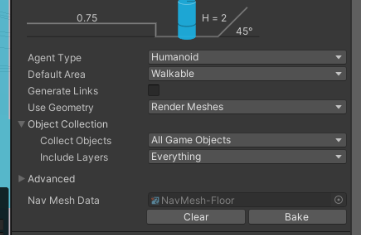
I have been using the “old” Navigation system in my project and have recently upgraded to a version of unity (2022.3.16f1) which comes with the latest AI.Navigation package.
I am keen to upgrade but am running into many problems.
I’ve added a NavMeshSurface to the floor gameobject and tried to bake directly from the component :
The result is poor, some objects that where previously tagged a non walkable are now walkable.
I tried the “new” navigation window but it does not show the “bake” and “object” options…
I’m wondering what I am doing wrong ?
Should I have first deleted something before creating the NavMeshSurface, why is the new navigation AI not showing me the Bake and Object options ?
So, talking with other people, they say that it’s because the bake option is now in the NavMeshSurface component now.
Fait enough but then how to I specifiy which objects are walkable, non walkable, jumpable etc ? I’ve watched a few recent tutorials and most of them show a “New” navigation window with the bake and object tabs…