Hi,
I would like to know why my Raycast return values from 50 to 80 when I’m raycasting with this method :
private bool IsSliding
    {
        get
        {
            if(IsGrounded() && Physics.Raycast(transform.position, Vector3.down, out RaycastHit slopeHit, 7.5f))
            {

                hitPointNormal = slopeHit.normal;
                return Vector3.Angle(hitPointNormal, Vector3.up) > GetComponent<CharacterController>().slopeLimit;
            }
            else
            {
                return false;
            }
        }
    }
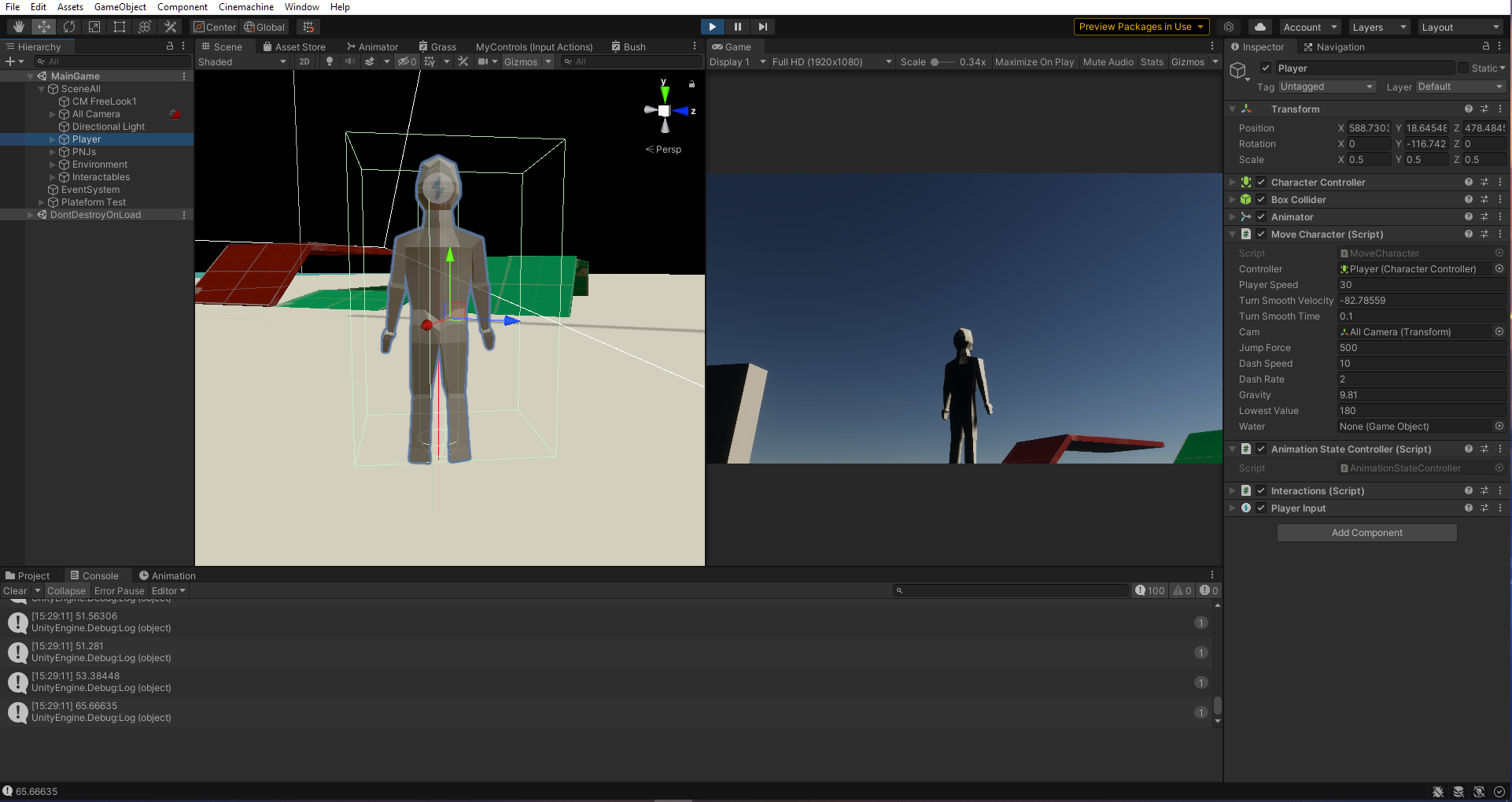
I placed a character controller and a box collider that is trigger-cheked.
For the floor, right now, I have a stretched cube as a test zone. (I tried with a terrain also, with no floor elevation and the results are the same)
So, when I’m trying to make my character slides on slopes, he slides on every parts of the map except the slopes (from little to high) because he detected the angle of the slope normally. (Like a 10 angle slope is detected at 10 angle)
Here is the code when the character needs to be moved on slides :
if (IsSliding)
        {
            Debug.Log("IsSliding");
            controller.Move(new Vector3(hitPointNormal.x, -hitPointNormal.y, hitPointNormal.z) * slopeSpeed);
        }
thanks.