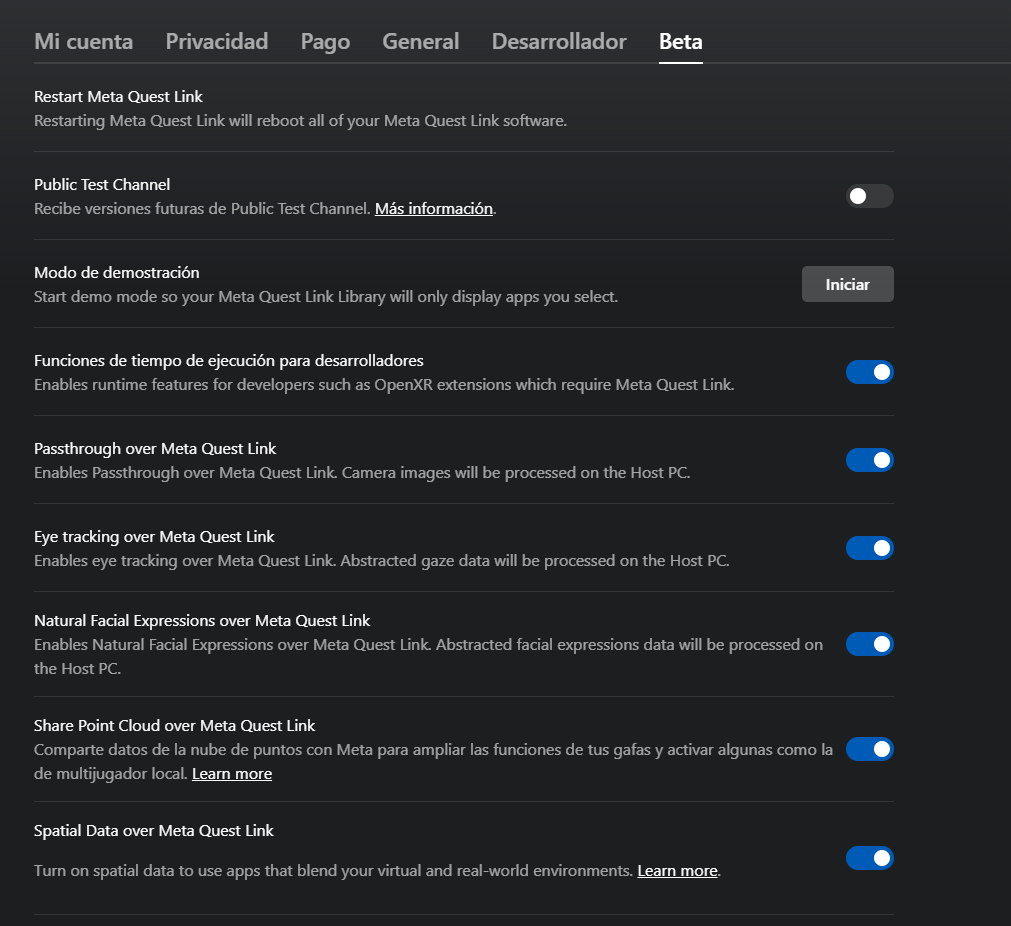
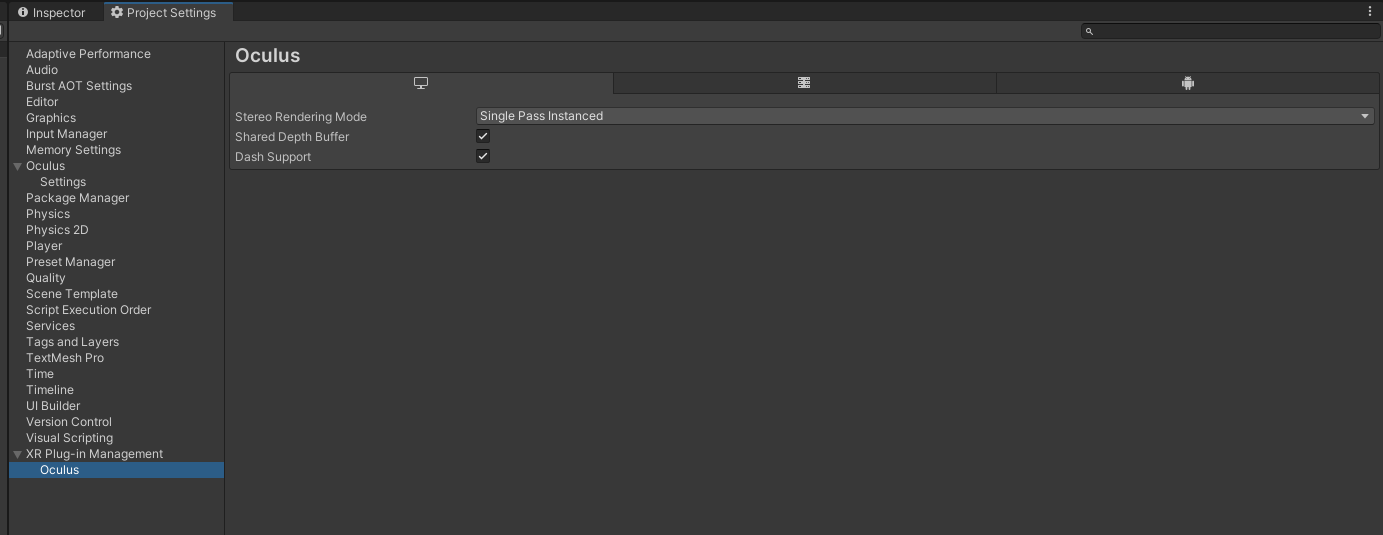
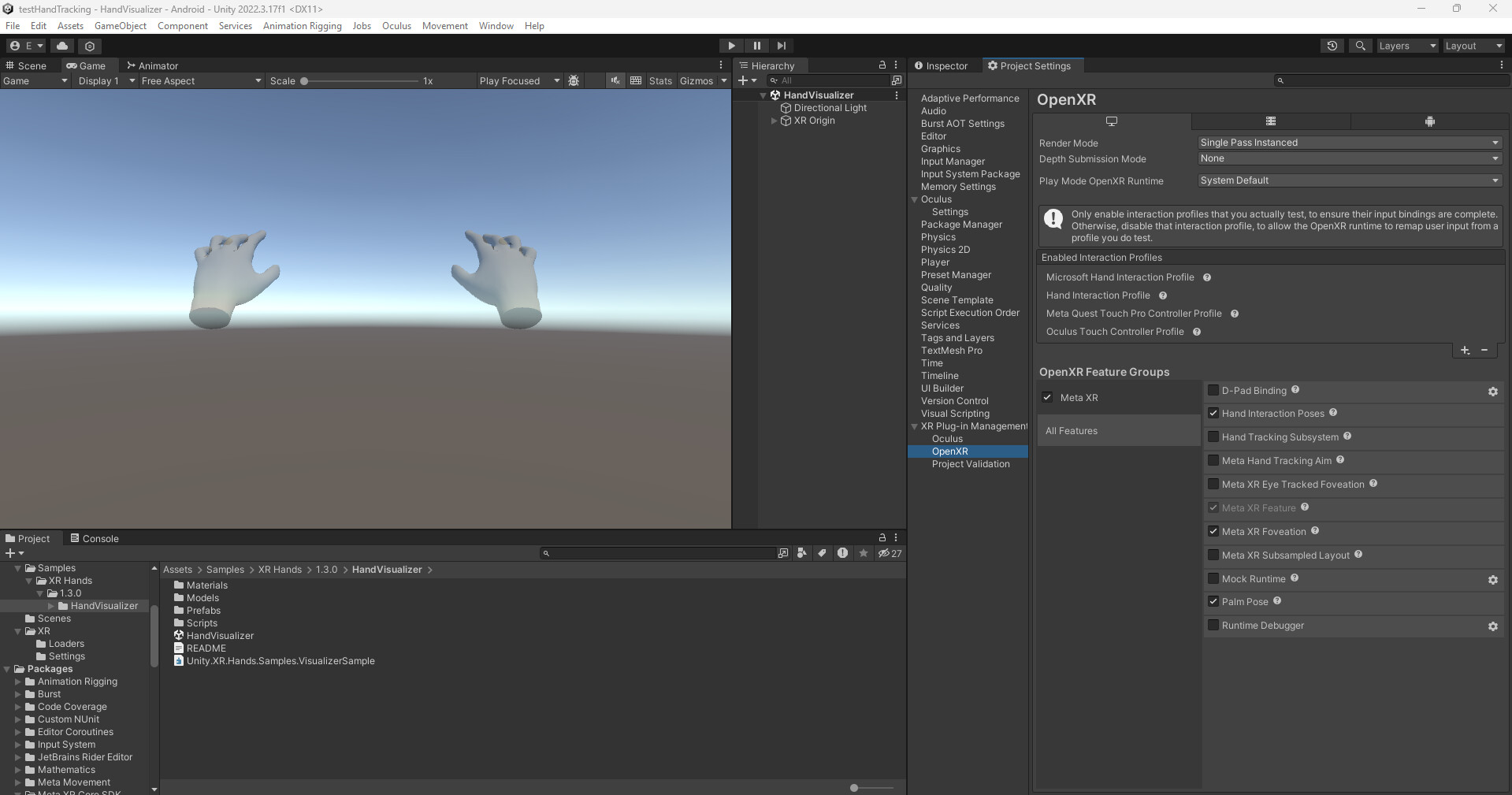
I have tried searching and investigating a lot about this issue,as far as i know is not unity settings related, my teammate is using the same setu as me, he is using the same project synced using GIT, and when he plays in the editor his hand tracking works, and their hands are visible, but mine doesnt work, im so exhausted of looking for solutions, i dont even know what to do i have tried the beta test channel in the oculus settings and other oculus headsets, i have tried quest 2, quest 3 and quest pro, and it doesnt work on my pc, can someone give me any ide4a on where to start looking to fix this issue? is someone with the same problem as me?
im not using OpenXR, just the Meta All in one SDK, and the building blocks, using link with cable
All, and even tried the public test channel also, also i have developer mode on the headset, and in the same project my team mates have handtracking working correctly but me, i dont know what to do
I don’t know whether you have it working in builds and just not the editor, so it’s worth also asking: do you also have hand-tracking enabled in the Quest device settings? Does anything work in the editor / over Link, or is it just hand-tracking that’s broken?
Yes, handtracking in builds work, but not in editor, i have it enabled and can try other standalone experiences using handtracking, its only not working in editor
Im using unity 2022.3.17, on windows 11
When you have hand-tracking enabled, does everything else (head-tracking, etc.) work, it’s just hands that are broken? Or does everything else stop too?
Playing in-editor uses the build settings for standalone, not the platform you’re building for. I think it’s likely that the project distributed over git that you have doesn’t have the standalone settings for enabling hand-tracking, but it is enabled for Android (which is why it would work in the build). Fingers crossed you just don’t have “Hand Tracking Subsystem” enabled on that platform (Player Settings > XR Plug-in Management > OpenXR > left-most tab for Standalone > Hand Tracking Subsystem).
The XR Hands package does not have a provider for that SDK. I don’t know how things are working with hand-tracking at runtime for you with that, but it’s not something we support. If you want to use the XR Hands package with a Meta headset, you should use OpenXR.
Im not using the XR hands package, im just using the Meta All in one SDK, using the building blocks, adding the hand tracking to the camera rig, it is working for everyone but me
I have seen lots of people asking this on their forums, no response at all, thats why i asked here, because the (oculus x unity partnering) but well as it isnt working also on OpenXR , it only works for me while using Leap motion
i suspect it may have something to do with Windows 11 maybe, i cant try with windows 10 for now i may just stick to building each time i want to try something
i dont have the hope Oculus will answer my problem at all… but i will try, thanks for your time and fast responses, really appreciated
As other used pointed in another post, it seems to be related with LeapMotion or UltraLeap software, so you have to completelly uninstall these in order for it to work, seems to be its conflicting with oculus handtracking in some way, as soon as you delete ultraleap, it will work if everything else is correctly setup
Hey guys, this fixed it for me, posting for others to benefit too, in case you wanna still use the Oculus plugin rather than the OpenXR one:
Note that you will find two dll meta’s in your root folder, the one you wanna change is in the Win64OpenXR folder. Change it while the app is running, hit save, quit editor, restart editor and go into quest link and you will see both head and hand tracking works as intended.