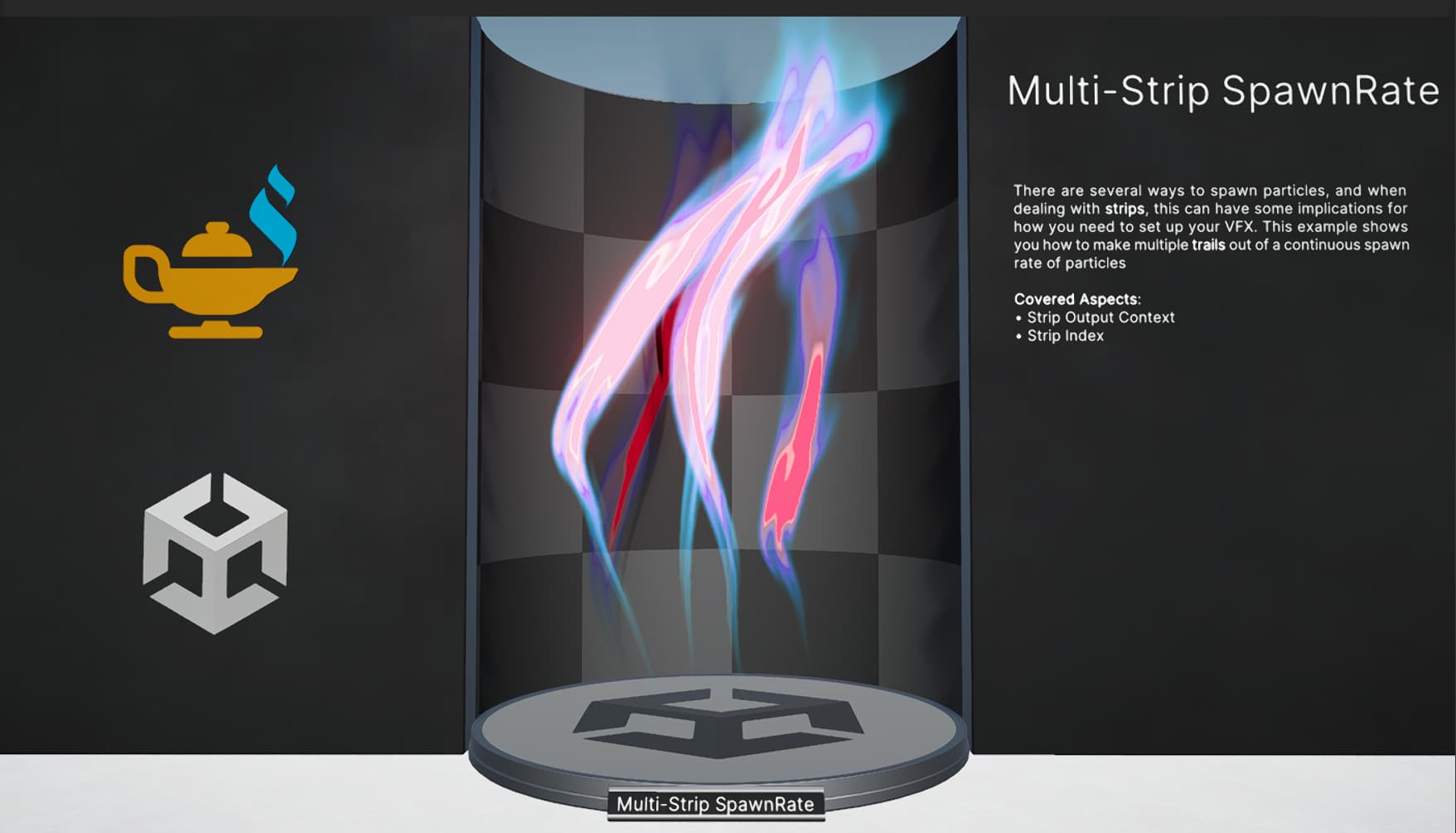
I have a system in Unity’s VFX Graph where:
- A source particle collides → triggers a GPU Event
- This event spawns a new particle which also triggers a strip trail
- I am trying to get one trail per particle, with a clean start and end
When particles are continuously spawning, at some point the trails begin to stretch or teleport, and it looks like Unity is reusing an index or buffer slot the trail continues from the position of a new particle, even though it should’ve died with the previous one.
I tried to manually kill the trail before the source particle dies (using Age + Lifetime comparison logic), but it didn’t solve the problem.
I am not sure how to go about fixing this. I am open to maybe using a script for this but I don’t even know where to start. Hopefully there is a way to achieve this in VFX Graph? I don’t mind brute forcing a fix if there are any suggestions!
Here’s a video showing the issue (sorry for the quality - watch the trails glitch). Watch StretchGlitch | Streamable
And here is my current graph: