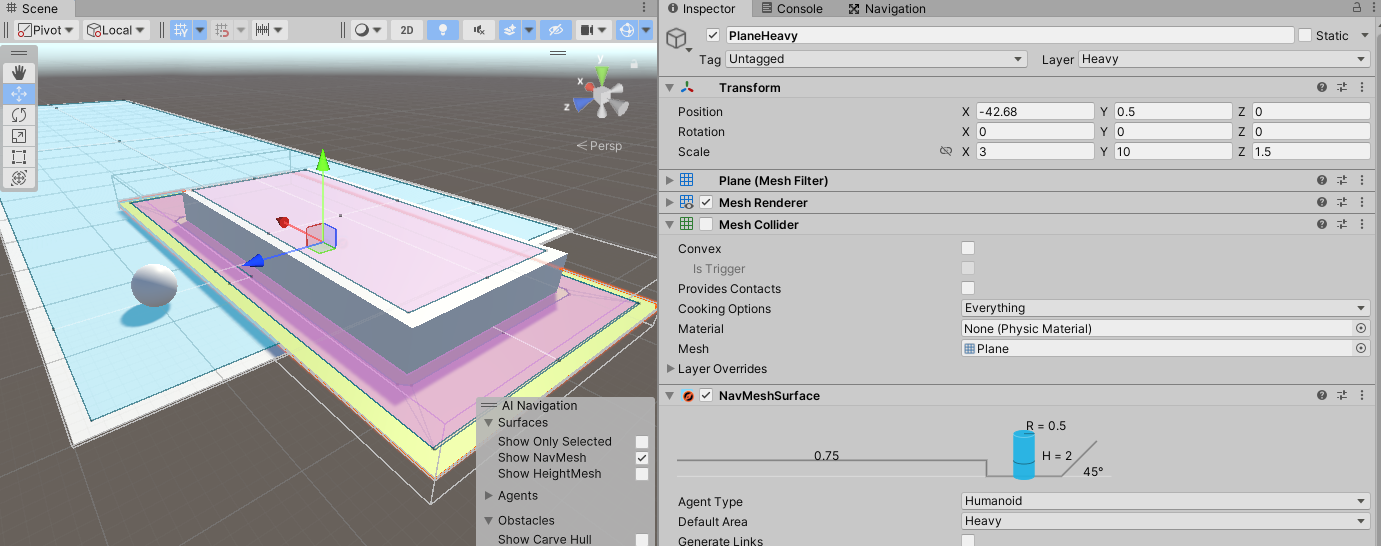
Sphere travels to the opposite of the heavier COST Heav area.
Therefore, Sphere should be lighter in cost to bypass Walkble, which is lighter in cost,
In fact, it moves over the Heav area, taking the shortest distance.
Why is this?
The source code is below.
using System.Collections;
using System.Collections.Generic;
using UnityEngine;
using UnityEngine.AI;

public class TestSphere : MonoBehaviour{

    NavMeshAgent nav;

    void Start()
    {
        nav = this.GetComponent<NavMeshAgent>();

    }

    // Update is called once per frame
    void Update()
    {
        if (Input.GetMouseButtonDown(1)) {
            var pos = transform.position;
            pos.z = -10;
            nav.SetDestination(pos);
        }
    }
}
well you have 2 surfaces that overlap… and so it can use the surface from the large rectangle…
you need to make a modification to the sufrace for your small rectangle to make it heavy… and then it will cut into the bigger if its set correctly like mine above
Wouldn’t this explanation cause the higher indexed Heavy to apply?
If several objects of different area types are overlapping, the resulting navmesh area type will generally be the one with the highest index. There is one exception however: Not Walkable always takes precedence. Which can be helpful if you need to block out an area.
Also, could you please push how you created the area
Well yes it is the Y but, i made it till the pink was above the blue - which was like next to nowt higher, and so the active plane touched would be the slow one and tada, it now avoids the slower one
well firstly you are looking at 2021.1 documentation so, i dunno, i dont even think it was called ai navgation then, and has changed…
I dont have 2022.3 installed, but i can assure you when i had a plane so the higher cost area was on top, and set destination the other corner, it walked round it.
the modifier, same deal, i didnt even make a second object i just slapped the modifier on the same plane and set it to be where and what i wanted… so however you need it, its working whatever i do… only time it didnt work was when the blue navmesh was on top… although, turning off the collider may have something to do with it, i just made a plane and slapped a navmesh surface on it.

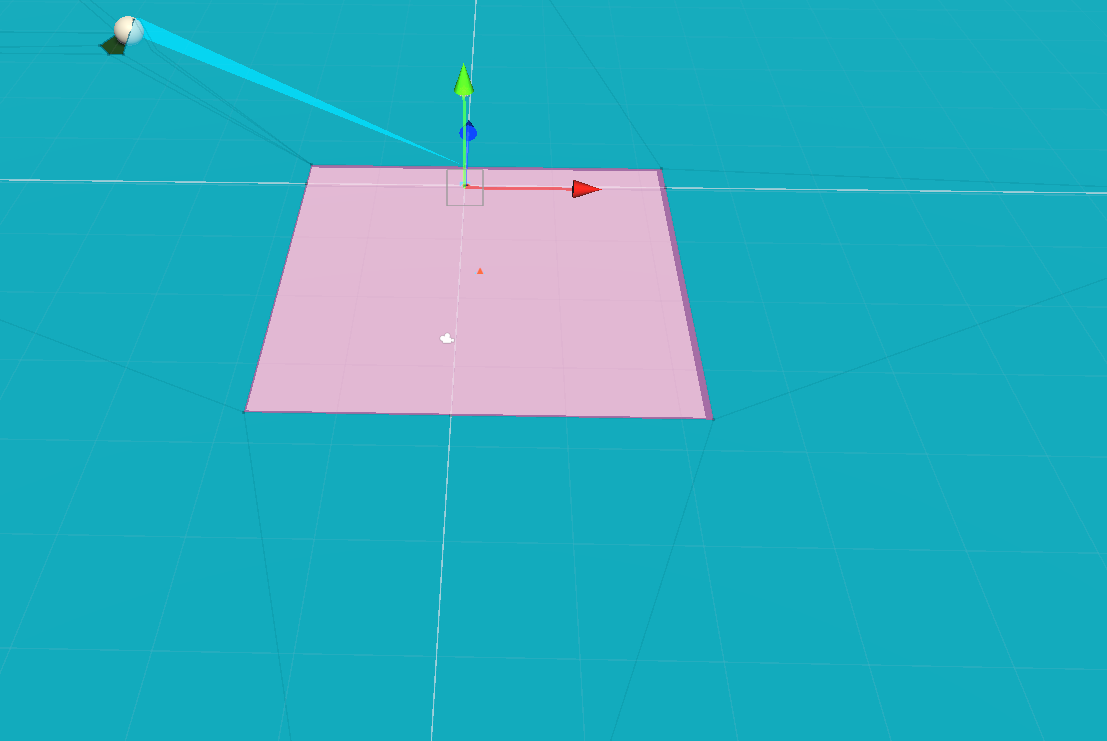

 you can see this by moving them.