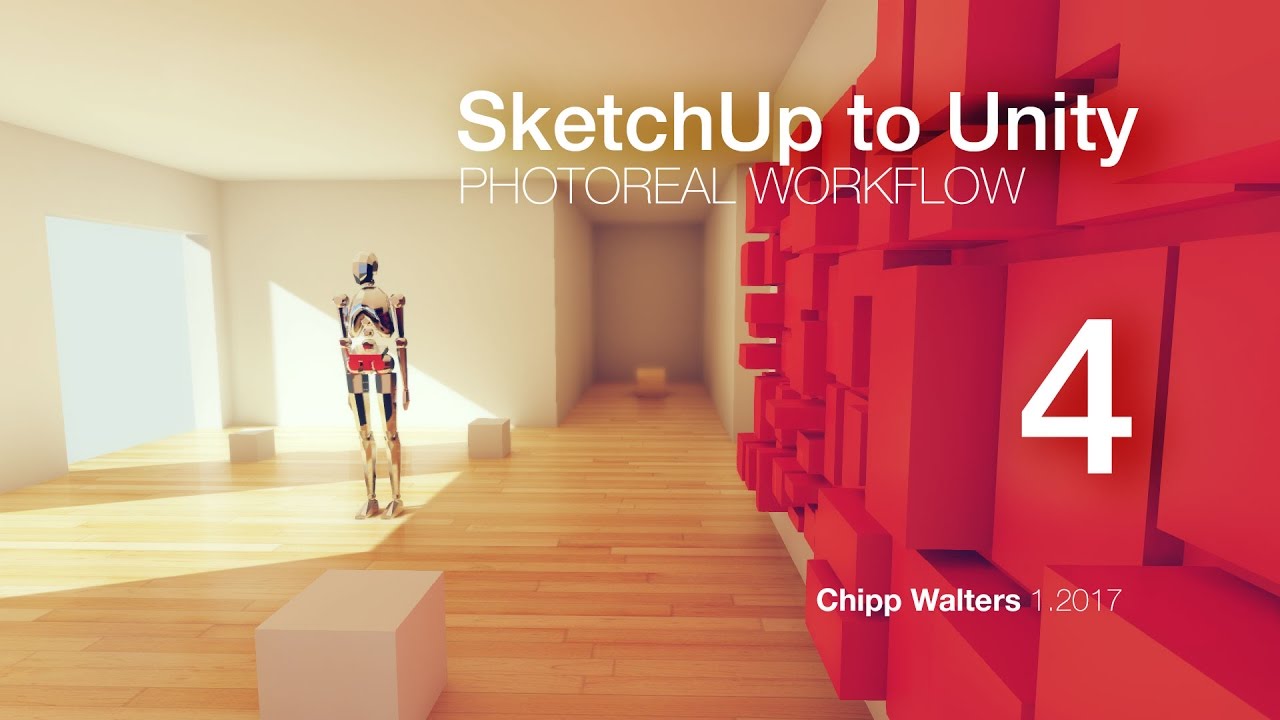
Hi. Newbie to Unity here but trying to learn fast. I’ve played around with UE4 and understand some how it works. I don’t care some think it’s better-- there’s a lot going for Unity and I’m trying to see if I can’t create a photoreal workflow. I’d sure like some feedback on what I might be doing wrong.
I’ve been tasked to create a VR design lab for an east coast consumer products company. So I’ve had to dive into some interesting topics, including creating low poly models and scenes which render in real time in Unity on the Vive. The goal is people being able to walk around and “touch” the products.
One of the pipelines I’m working with is SketchUp direct import in Unity-- then setting it up as close to photoreal as I can. While I’m no Unity guru, I have covered quite a bit of ground in a short time and created these 4 videos to explain my workflow. Since I’m pretty much self-taught, I’d be interested in serious critique of both the workflow and how to make it better. I understand it’s not yet photoreal-- and my next step is how to add better shaders and materials.
Still, I can’t figure out how to use the Irradiance chart-- for some reason it always just looks the same. Plus, I know SU doesn’t export UVs in any sensible way (unless you use plugins) and I’m wondering if there are lighting issues because of this?
Lastly, I know UE4 has a better renderer, but the learning curve is significant and the workflow can be much more difficult. Plus, Octane has announced a baker for Unity which should be released sometime this quarter which should make things much more interesting!
Here’s the collection of videos: The second one in particular is my best understanding of how to work in the editor. Tips encouraged!
I did skim the videos, good stuff, the only thing I have to offer is : if you’re going to photorealism, use much less AO (or none at all). It makes corners look darker than they should and sort of like the have mold. If corner shadows are supposed to exist, the GI will create them (assuming your settings are high enough).
Also, I think 256 final gather rays are probably a tad low. You talk about artifacts at one point, I think it’s more because of the low final rays than anything else.
Yes, I agree about the AO. You have to be extremely careful and that’s why bumping up the exposure in tone mapping seems to work. But, sometimes it gets bumped too high and you need to add him back just a tiny tiny bit of AO to get it to look right.
Thanks for the tip on final gathering. I’ll give it a try.
Ah. That mode shows the precompute GI (the “realtime” one), so if you’re only using Baked GI (like you’re doing at 17:34 in the 3rd video), it’s not going to show much.
FWIW, I looked long and hard for tutes (not just side by side renders) on ArchViz rendering on Unity. Seems there’s not as much sharing of techniques as over in the UE forum. I really appreciate your feedback.
Well… Enlighten was kinda broken until somewhat recently and the cool post FX / tonemapping / SSR stuff are kinda new, so there hasn’t been too much time to write tuts for ArchViz stuff.
Plus I think UE is a bit more popular for ArchViz stuff, so it makes sense it has more tutorials about it.
Well then, that does explain a lot. My goal was to spend one week with Unity to see if it can actually get close enough to our visualization requirements and my conclusion is that it can. It’s superior ease-of-use over UE makes it much more approachable for my clients.
I am looking forward to doing more detailed investigation but for now I need to move on to the Vive part of the pipeline. Thanks again.
Unity has a very nice INSTANCER (I think) called Prefabs and I used it to create a very quick ‘space corridor’ type of model. Here are a few renders using the technique described in Part 4. There’s only ONE area light at the end of the corridor. The rest is lit by the emissive textures. I used a 512 Final Gather and a 100 texels per unit baked resolution. Baking time was about 30 minutes on my i7 Quadcore.
Hey, thanks for the tutorials!
I’m also trying to use Unity for Architecture. Do you know any ways to increase the quality of the Indirect Illumination, so that it reaches photo realistic quality? This would allow us to not use ambient occlusion, or minimize it, cause it produces non realistic results. Also, I’ve read that final gather is fake GI - it simulates global illumination but it’s not physically acurate, so I think it’s better if good indirect illumination can be achieved without it. Here’s a threat I started yesterday, if you are interested in the things I’ve observed :