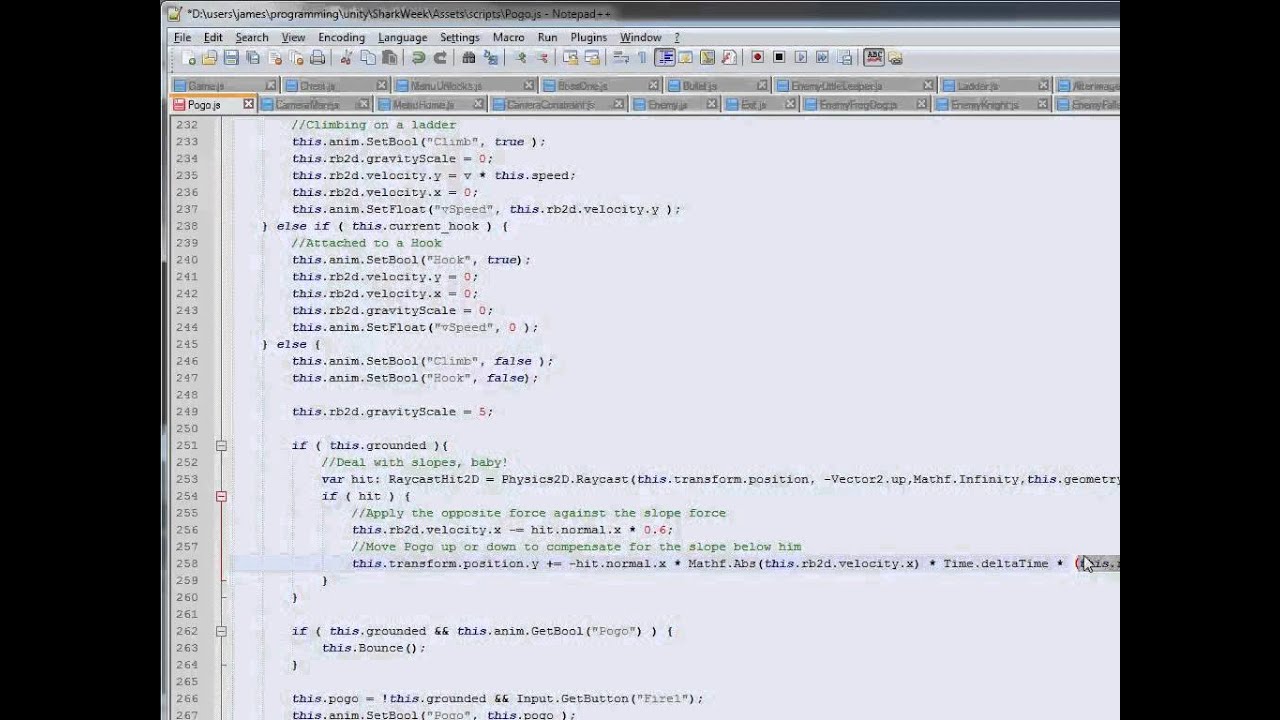
I´m having a problem with mi rigidbody controller for a 2D scroll game with slopes. I move it with transform.translate and i get this error:
When i walk on a slope, character jumps! calling OnCollisionExit and OnCollisionEnter. I use OnCollision to play animatios when character is falling and when it is grounded.
How can i make character to walk down the mesh without jumping? I tried to rotate character with plane normals, but as i´m using physics, rotation causes box collider to go crazy and send character far away.
I’m using a rigidbody with gravity as i need real jumping. I leed to control collisions too and with rigidbody i use a raycast on collision to check if i’m grounded. I try moving rigidbody with move but i have the same problem.
If you want the object to move without realistic physics, but follow the ground surface correctly, you should use a CharacterController. If you want realistic physics, use rigidbody control. There is a compromise where you can add a rigidbody to a CharacterController object, but with its isKinematic setting enabled. This effectively switches off physics for the rigidbody, but you can enable it again whenever you need it by setting isKinematic to false again.
I need rigidbody to realistic physics on jump but also to keep character grounded. I’m now using rigidbody and i don’t move it using transform.translate, i use rigidbody.velocity.