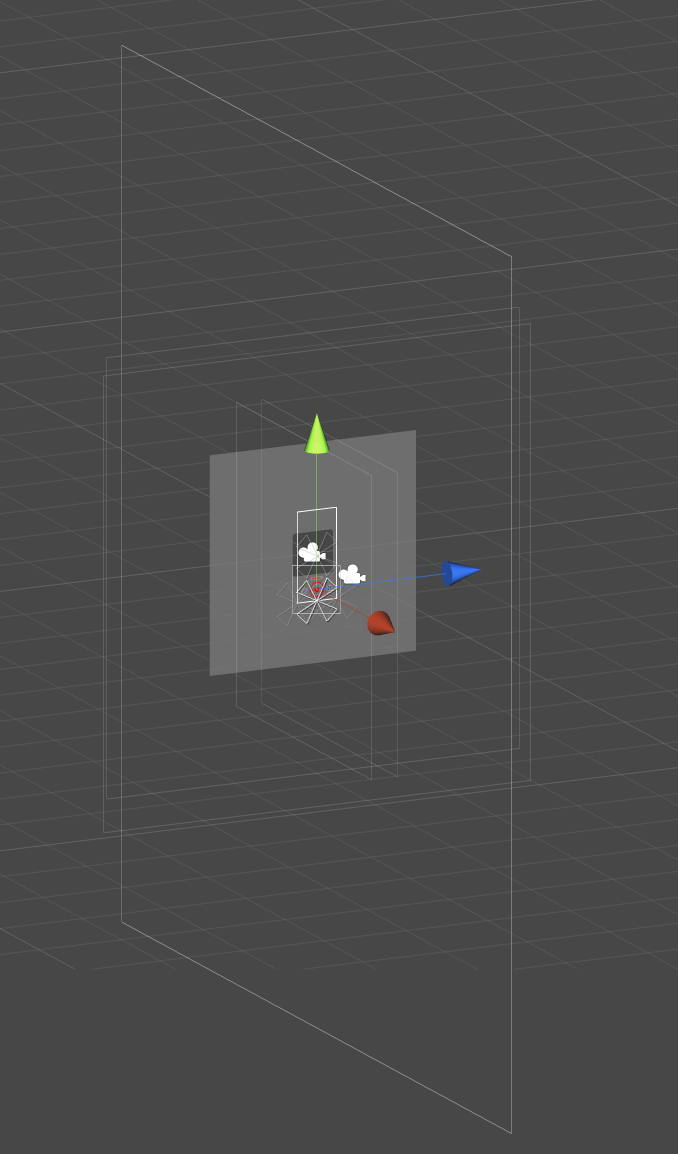
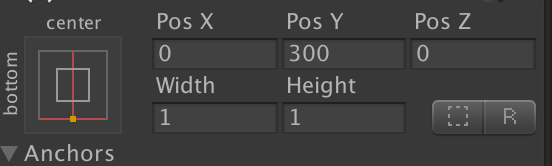
These boxes are showing the actual size of the RectTransform.
If you have non-UI stuff which you cannot edit properly because of the huge UI, I would recommend to put the UI into a dedicated scene and load it on runtime additionally to the other scene(s).
aha, but for what do you need the Canvas then? It is supposed to display things in certain sizes at certain positions… It doesn’t really make sense to make them small just to be able to select something.
Maybe I am wrong and you can explain why it is okay in your case.
That’s actually something I have always wanted to know, if there is a way to disable canvas on the scene edit window.
What I usually do, if I’m not working with it I just disable the root canvas in the scene for a while, then enable back again.
But @Hosnkobf has a valid point, canvas objects use their rect as base to function properly.
Also, if you are resizing the canvas resolution to a tiny size and using for the entire screen, this might result in deeper issues in the future.
That’s one of the main reasons I started using it, I have had a number of projects that need to run on different platforms and it gets to be a hassle otherwise.
One thing I wasn’t totally sure about is that in order to use the anchors, the UI item must be parented directly under a node with a Canvas Component and sometimes I have nodes that I use purely to organise things, So they now need to have another canvas on them. It’s getting a little out of hand.
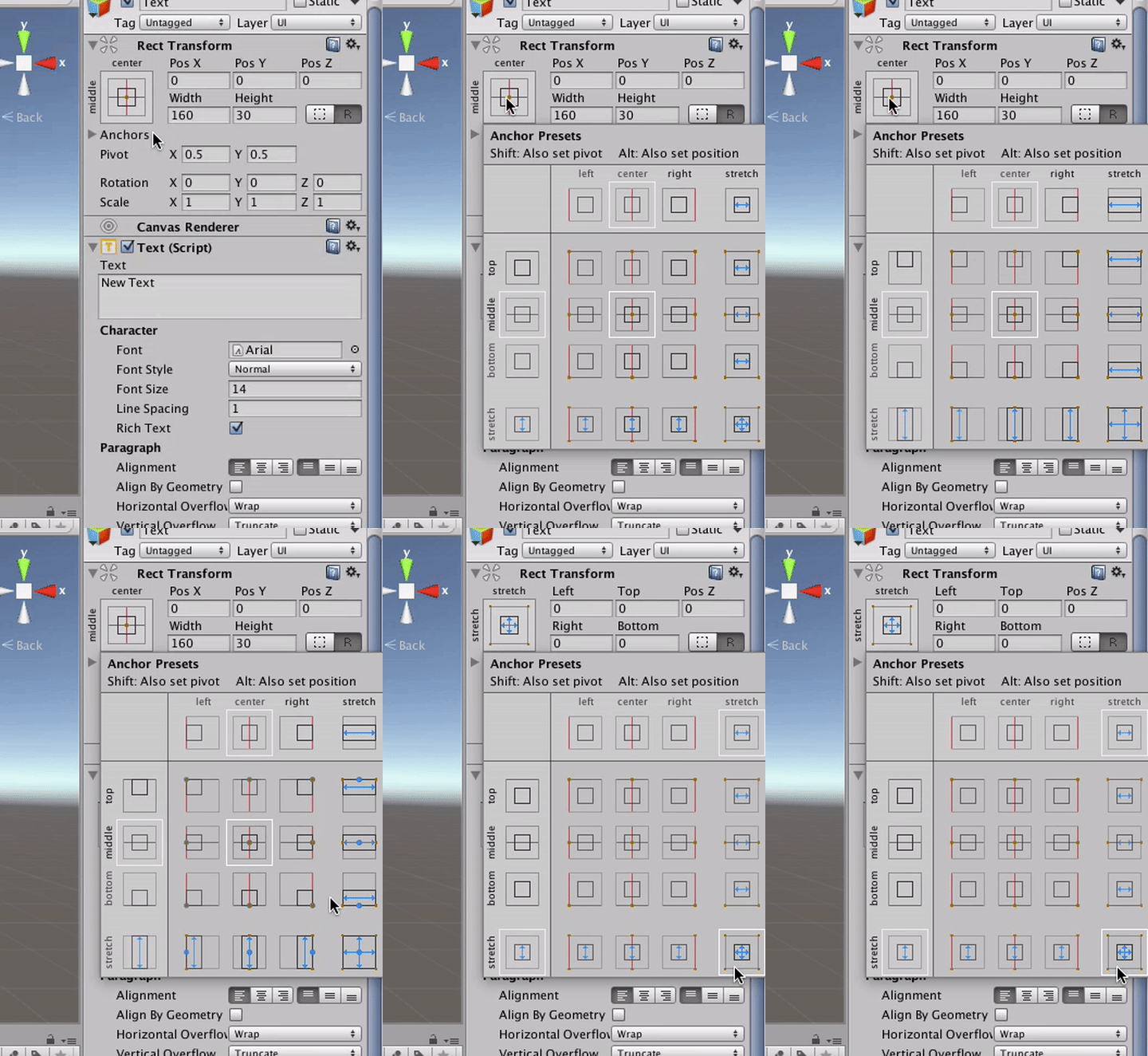
you can still do that. just make sure that you make the size and anchors filling the parent of your organize-object.
to do so, open the anchor preset box, press alt+shift and click the one in the lower right.