Hello. I was using standard shader with Fade mode to smoothly make objects transparent, when they are hide camera from the hero (3rd person view), and when they are too far to be displayed. But now I see, that there are no shadows with this rendering mode. I copied code to change rendering mode from Standard shaders archive, but it has no effect at runtime. Is it possible to make objects transparent, but, when they are not transparent, cast and receive shadows? Or this just a bug in Unity 2020.1.4f1? Currently I’m using standard renderer, will migrate to HDRP in future, but now tring to find fix with continue using standard shader.
In the standard Mesh Renderer under Lighting (might be elsewhere in various versions of Unity) you can select if something casts shadows: none, one sided, two sided, or ONLY shadows. This is one approach to solve the problem, by just putting the object in scene twice. But I don’t think the shadow would necessarily fade smoothly, but perhaps someone else knows how to achieve this.
EDIT: I used the default shader, set it to transparent, and sure enough the shadow could fade when I controlled the underlying alpha. If that’s exactly your setup, then perhaps it is a bug, but I was only testing with non-HDRP and an older version of Unity. If you can make it work on one Unity and not on another, that might smell like a bug you could file with a small repro project.

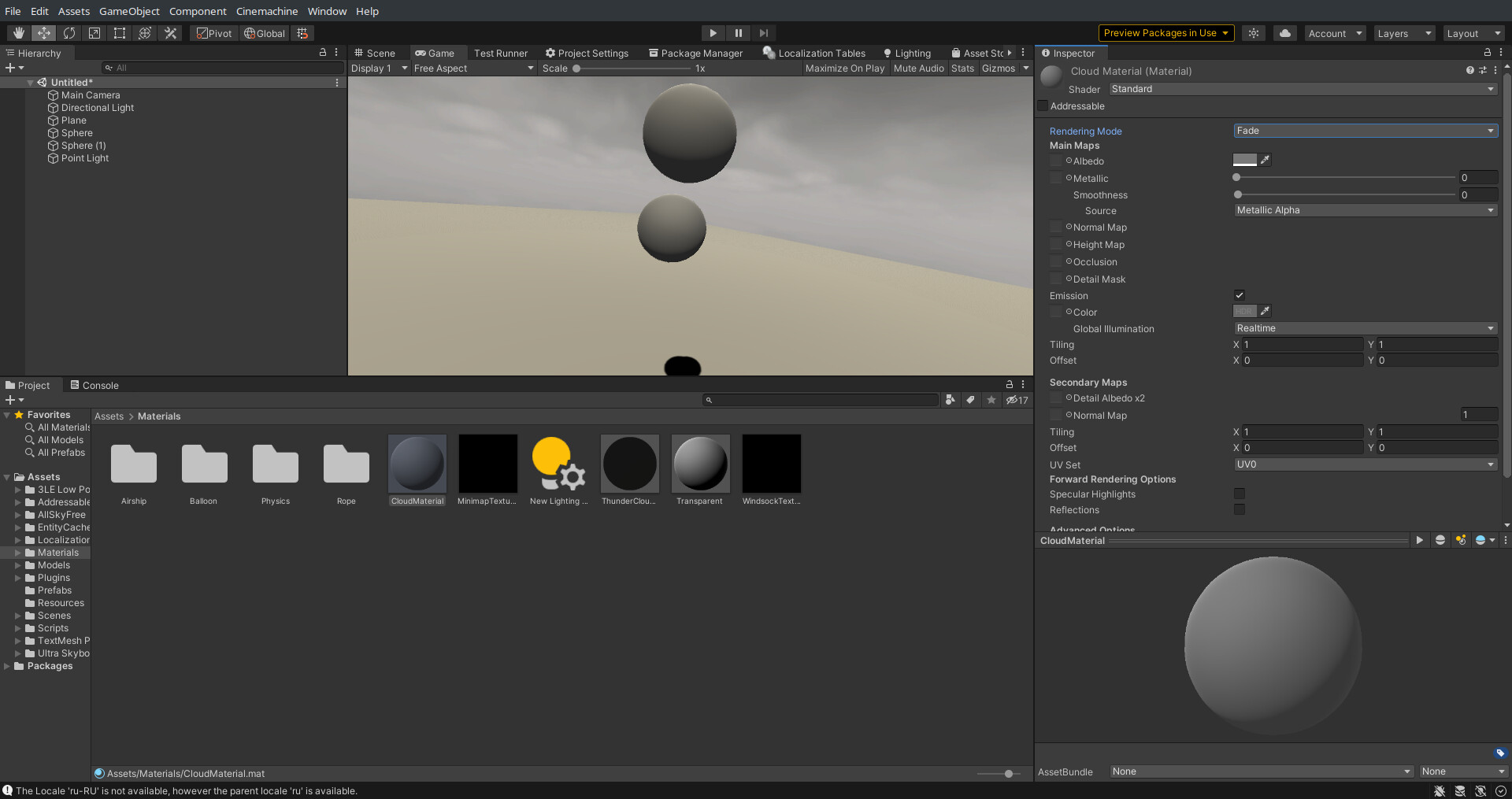
Certainly looks inconsistent with what I see on my end… might be worth throwing it in the Unity bug hopper. When you report a bug Unity sends the ENTIRE project over to Unity, so if you can, isolate it down to a simple tiny demo-of-failure project and report it.