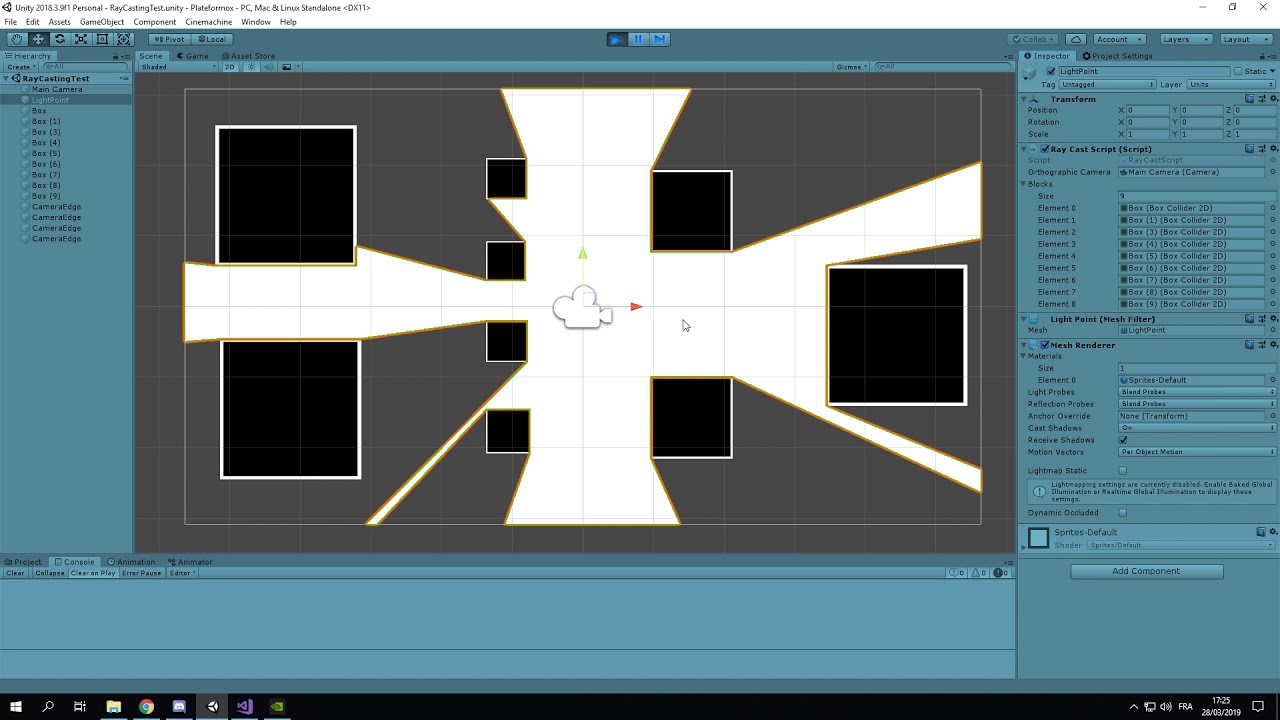
If I read your vertex calculations properly. (Clearly I misread; see below)
Also, you need to have three times as many int[ ] record in your triangles as you have triangles… and your vert count should be the count of hitrays + 1 (center).
So… you’re really close… just a few more twiddles!
Actually I am going to take back what I said above. I misread how you’re generating verts… you’re actually doing it as ALL separate vertices and it seems reasonable now.
I’m not actually sure anymore why you’re not seeing what you want to see.
Make a few no-collider spheres in the scene and just constantly move their position to the hitpoints in realtime, make sure those hitpoints are really where you think they are.
Oh I think I see it: you want to be putting LOCAL coordinates into your verts. The coordinates that come back on a raycast hit are global. Therefore when you move your light mesh, its position is added to already-world coordinates.
Should be able to fix it just by removing the transform.position of the light mesh, assuming you’re not rotating or scaling that GameObject at all, which I assume you are not.
So to fix that, I removed the mesh from the light point object and created a separate game object for it. Then I passed the mesh object to the ray cast script (that is attached to the light point) and now it works properly !
Here’s a thought though: you probably don’t want to leave that GameObject at (0,0,0) if you plan on going far. It is unclear to me if your game world is larger than your screen or not, but if it is, you want to keep the GameObject that contains the light mesh close to its rough center. This way culling will work properly, as the bounding box on the mesh will be more useful.
But none of that may matter if a) you are not scrolling very far (or at all), or b) you expect the light mesh to always be visible because that’s where the player is.
In any case, be sure you call .RecalculateBounds() on the mesh if you do move the camera away, otherwise the view bounds might not be correct and your mesh may get culled away. It’s possible Unity now recalculates the bounds for you when you set the mesh however.