I have a sprite with a gun in hand. He runs, idles, jumps, falls etc. When a new gun is equipped the gun changes but I want all the animations to remain the same. I tried to separate just the gun sprite and match the animation of the bobbing in walking with the main sprite etc etc, this just was a mess. So I want to just have 4 full sprite sheets and swap out which is the source depending upon which is the equipped gun. How do I do this? Is this a material change somehow? Basically just point to a different sprite source based on the equipped gun.
Attached is how I tried to have the gun its own animated object bobbing on the frames of the walking (Where it bobs)…this worked ‘ok’ but if I walked left then right then left, the localscale jacked up the animation count on the bob (which was gameobject with an animator that was a child of the main sprite);
So the attached files is what I tried to use now, I want to have just many copies of the main sprite sheet with that gun (correctly bobbing for the walk animations) always in hand, and there are 4 different types of guns. Then ideally just swap out what the source is…

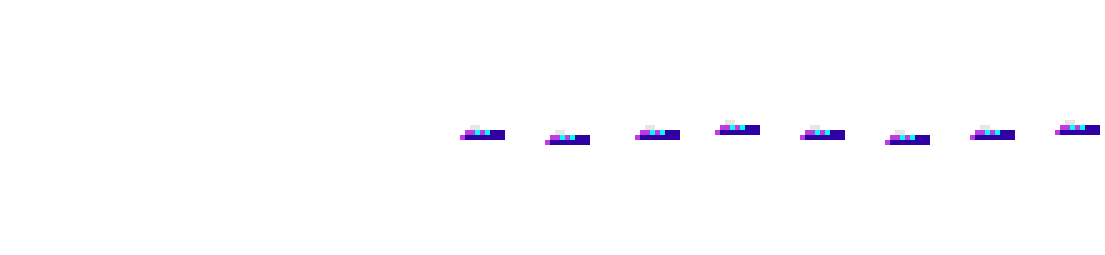

 The animations are the same, I just want the source sprite sheet to change… like if its to play animation frame 5 play it but it might be from sheet 1 or 2 or three depending upon the equipped weapon. This seems easier said than done.