When I was working on my own game, I just hated the whole workflow and how much time was wasted having to create new font atlases every time I want a different look for those fonts. Having to mess around with the bitmap font and scaling to make them look decent at a given size / zoom was also a pain. Those are some of the reasons, I created TextMesh Pro in the first place. I wanted a more flexible tool that would make is much quicker and easier get the look that I wanted without having to use external tools like Photoshop (which I am so horrible at btw ).
I will be buying a copy once we get to the text part of our game properly (if anyone’s wondering, I was a beta tester, so that’s how I know it’s really good).
Text Alignment - Justified
Based on user feedback, I made some modifications to the text alignment - justified option to improve the handling of line endings and paragraphs.
Here is an example showing the text nicely justified as expected. In TextMesh Pro you can control the blend of word spacing vs character spacing for justified text. This example uses a blend of 50 / 50.
You will also notice the use of the color tag as well as the size tag to increase the size of the first letter of each paragraph. I am also using the maxVisibleCharacters property to reveal each letter at a time.
Performance Comparison (Unity’s Text Mesh vs. TextMesh Pro)
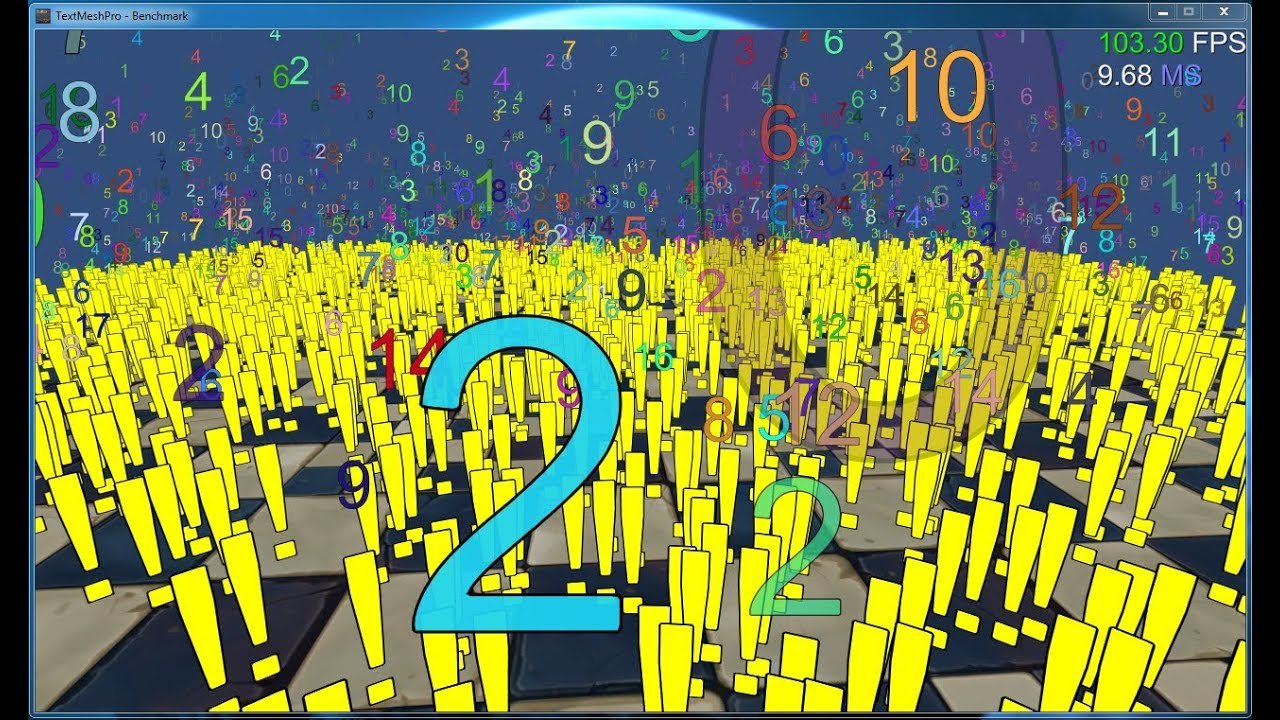
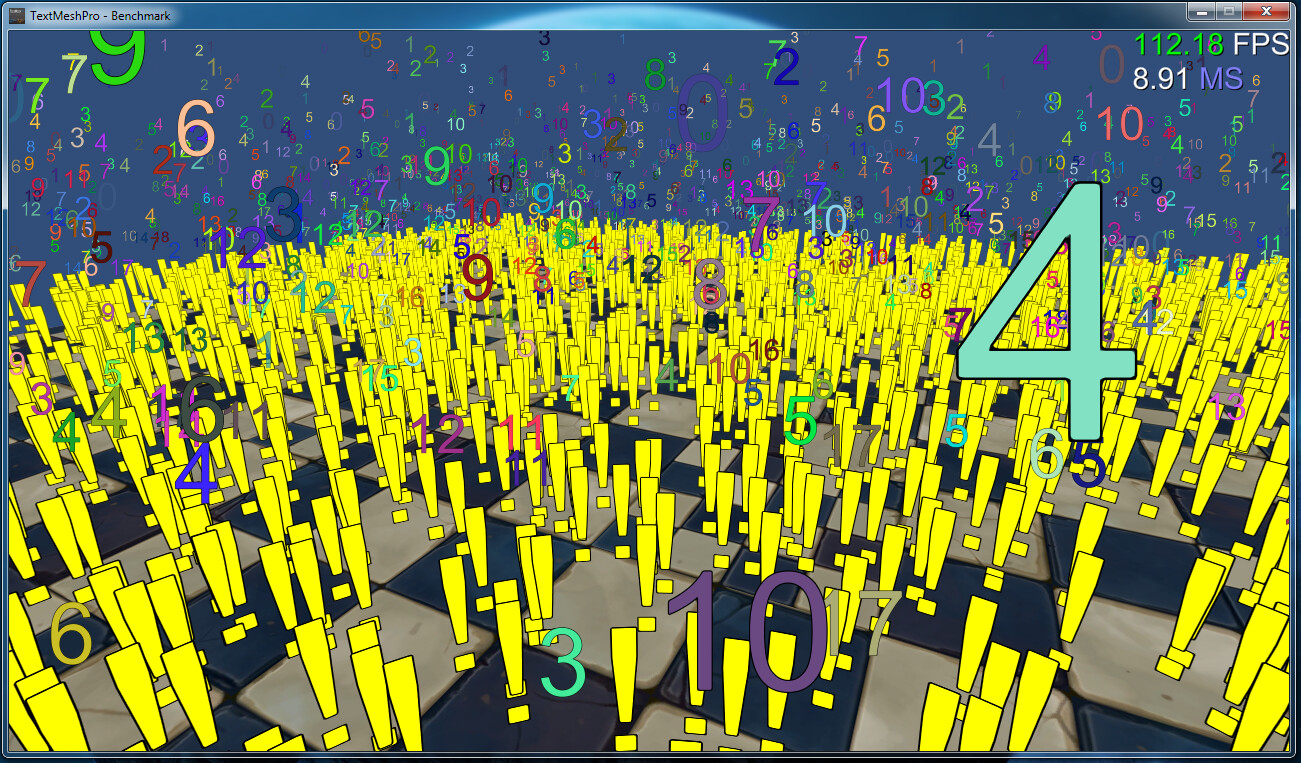
This is somewhat of an extreme stress test as it is unlikely that you’ll even have 5000 text objects on screen at once but just in case, you can count on TextMesh Pro to deliver in terms of visual quality and performance.
Hi,
I’m sorry if this was asked earlier but I could not find any answer to this.
How does Textmesh Pro perform with large amounts of Text like EULA on mobile?
TextMesh Pro performs better than Unity’s built-in Text Mesh / 3D Text in all respect / platforms using our Mobile SDF Shader.
In terms of displaying large quantities of text like an “End User License Agreement” which is a static text object (ie. the text doesn’t change from frame to frame) you are mostly dealing with fill rate and lots of vertices & triangles. Unity’s EULA contains 20767 visible characters which would require an excess of 65,535 vertices which is Unity’s limit. Obviously you could break this up into more than one object but then why push that much geometry around to display an EULA?
Personally, I would look into baking this EULA into a texture (1 Quad) and just displaying / scrolling through that. I haven’t considered using TextMesh Pro to render the text to a texture but that could be interesting (when I find the time).
Thanks for your quick reply!
Since this amount of text is usually not displayed as a whole wouln’t it be possible to have some kind of virtualizing functionality so only the quads visible are actually generated and/or reused?
Any reason why you want to generate geometry to display this EULA instead of a texture for instance? EULA text is typically pretty plain looking and not sure anyone would care to zoom-in on that legal stuff.
In terms of handling displaying just portions of the text, (thinking out loud) … Since TextMesh Pro is very efficient in terms of generating the text, outside of me doing anything, you could control what text is provided to display. Ie. break this up into pages. You could then expand this to use the Masking feature and control the _VertextOffsetY to scroll up / down through these pages.
Thanks!
The EULA thing was just an example, perhaps not a very good one
Sometimes I have customers wanting to update text (product desriptions or data sheets) in the their app via an web cms or similar. There I have no control over the amount of text they gonna put in.
I understand that this is a very niche use case but It would be nice if we can use as much text as we want in the future without thinking too much about performance.
Split your document into pages and append the pages one after another.
If its dynamic text, simply split the text after N characters and at the next newline/break.
5,000 character per object seem like a good threshold.
(The TMPro API will let you append the object one after another from their bounds.)
a) Any page offscreen wont be considered in the rendering processs : Unity uses bounds for visibility and will completly ignore anything offscreen. so if you have 1,000 pages, no performance hit.
b) Any character offscreen are not rendered and will not impact the fill rate in any way.
c) The TMPro shader is extremely lightweight, and you should be able to scroll full screen pages of text at 60hz (on old mobile)
The EULA example was extreme due to it having over 20,000 visible characters. That would be a pretty crazy product description / data sheet. As both Stephan and I stated, there a various ways you could manage this with TextMesh Pro and get great results on mobile.
P.S. When I have a few minutes to spare, I’ll built a demo of this.
Masking & Clipping of Text
I made a reference to masking in a previous post. Here is a preview of masking options which will be using the new RectTransform that will be available when Unity 4.6 is released.
I just bought this for mobile game development and am disappointed that the majority of the effects aren’t supported in the mobile shader (2014-06-12_1932).
Will the non-mobile shader still work on mobile devices?
edit: on page 1 now I see that you already said, “Our mobile shaders were highly optimized for those mobile platforms. Even our shaders that are not labeled as mobile still perform great.” So, it seems like it should be ok to have a handful of texts on the screen that use the non-mobile shader.
Most of TextMesh Pro’s shaders use “shader keywords” to enable / disable features. Some of those features are more taxing on the gpu then others. For instance, using the normal SDF shader and using textures, underlay and glow doesn’t impact performance much but enabling the bevel options does. Having said that even the Surface shader which is really designed for Desktop still only requires OpenGL ES 2.0 and works on mobile devices.
My advice is for you to test those various shaders on your devices to measure their performance for your application. As I said, these were highly optimized and should perform extremely well with the exception of the full surface shader which is really designed for Desktop. Please sign up to the TextMesh Pro support forum and share your results with us and examples of what you do
Thank you for your support and feel free to reach out should you have any issue.
Text Truncating & Ellipsis
One of the features that was requested in the WIP Thread was using Ellipsis to indicate when a line or paragraph of text is truncated. As part of the improvements to line justification which will be part of the next Beta Release 0.1.44, I was able to add this new feature which works in conjunction with TextMeshPro.maxVisibleLine property.