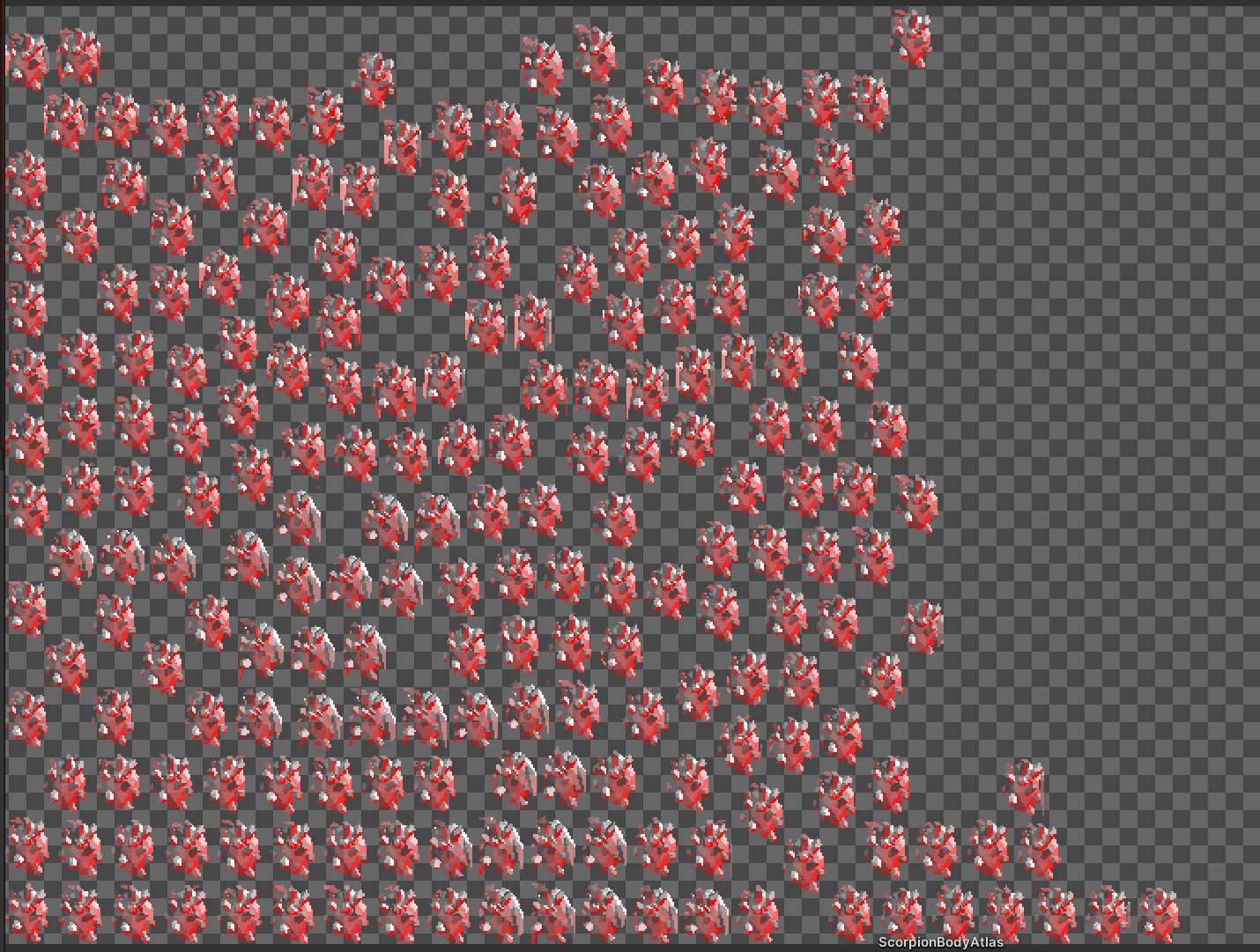
There is a mismatch in secondary textures of sprites wasting texture space..

I cannot seem to get rid of this warning when attempting to pack an atlas with sprite sheets.

I have several sprite sheets that have secondary textures (normal maps and emission maps). When I pack the sprite sheets with the normal maps, everything is fine. No error. When I pack the sprite sheets with the emission maps as secondary textures, I get this error -

There is a mismatch in secondary textures of sprites wasting texture space and potentially break draw call batching.

Can anyone tell me what I can do about this? I already have sprite sheets, but these sprite sheets have a ton of wasted space due to how my animations work, so I’m attempting to pack them all into a sprite atlas so that each frame doesn’t take up so much space, and ultimately easier on draw calls.

My emission maps are just pure white versions of the original sprite sheets, and then a shader is used to allow the object to glow according to the emission map.

I tried selecting “normal map” as the texture type for the emission maps, as that’s what worked for the actual normal maps as secondary textures, but this still doesn’t work and gives me this error during packing.

What else can I do?

I’m on 2021.3.3f1

Hi PixelPockets, thanks for the info. Are you able to give more information like screenshot on this issue.
and step to reproduce mismatch secondary texture error.

I don’t have any screenshots, but here’s what you can do to reproduce this -

  1. Create an animation sprite sheet (mine has transparency) with normal colored textures.

  2. Create a duplicate of the original that is just a white version of the original (again, with transparency).

  3. Import them into Unity.

  4. On the original sprite sheet, set the texture type to “Sprite (2D and UI)”, Sprite Mode to “Multiple”, Filter Mode to “Point”, and Compression to “None”. On the emission map (the white duplicate of the original), use the exact same settings, except use “Single” for the Sprite Mode.

  5. Open the original sprite sheet with the sprite editor, and slice the sheet using “Grid by cell count”.

  6. Add the emission map (the white duplicate sprite sheet) as a secondary texture to the original. I labeled mine as “_Emission” for the shader to recognize.

  7. Create a sprite atlas.

  8. Set the Filter Mode to “Point” and Compression to “None”. No other changes to the atlas.

  9. Add the original sprite sheet, or both sprite sheets (either way, it doesn’t matter) to the “Objects for Packing” and then hit “Pack Preview”.

This is when that warning will pop up.

Hi PixelPockets, here is the step to follow.

1st, you already added the emission map (the white duplicate of the original) as the secondary texture via the sprite editor.

2nd, make sure the emission map (the white duplicate of the original) is remove from the sprite altas objects for packing.

8203431--1070334--upload_2022-6-14_15-14-1.png

3rd, change the filter mode to any value or other in the within sprite altas and press pack preview to refresh it. After that you can change back the original filter mode value and press pack preview. You should not see the warning message print again in the console

4th, if you want to see your secondary texture in the sprite altas, please follow the below image.

8203431--1070337--upload_2022-6-14_15-21-14.png

OK, so if I understand this correctly -

I leave the filter mode alone when I add the sprite sheets to the atlas. I also do not add the emission maps to the atlas, as they are already secondary textures. After I add the original sprite sheets, I set the filter mode to point.

I added both original sprites to the atlas, while leaving the filter mode to “Bilinear”, and then changed it to “Point” afterwards, and this does seem to work.

However, there is another issue -

The normal maps when viewed after the packing, seem to be corrupted. See below.


Hi PixelPockets,

1st, please ensure that your sprite have enough spacing between each sprite in the sprite sheet. Example below.
8206389--1070940--upload_2022-6-15_11-6-38.png

2nd, please check the “Alpha Dilation” checkbox via the sprite atlas
8206389--1070937--upload_2022-6-15_10-59-11.png

You now see the image appear properly in he sprite atlas preview.

Thank you for the tip on the Alpha Dilation. It’s better now, but still not perfect.

Also, my original sprite sheet has the sprites spaced out very, very far apart from each other, so that’s shouldn’t be an issue.

Below is the new normal maps preview after packing. Just to be clear, am I not supposed to add the normal maps for packing, as with the emission maps, or can I add the normal maps, even though they are secondary textures?

Here is the normal map after applying “Alpha Dilation”. Again, the original sprites (and corresponding normal maps) have their sprites spaced out very far apart, so I don’t think there should be any bleeding between frames.

EDIT: I think I know what might be happening here. The normal maps for my sprite sheets include areas of the sprite that are not in the original. It’s difficult to explain, and I am unable to show any screenshots, but if you take a look at gray image I posted above, the normal map for that sprite sheet has normals that go beyond the original texture, if that makes sense…

EDIT2: The above is exactly what is happening. I should have expected this. I’ll have to change my normal maps accordingly.

Having said that, there is still very sufficient space between each sprite on the sheet, and even in the corresponding normal map, so I’m still a bit confused as to why it still looks a bit corrupted.

However, if it does not affect the end result (in the actual build), then it shouldn’t matter.

EDIT3: Looks like the build is perfectly fine. Normal maps appear to be working fine.

Thanks for all the help!!

Hi PixelPockets, yes as long you add the normal map, emission map as the secondary texture via the sprite editor, you don’t have to add it to the sprite atlas.

To be honest although is look like corrupted but actually is not, it was design as intended, those extra pixel generated around the sprite is to make sure that pick correct pixel. so depend on the nearby pixel also if they are very close they can pickup unwanted pixel that is not intend. So that why spacing is important in between sprite.

Hope my explanation help.

Yes, I understand now :wink:

I knew that my normal maps were larger than my original sprites, but I didn’t realize they would show up like that. That’s my fault. Thank you again for all of your help!