I have a big problem with built-in Unity 5.5.0f2 SSAO Image effect.
^ that weird black… rectangles? It looks weird and on 5.4.0 it worked well.
I’ve updated “Effects” asset of course with newest shaders.
No errors with SSAOShader file, but only one warning:
I don’t know what is the problem 
(I’m actually waiting for update on SSAO Pro asset which is totally not working on Unity 5.5)
When I enable “Ambient occlusion” in this, this happens:
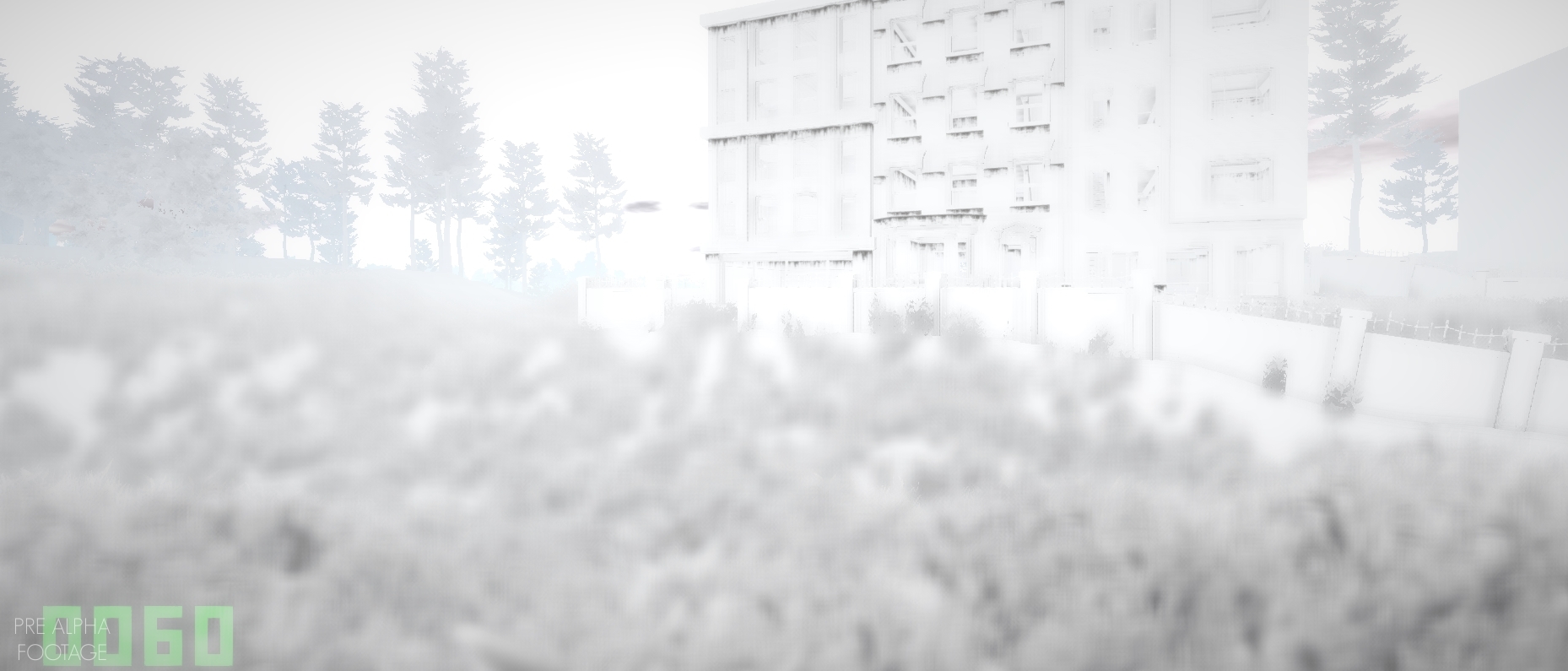
Everything else works fine
Try increasing or decreasing your shadow map distance? Running into something similar while playing with a shader.
When I use forward rendering path it looks like above image (white screen with ssao shadows), but when I change to deferred it works like above images in post (black rectangles).
But if I use built-in SSAO shader it looks same on Forward and Deffered
In editor it works well when forward + this new post processing, but in game it is white…
@ where I can change that? I’m actually really new to graphics in Unity, i’m mainly a programmer.
Edit > Project Settings > Quality
Look for shadow distance under there.
I tried to play with every shadow option, still everything is same (built-in shader, and this post processing asset, same as above)
@
I figured it out, I needed to enable HDR in my camera!
new ssao in unity has now few options with depth. try to change them. its in options in ssao dialog

