Hello community,
I’m new to Unity, and I have a question that I was not able to figure out, I have a 3d car model that I have imported to Unity editor from Blender, the model is displayed inside the standard Unity sky and ground scene.
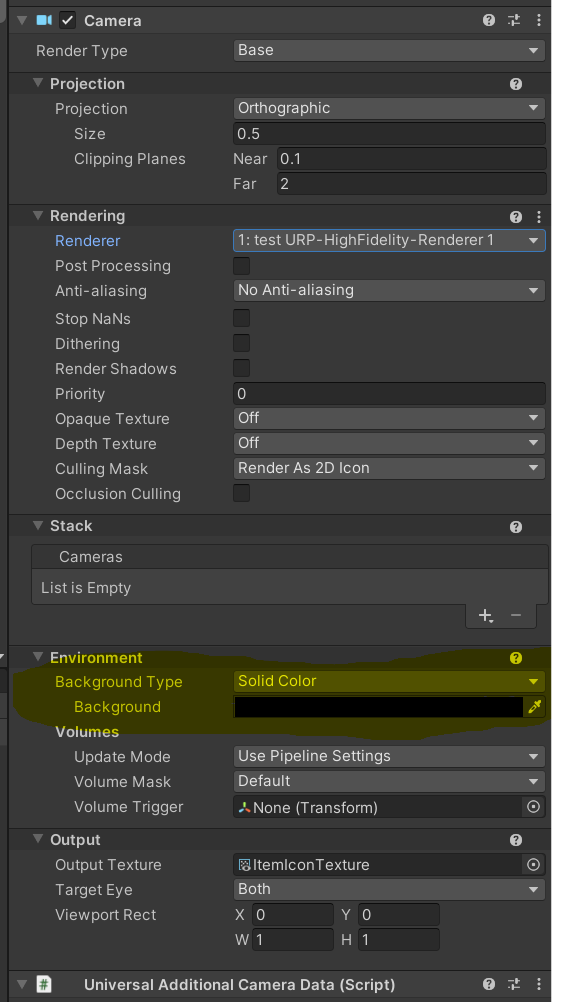
I have exported the scene to be used in an android app, my goal is to display the 3D model on an existing android activity that already contain android UI elements, and display the model on the top of the page, with a transparent background, which mean I want only to display the 3D model overlaying the android activity, while keeping my android background.
at the moment I’m only able to load the model in a different activity with the sky and ground scene.
Is there a way to remove the sky scene and replace it with a transparent background, and integrate the model into an existing android page or activity ?
Thank you
Regards
Rami