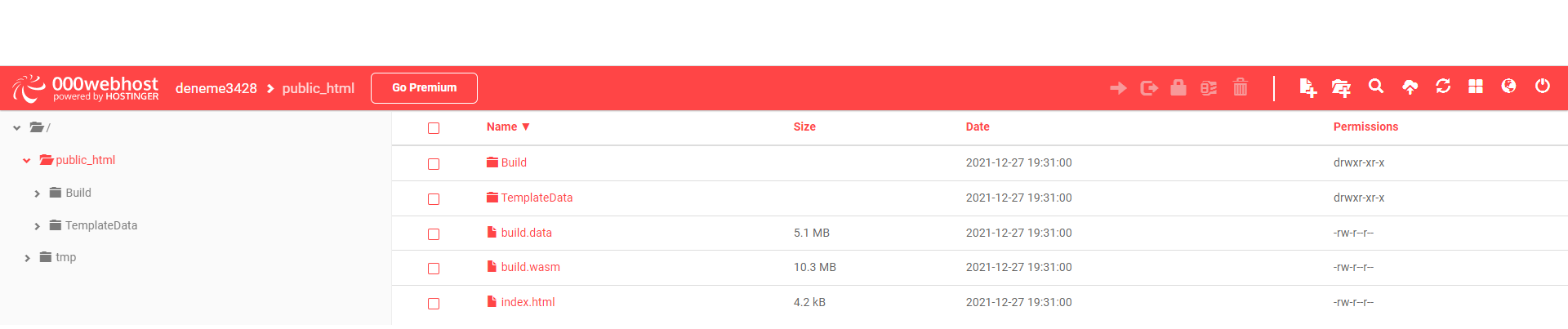
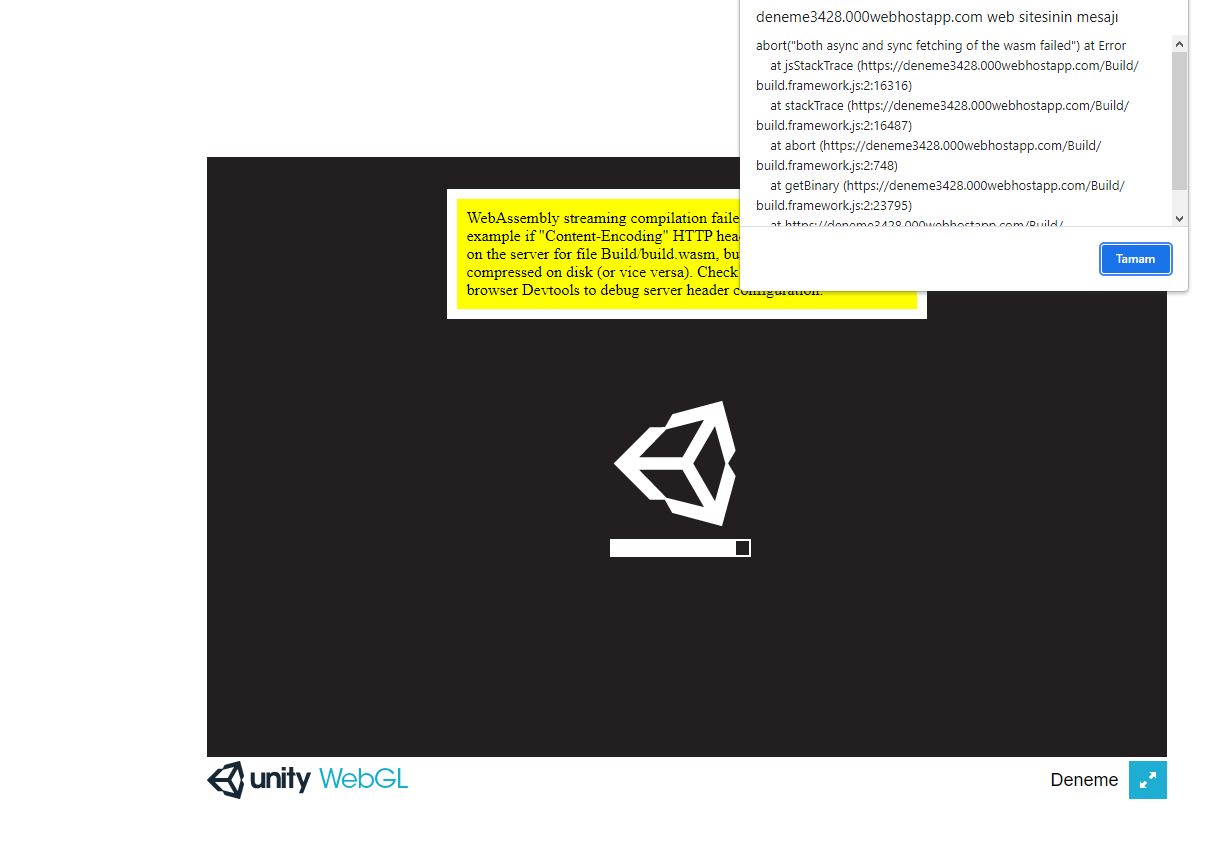
Im trying to add unity webGL file on my website which is 000webhost. But i cant do it. Im always taking like this error
WebAssembly streaming compilation failed! This can happen for example if “Content-Encoding” HTTP header is incorrectly enabled on the server for file Build/build.wasm, but the file is not pre-compressed on disk (or vice versa).
(likewise all other *.gz files should get Content-Encoding: gzip and all other *.br files should get Content-Encoding: br)
I haven’t used 000webhost so I don’t know how they’d do this there. If you’ve consulted their documentation and find they have no mechanism to allow setting HTTP Response Headers, then you have two fallback options:
Enable the “Decompression fallback” option in Unity build settings, or
set Compression to None in build settings.
These fallbacks have the unfortunate effect of slowing down page startup, so it is definitely recommended to enable those headers on 000webhost webhost if at all possible.