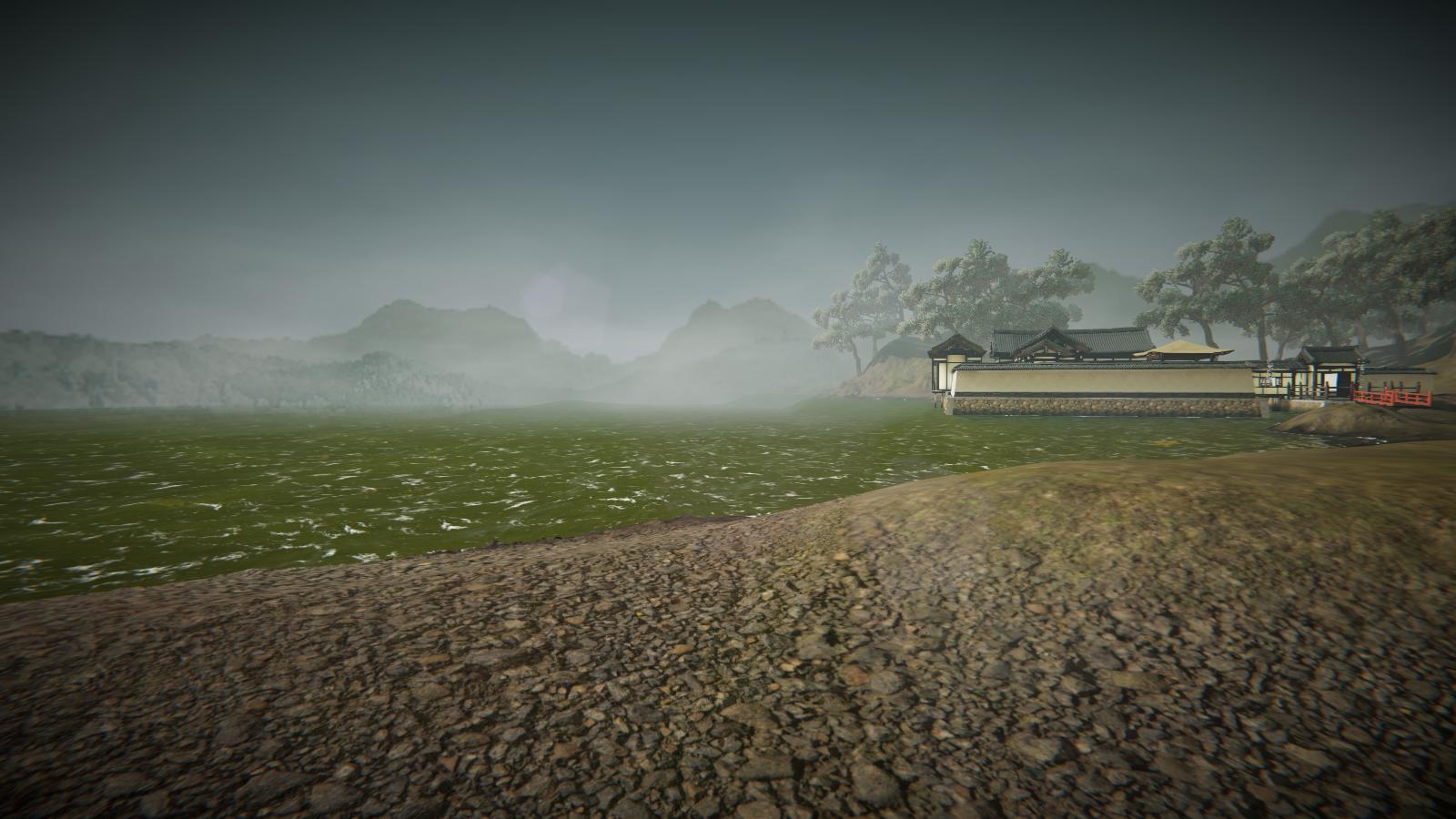
So I have a flat map and I’d like to create some fog in the distance so that the horizon blends with the sky.
Unless if I have a very boring sky in which its color is the same color for the fog, I can’t make it work because it seems like the fog only applies to the meshes and not the scene as a whole.
I’m guessing that the best way to do this would be through post processing, maybe using some depth information to make the whole scene at the horizon blend with the sky, but unfortunately I don’t see a fog option in URP Post Processing stack.
I know that in HDRP there’s volumetric fog which solves this problem but for URP I’m running out of ideas. Any thoughts? or would you think it’s better for me to actually create some mesh to delimit the map?
You could match the horizon color of your skybox to the fog color you use.
Or, you could take a circle, apply a simple transparent gradient to blend the fog with the skybox, you’ll just match the gradient color to whatever built in fog color you use.
The above method is only helpful if you are okay with a single color, although you could probably get creative and figure something else out, but for a more complex fog and if performance isn’t much of an issue you’ll need to write a custom post effect.
That’s a great idea deverolirc. What I did in the end was just to adjust my skybox horizon and terrain shape so the blend better. Thanks for the idea though, I’d consider those.
Good Work.
I found use full screen pass will be faster.
Just need one pass and can apply on terrain and transparent object.
Using some node from this post to construct world space view direction.