hello.
i am having a problem about sorting layer.
i totally get how it works… its just that when i do it, it doesnot work.
i have searched all questions thread and found few ways. but when i apply to my project it doesnt work.
i have a sets of gameobjects in 1 same sorting layer. by changing the sorting order it should have work. but it did not. based on the unity tutorial it should have worked.
all the objects have sprite renderer. also all of them are under 1 same parent.
so i tried with the changing z value option… still doesnt work.
i was using setting gameobject as last sibling originally, but a situation calls for me not to use it. ( by setting the gameobject as last siblings does bring the gameobject on top of the other ).
pls help me … did i miss anything?
i even tried to create new project with just a bunch of image to test all the ways but result are the same.
thank you for your time.
Hi… so after searching multiple threads , videos etc… and not found the answer. I finally figured out a way around to achieve my goal.
i attached my gameobject with canvas component. ( dont forget to add graphic raycaster component aswell if you want your object to interact with pointer events… eg. ipointerclick, ipointerenter etc…).
so, you can set your sorting order from inspector or via script.
however, you can only set the sorting layer of the top most parent in the hierarchy.
this means if the parent and child both have canvas component, i’m only able to set the sorting layer of the parent.
i tried setting the children’s sorting layer to a different sorting layer than the parent via script, but when i enter play mode the sorting layer of the children still follows its parent’s.
so with this i can only change the layer order of the children.
this is the codes i used for this.
        gameObject.GetComponent<Canvas>().sortingLayerName = "SortingLayerNameThatYouAlreadycreatedInTagsAndLayers";// use this to set sorting layer
        gameObject.GetComponent<Canvas>().sortingOrder = AnyInteger; // use this to set the order within the sorting layer
In Conclusion, This Question Is Still Not Answered. And I will still wait for answer or any explaination regarding my issue here. Because even after i achieve what i need, i still need to figure out why the previous method that i mentioned in the question did not work.
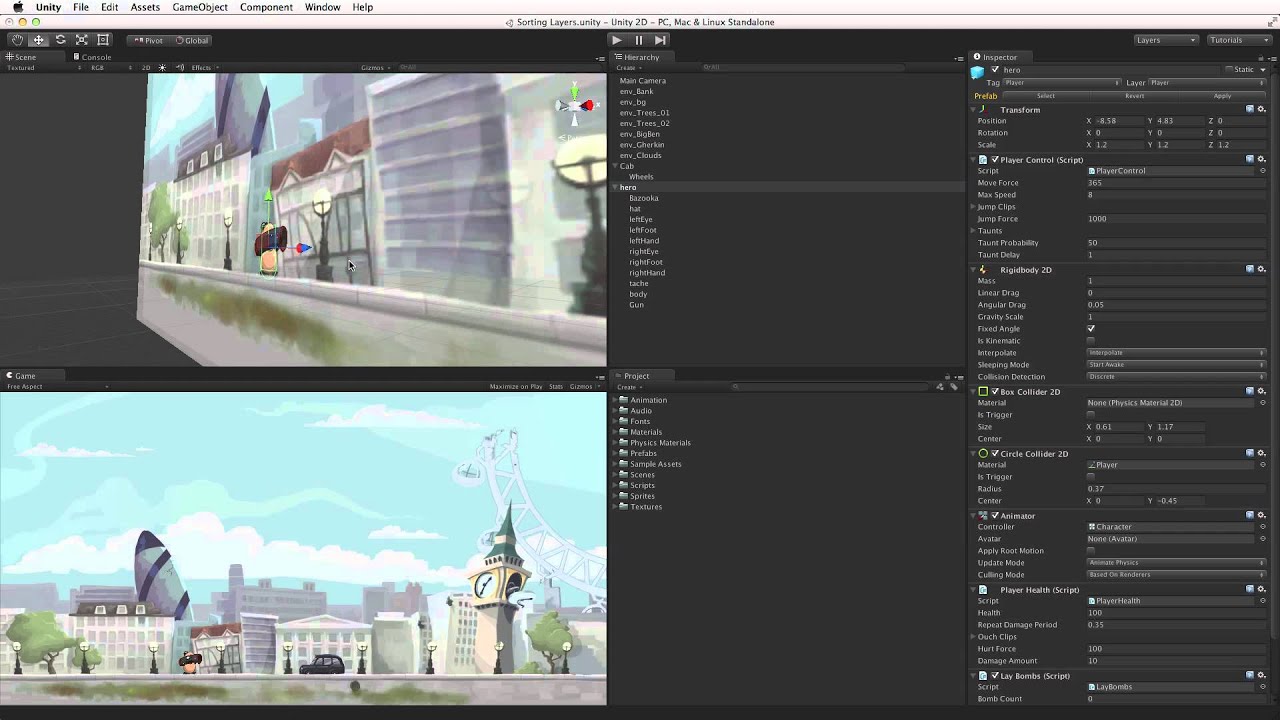
BTW, this is the unity tutorial video that i followed exactly ( created new project just to test out ) and did not achieve same results.
Cheers
I had a similar issue but I found this article in the manual to be helpful:
It turns out I was using sprites that were rendered with differnt materials. This causes the problem.
(Im not good at English. plz understand this…)
I suffered same problem. and in my case I forgot the ‘sorting group’ component.
It reset the all of the settings before It set.
I hope somebody need this answer…
To anyone running into this issue in the future, be aware of the order your sorting layers are in your project settings. The order matters!