I don’t know why it is hard to find good tutorials for this? Only thing i found so far was from GucioDevs :
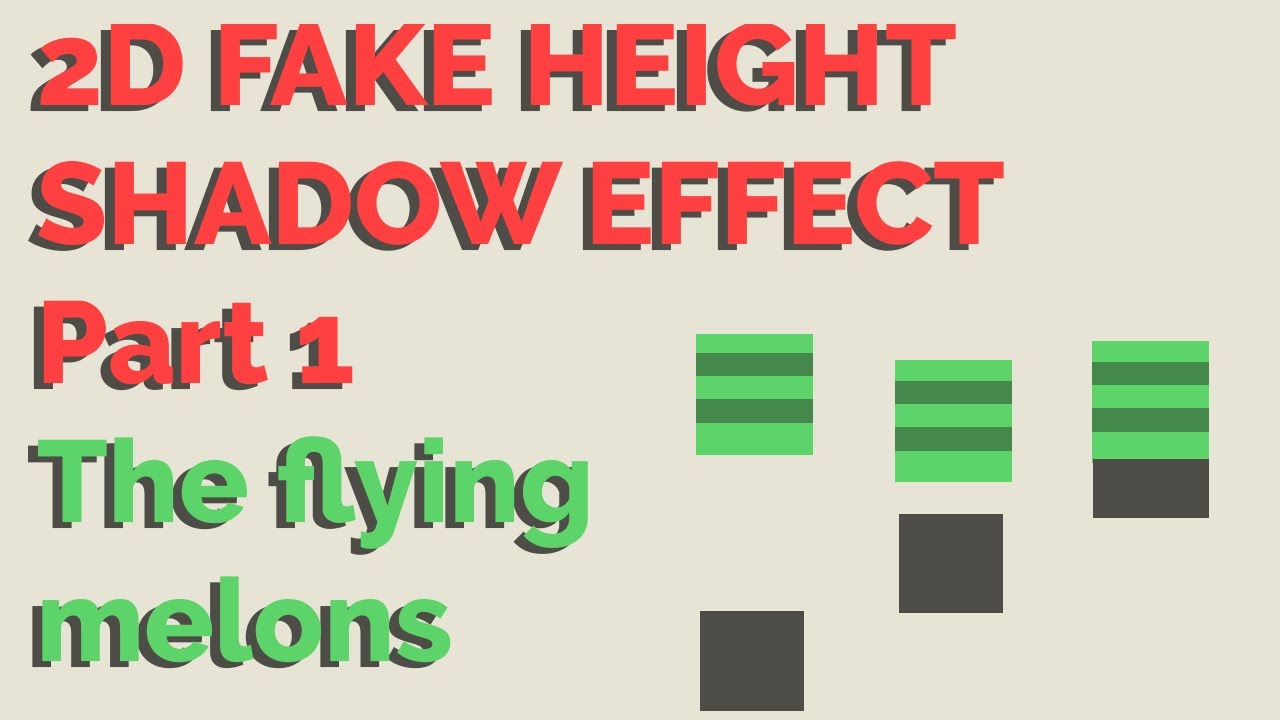
So i want a fake height shadow for a top down game. I have a parent object that holds the white rectangle as a child and the shadow sprite as a child. to achieve fake height shadow i can move the white rectangle up and down. I hope its clear for what it is. For example when the player is jumping, or an arrow is flying up and down, or a leaf drops from a tree etc…
First problem was, that when multiple shadow overlap the color in the overlap got darker, so i wrote a shader. That uses Stencil etc. Works like a charm. So it was solved.
But now i wanted to have shadows on existing objects that drop shadows. just like it is in real life. so i programmed a lazy script, that adds the local Y position to the sorting layer. kind of works. maybe there is a better solution?
But the biggest problem now is, because of the stencil shader, the most on top object doesnt drop a shadow on the underneath anymore, because it overlaps with the shadow under the bottom object. Hope that was cleary explained? you see that example on the screenshot where two white rectangle overlap and the shadow is cut off. So how could i solve that? i probably would need to also check the sorting layer in my shader, but i have no idea how…
Arent there any tutorials on that topic? There are tons of top down games made with unity. No one uses shadows like this? Or is there another way?

