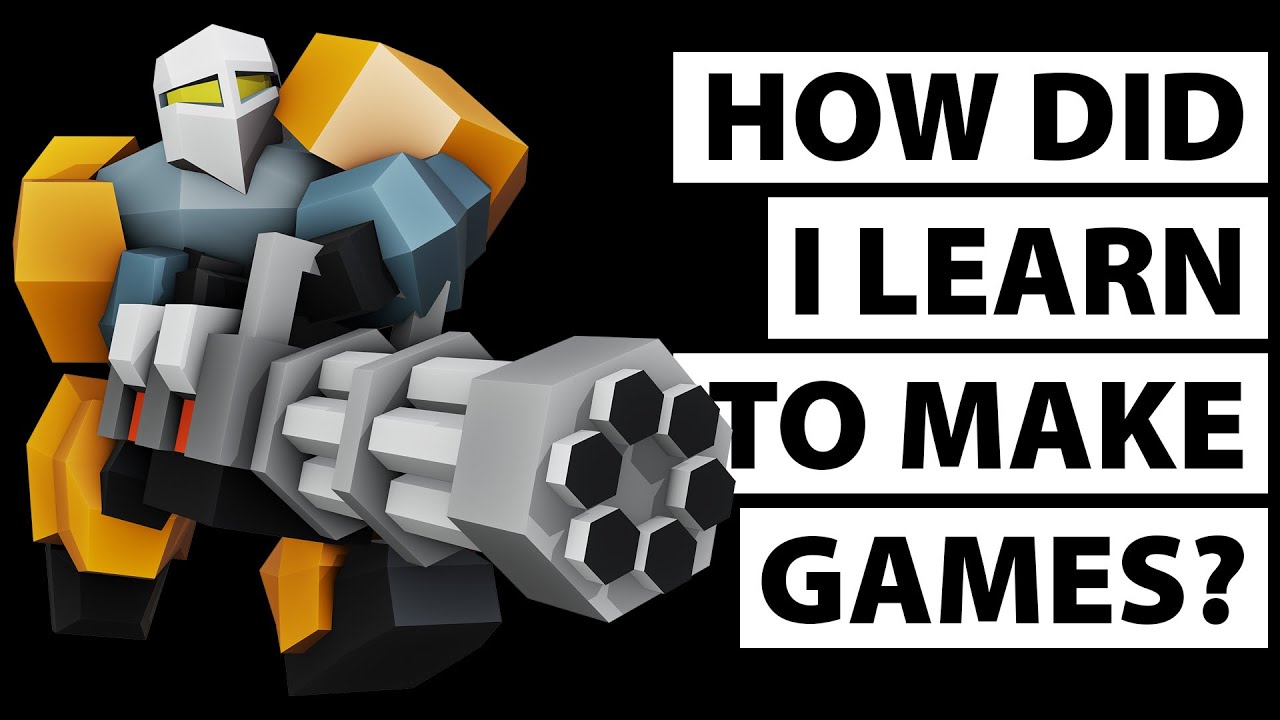
I’m working a game and I was planning to have 3D animated character moving inside a 2D world. The camera view I chose is « top down » like the old Zelda game or other old school rpg.
I am using URP pipepline for the fancy 2D lights and shader graph.
My problem is to manage the « sorting order » of my 3D character to make them behave like 2D sprites in term of rendering order. I want my character to be able to go behind a tall tree as an example.
On top of this, make 2D light work with my 3D character would be lovely, but that’s probably a separate problem.
I have found a work around consisting of setting the sorting layer of a mesh renderer by script but it doesn’t work with URP for me.
i thought having a set of camera filming the characters and using render to texture to update sprite, then use the sprite in my actual game scene. But since I can have up to a hundred of characters of a screen, I worry about the performances.
Do you have any idea/exemple to achieve having 3D characters in a 2D iso game that works with URP?
Thanks for your answer. I thought about it, but there is a few things that bother me with this method.
My terrain is pretty large (150x150 tiles min). So if I will have to spread my asset on 1500 z unit or more if I go -10z each row. I feel having assets that’s spread will cause some issue and headache. I might be wrong on this.
but I’m more concern about 2d light and shadows. Can this work with different z level?
well i think you are on the wrong path, if you need to use a 3D models + 2d sprite you should use all the 3d features, most of the 2d stuff wont work with 3d, i have serious doubt that you can use 2d lights and shadow on 3d objects
Yes it’s possible! If you already have 2D Lights working in your Scene, you can simply change your materials on your 3D characters/meshes from Lit to Sprite-Lit-Default so that they get affected by 2D Lights too. That way, your 2D Lights would be able light up your 3D characters just as fine and even cast shadows too (if you have 2D Shadow Casters set up on your 3D characters too).
Just a small note though, doing so would mean that any 3D Lights would no longer have no effect on your Sprites and 3D meshes anymore.
I don’t think Sprites actually get dimmer if the 2D Lights are further away in Z unlike in X and Y. Happy to be proven wrong though. If for any reason, you changed your mind and would like to use 3D Lights instead, you can always change all your Sprites’ and 3D meshes’ materials back to Lit so they can get lit by the 3D Lights instead.
Games actually do not get made out of having concern. That’s not a thing.
Games get made by asking yourself “Can I…?” and answering the question using Unity3D.
Your questions could be instantly and perfectly answered by an hour or two of tinkering. That way there is no chance that we are misunderstanding your question and no chance that we are giving you bad information because we misndnerstand you.
That’s how gamdev works. Test and try and iterate, change course, compare what you want versus your goal, etc.