So question is very simple, how to sync animation rigging over the network? I know that I must set animator triggers with rpc calls, but I can’t handle animation rigging that way or I don’t know something. Any suggestions?
hi, did you find any solution?
Hi @XeLLLeR , what do you mean by sync animation rigging ? Are you already using the ClientNetworkAnimator script?
using Unity.Netcode.Components;
public class ClientNetworkAnimator : NetworkAnimator
{
     protected override bool OnIsServerAuthoritative()
     {
           return false; //allows the client to send animations data over the network
     }
}
You probably need to rebuild the Rig for all clients. I will try this solution and post the result here
i have the code
rigbuilder.Build();
the rigged anims still dont synch,
i also have client networktransform components on the constrained and source objecs,still doesnt work
anyone found a solution for this yet,
i found a solution, from an idea i got from code monkey, apart from attaching networktransform to the ik targets also you need to change the rig layer weights with a networkvariable
i still have some problems setting it up you around for a quick chat im lose to fixing it i just think im missing somthing
I still have the same issues. What should I do in the following video my character animations does not sync. I do animations on two animators, one of them is a rigcontroller and used animation rigging. Both of the objects have clientAnimatorTransform component. Should I add networkObject for all the bones?
@PaoloAbela
subscribe to your networkvariable onvaluechanged, when u need to change the weights change its value instead then update the rig weights in the onvaluechanged delegate
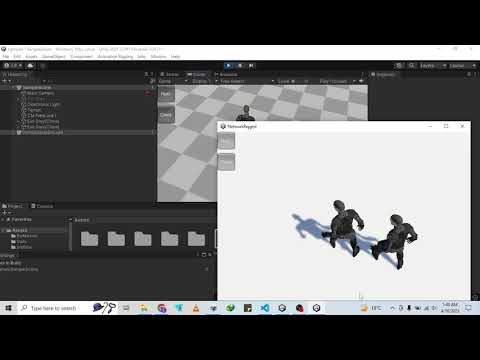
if you still experience this issue watch this video on how to solve the problem


you don need a network object n client network transform on the camera, just set it to player when the player spawns
Thank you very much! The problem I was having got fixed.
thank you bro, you saved me so much time