Hey there,
I’m new to the shader work and just did some basic stuff. One shader I thought should be really easy causes some problem I don’t yet understand. It’s a UI shader. My input is a Sprite and a Texture2D.
I take the Sprite and create a grayscale version of it. That works so far and looks as expected. Now I take the gray value and want to get the color value of the Texture2D (which is a gradient) and show this one. But the colors look different than they should. So I guess I can’t just simply use the gray value as coordinate of the gradient.
See the shader below:
Shader "EW/UI/GradientOnGrayShader"
{
    Properties
    {
        _MainTex ("Main Texture", 2D) = "white" {}
        _GradientTex ("Gradient Texture", 2D) = "white" {}
    }
        SubShader
    {
         Tags
         {
             "RenderType" = "Opaque"
         }

         Pass
         {
             ZWrite Off
             Blend SrcAlpha OneMinusSrcAlpha

             CGPROGRAM
             #pragma vertex vert
             #pragma fragment frag
             #pragma multi_compile DUMMY PIXELSNAP_ON

             sampler2D _MainTex;
             sampler2D _GradientTex;

             struct Vertex
             {
                 float4 vertex : POSITION;
                 float2 uv_MainTex : TEXCOORD0;
                 float2 uv2 : TEXCOORD1;
             };

             struct Fragment
             {
                 float4 vertex : POSITION;
                 float2 uv_MainTex : TEXCOORD0;
                 float2 uv2 : TEXCOORD1;
             };

             Fragment vert(Vertex v)
             {
                 Fragment o;

                 o.vertex = UnityObjectToClipPos(v.vertex);
                 o.uv_MainTex = v.uv_MainTex;
                 o.uv2 = v.uv2;

                 return o;
             }

             float4 frag(Fragment IN) : COLOR
             {
                half4 c = tex2D(_MainTex, IN.uv_MainTex);

                // grayscale
                float cl = c.r * 0.3 + c.g * 0.59 + c.b * 0.11;

                float2 coord;
                coord.x = cl;
                coord.y = 0;
                half4 gradientC = tex2D(_GradientTex, coord);

                gradientC.a = c.a;

                return gradientC;
             }

             ENDCG
         }
    }
}
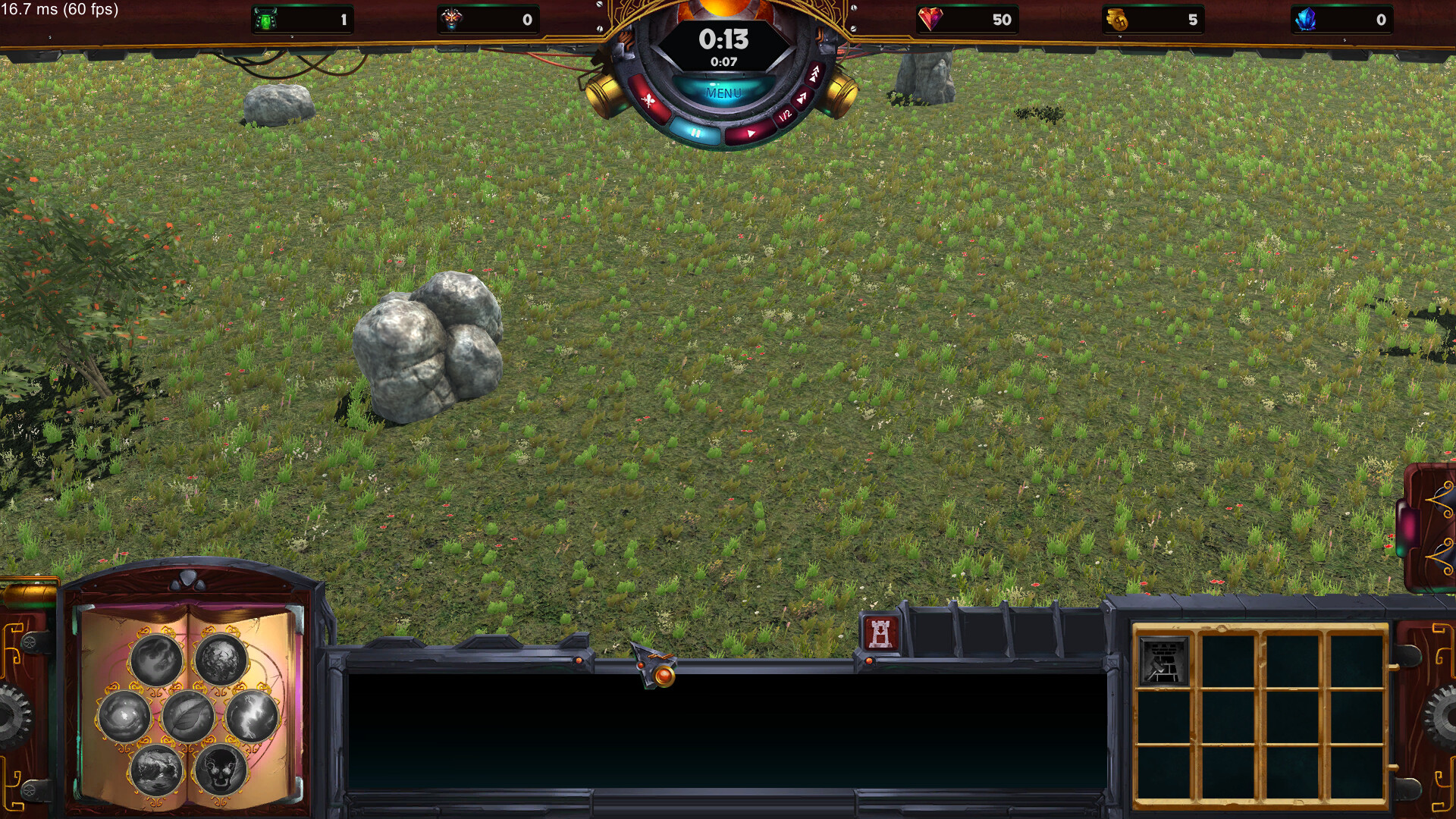
I also attached two screenshots. The button which is affected by the shader is in the bottom right panel. I attached the gray one and the one with the gradient.
It’s not clear what this gradient should do in your case. Can you expand a bit more on that?
I want to map the gray values to different parts of the gradient. So if the gray is 0 it’s the most left color value of the gradient, gray value of 0.5 is the color value at 50% of the gradient and so on.
Actually I have the color value in cl. It should be in range 0-1. I use this value on the x axis of the texture coordinate I use to get the color of the gradient (I think this should be a UV coordinate in range 0-1 as well). But something must be wrong in my assumption cause the black parts of the tower on the grayscale image get much too bright with the gradient applied.
Oh, you want a gradient ramp (toon ramp)? Can you show your gradient texture?
Here’s the gradient:

I don’t know what you mean by gradient ramp, but it might be right 
There are a few issues when using a greyscale texture to drive a gradient ramp that you need to be aware of. (Also, a color ramp or gradient ramp is just the common term used to describe a color gradient stored in a 2D texture).
Color Space:
If you’re using linear color space, a color value of 127/255 in the texture (as tested in Photoshop or Gimp) will be seen as a value of ~0.2, not 0.5. You’ll want to convert your texture from linear to gamma space before transforming into greyscale, and before using it as a UV for a gradient texture ramp.
UVs:
Using a range of 0.0 to 1.0 for sampling a gradient ramp texture will give you unwanted colors at 0.0 and 1.0. This is because texture UVs range from one edge of the texture to the other, not from the center of the left texel to the center of the right texel. At UV positions 0.0 or 1.0 you’re actually halfway between the left and right texels and will get a value that’s a blend of both. This is the result of bilinear sampling. The basic solutions are to set your texture’s wrapping to be clamped, but then you still get more of the first and last color than you might expect. Another is to additionally use point sampling, but this also doesn’t really fix the problem. The real solution is you need to remap the 0.0 to 1.0 range to a half texel to 1 - half texel range. Luckily Unity passes the necessary information about any texture used in a shader.
sampler2D _TextureName;
float4 _TextureName_TexelSize; // xy are 1/texture resolution, zw are texture resolution
So with that you can do this:
rampUV.x = lerp(_TextureName_TexelSize.x * 0.5, 1.0 - _TextureName_TexelSize.x * 0.5, saturate(rampUV.x));
That’ll remap the range so that it starts at the middle of the first texel and ends at the middle of the last texel.
Bilinear Sampling:
Bilinear sampling is the thing that GPUs do to smooth out textures, the blend from one texel color to the next. This is good for the ramp itself, but it’s also on the greyscale icon texture you’re using to drive it. That means unless the icon is using point sampling, or is perfectly matched to the screen resolution, you’ll get areas between the black and white areas that are grey. This is a little harder to solve. Basically it means you need to sample your icon texture 4 times with texel center snapped UVs and do the bilinear blending of the resulting ramp colors yourself.
1 Like
Hey,
sorry for the late response.
The coordinates are correct now and it looks much better. It’s still a little unsharp, but I guess that’s due to the missing bilinear sampling. I’ll have to figure out how to do that, but thank you very much so far