Empty HDRP wont go higher than 63 FPS(RenderDoc) on a 3440x1440 / 100hz display / GTX 1660 ti

Okay so I just don’t know how Unity’s FPS work.

I’m trying to find out how much performance I actually have before I start accumulating Tech Debit with shaders and high poly mesh. But right out of the gate I hit a wall with performance profiling.

The unity editors stats window says I should be getting steadily over 85-120 FPS which I don’t at all mind starting from, but as you can see the stand alone build is running at 30 fps, I’ve verified these fps stats with the windows game bar performance tool, the asset Advanced FPS, and the third party RenderDoc, and they’re all darn close to each other, and very far from what unity displayed.

My last two images show a default hdrp outdoor scene with and without lights, and expanse unoptimized is running at the same FPS as the default HDRP scene (Roughly 60 fps).

And I don’t get why, the expanse is crazy more expensive to run than unity’s default scene I’m sure, and expanse with the default settings in the unity editor is displaying 180-200 fps.

This is 2020.3.11 and the latter 3 images were all captured from a virtually unmodified new project.

Does anyone know what might be going wrong here?
If so thank you in advance!

Here’s the demonstrables:

Here’s the scene I’ve spent all day trying to optimize, with expanse sky, crest ocean, unity fog, unity terrain.
30 fps.
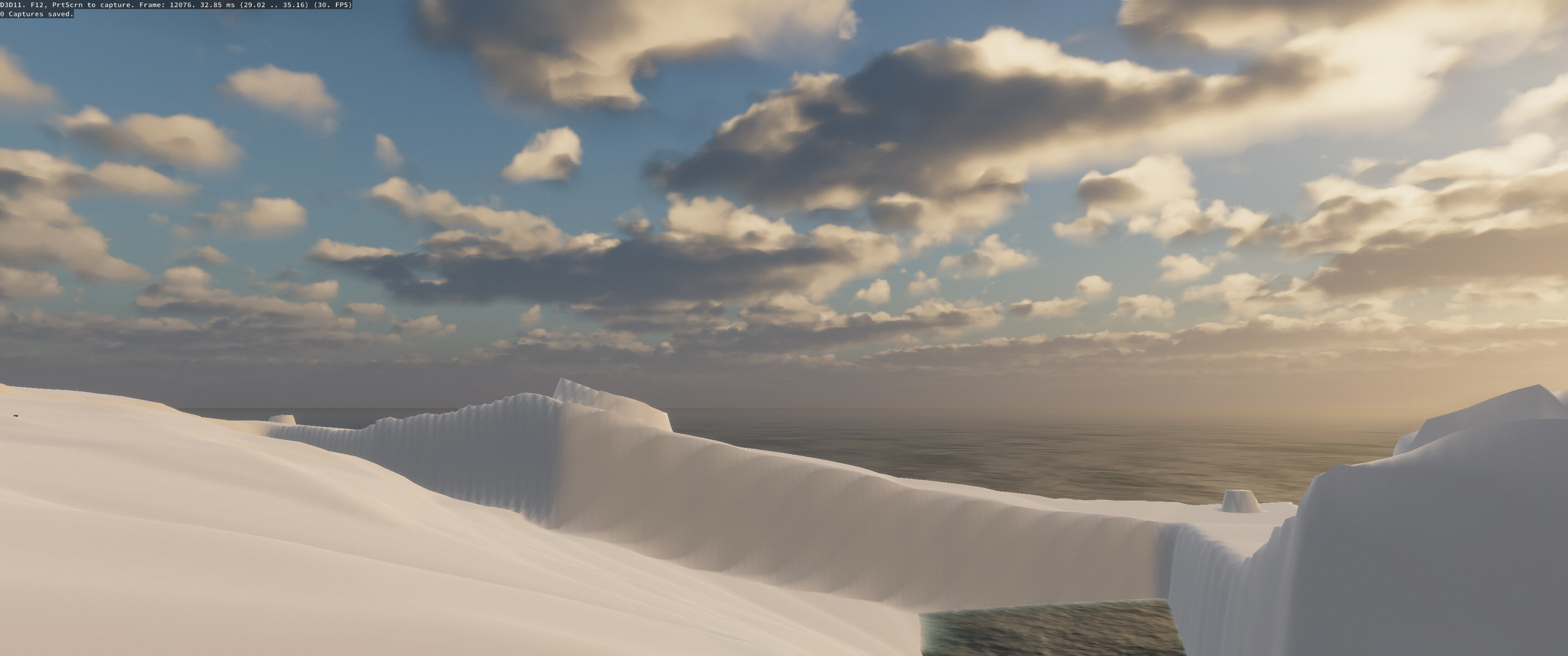
Here’s Expanse in a scene by itself with its default settings which are very high by default. (60 FPS)

Here’s basic outdoor hdrp with no light or volume (61 FPS)
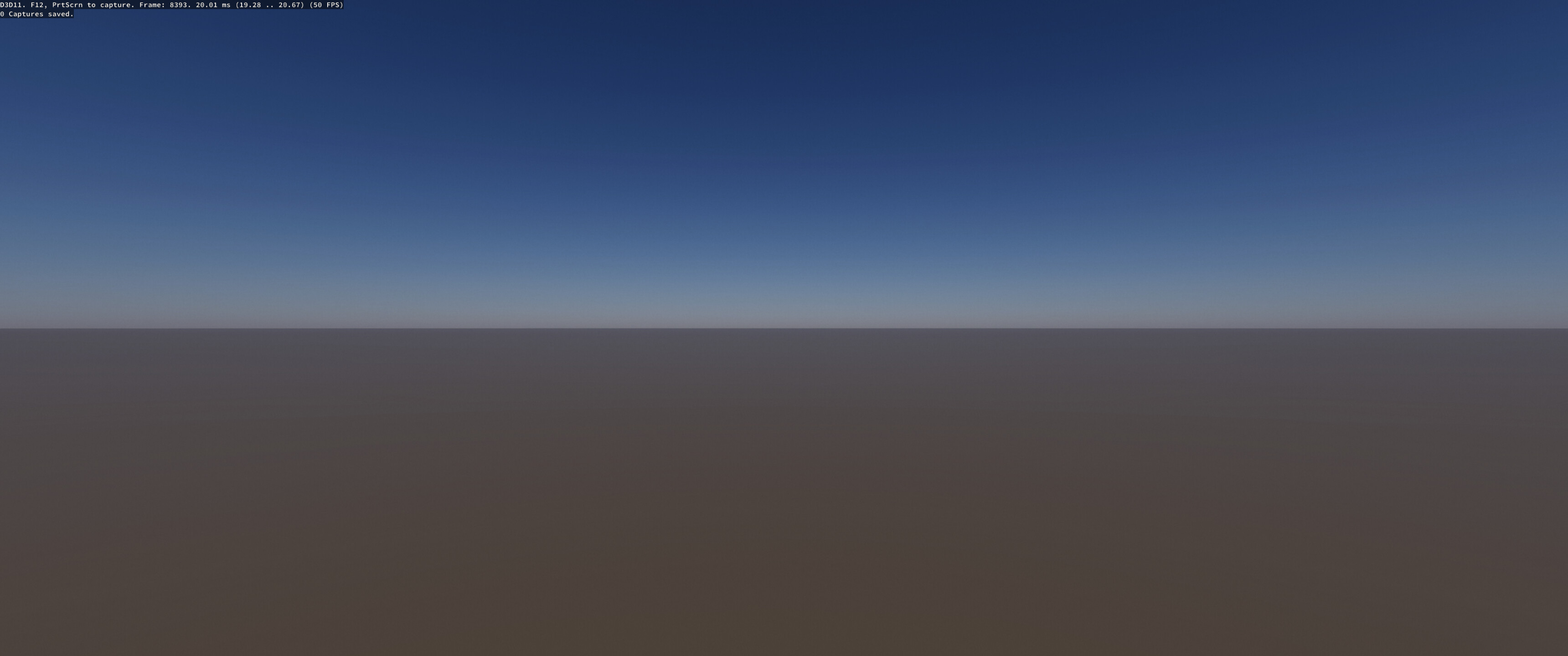
Here’s basic outdoor hdrp with default light and volume (50 FPS)

Vsync count was set to Every V Blank but I changed it to Dont Sync and that had no effect.

At least one thing I could say is that the resolution of the image heavily makes a difference:
When you check your scene in the editor, its viewport resolution may be much smaller than your display.
In this case you get much higher FPS.

Also ensure not to have any other applications running when testing your executable, eg. UnityEditor, 3dsmax, etc.

This problem didn’t change any when I tested on a 1080p display with a 60h* refresh rate, except that 60 fps was the upper limit instead of 63, so I’m guessing the refresh rate is clamping the fps on that display, but my refresh rate on the 21:9 display is 100hz so I don’t see how the fps could clamp so low on that display. And yes I close the unity editor and everything else and even tried a full system reboot while profiling this data.

What i could say is nothing strange for a GTX1660Ti running in 4k resolution.
4K resolution,Expanse and Crest Ocean are too heavy for a graphic card with only 6T flops.

about the strangely high fps in editor mode, did you check the option “Low Resolution Aspect Ritios” is turned off in your game window?

1 Like

Nope. That fixed it. Now the editors fps are the same as the stand alone.
It all makes sense now thank you for taking the time to inform me :slight_smile:

1 Like

Hi,just in case if you don’t know.
the new volumetric clouds in hdrp12+ (i will recommend hdrp13,though it’s in beta but it’s more stable than hdrp12) really does a good job.
and it is way faster than Expanse.
i tried to use it imitate your Expanse clouds.:stuck_out_tongue:

and for the water, i suggest to use shadergraph do it by yourself.
only use the features you need, it should be way faster than Crest Ocean.
i got it 30% faster than Crest Ocean.

![7886596–1003561–%HB])Y$JN1O`ID$6T0QPM9N.jpg|2264x812](upload://m102cYwOfhhecQ1sNn8KcIHnixB.jpeg)

2 Likes

Your clouds look fantastic.
Would you share your settings? :wink:

Here you are.

7888162--1003813--ARX4GQS@56RJ(9JYK2HZ)5U.png

6 Likes

Hey sorry I didn’t notice this reply earlier. Unfortunately I’m trapped in unity 2020.3 because I want to use the game creator suite of tools that don’t all yet support 2021 and I didn’t know catsoft would rerelease all of its tools as version 2, I don’t think it’s likely that I will pay to upgrade everything to its version 2 counterpart even after they have rereleased all of its modules.

Instead I think I’ll have quality settings that switch between my own custom shaders for water and cube maps for clouds on the lower quality settings, but I’m so early in this project that I’m not sure what will happen in the coming months, I’ll consider just moving onto unity 2021 lts.

One other thing to consider about “empty scenes” in HDRP is that they’re by no means empty.

HDRP runs a lot of upfront costs for processes into memory channels.

These costs can still exist even of the associated component isn’t even present.
Post processes that are turned on in a frame setting can still be processing even if it’s not added to a assets volume defaults of a scenes volume override.

But default HDRP assets and project settings have a “best effort” set up, but it’s always important to tune these carefully for your projects scope, even before you begin developing.

Compared to an empty built in scene running 1ms for example and an HDRP empty scene with global volumes running volumetric clouds, and all the other HDRP asset defaults in the system settings, you will get a large difference in your stock headroom available.

We covered some ** information ** on this early last year, that might also be helpful for you.

All the best.

1 Like