Hello,
I’m learning Shaders in Unity for a few months. I’m working on a new project, and I need a bit of help to understand how to approach this problem I encounter.
So I’m working on a game with the shader playing an important part. We took inspiration in Return of the Obra Dinn and Fragment of Euclid.
So to resume a game in black and white and outline.
We are working in URP.
For the moment made the black and white shader and took the outline one online.
Here’s the link : GitHub - Robinseibold/Unity-URP-Outlines: A custom renderer feature for screen space outlines
They are both fullscreen shader.
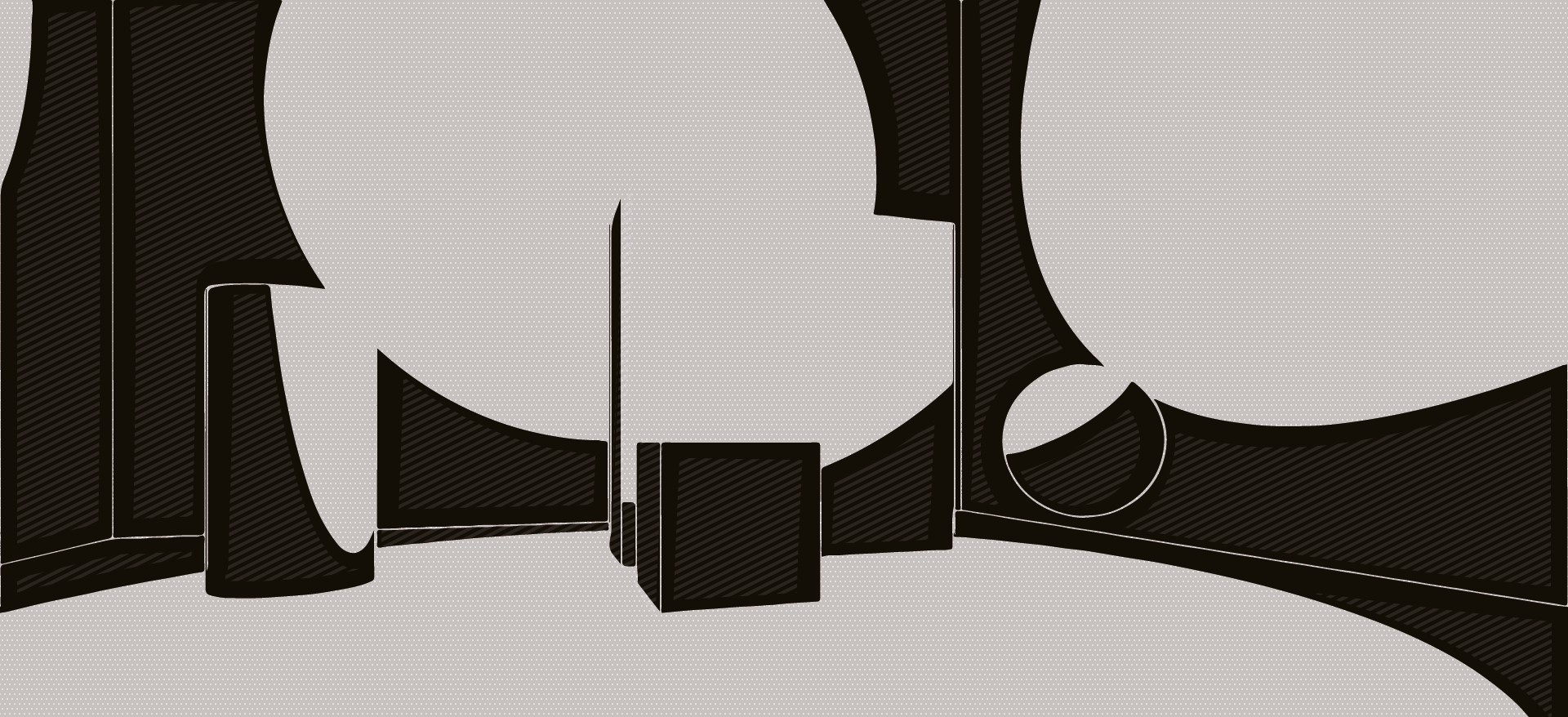
Now what we want to do for the visuals of the game is add hatching to have a sketchbook effect in the “shadow”, so the dark part.
How can I achieve that? I can’t clearly see in which manner I can add hatches to the dark part that follow the object.
Do I need to do another Fullscreen Shader or modify the Black and White one?
Or should I make a material applied on every object in my scene?
If you need further information, do not hesitate.
Thank in advance.
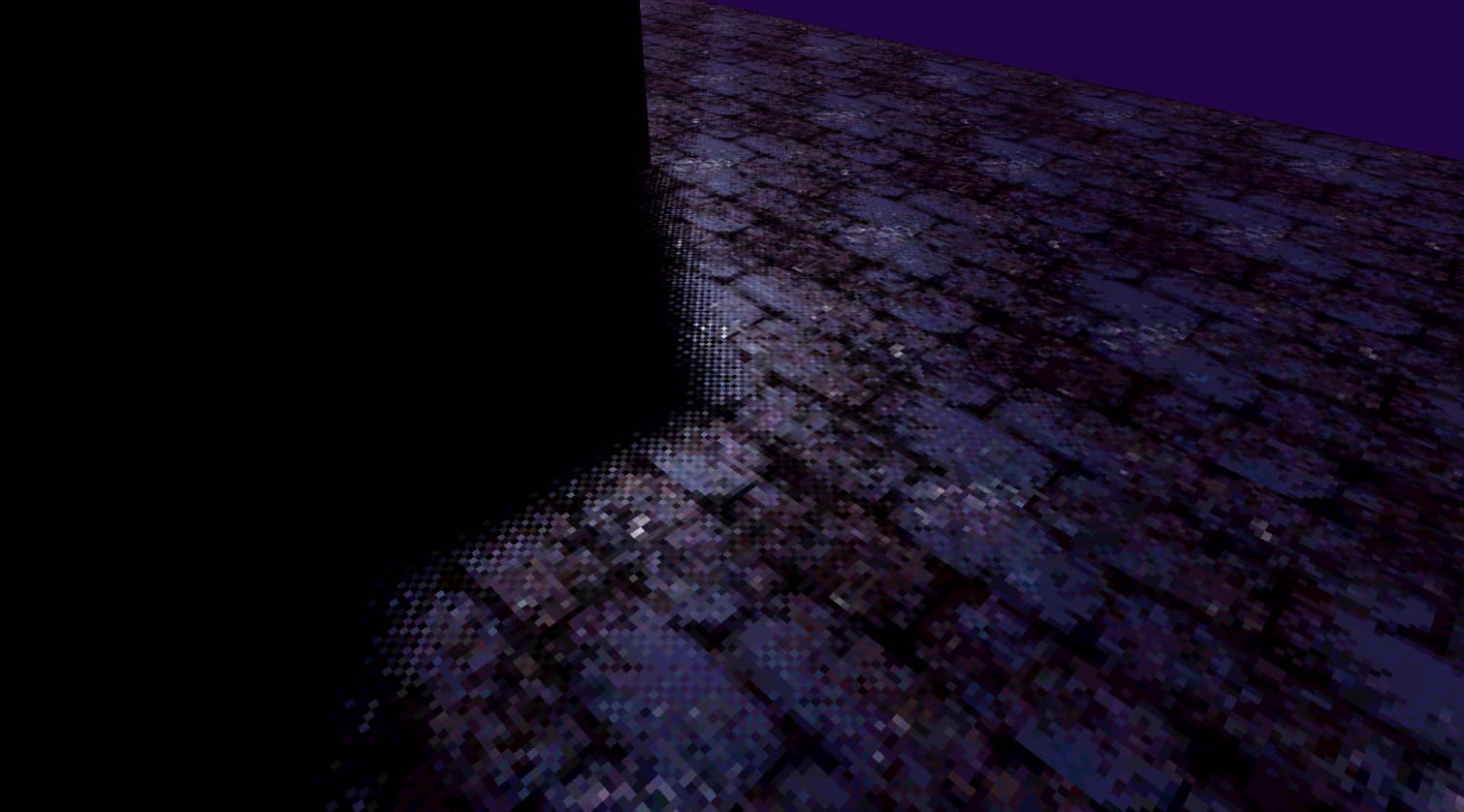
an easy way to stipple the edges of shadows is just by adding a bayer/blue noise dithering texture to texture coordinates, i’m not sure if you can stipple the fullscreen easily without stippling everything, maybe like a lerp of unstippled/stippled texture based on luminance, since you clearly differentiate through simple brightness differences. the implementation also looks better if you remap the noise to a triangular distribution with a (dither - .5) * ditherStrength. here are two dithering textures i use in my own project, and a picture of the effect it creates. i use texture space dithering for this instead of screen space though.
using the separated channels is a matter of choice, just use .xx if you want monochrome dithering.


Could you use a triplanar projection to add a world-space tiled hatching texture within the shadows? You wouldn’t be able to choose the rotation of the hatching per object unless you added it through a vert color channel or something. Wrapping to the objects’ surface flow sounds complicated without a way to curate it yourself for each asset.
Thank you for your response. Sorry for the late response.
I implemented the solution of @POOKSHANK and had a pretty good results.
But it wasn’t the results I wanted. I didn’t explain clearly what I was expecting.
I want to add colored stripes in the shadow like in the picture underneath that our 2D Artist did.
@Ben_at_Work Can you explain what do you mean by the triplanar projection ? I’ve never worked with it and I don’t really know how does it work
since the stripes all go the same way, just make a black and white dithering mask of diagonal lines. it seems like you would want to add color as opposed to stippling though, so just use the same screen space math from reading the dithering and instead add the color of the texture to the main color.
something you could do to further help accomplish a style like your artist made (the separate dithering of the light areas) is by combining two dithering textures into one. since they’re grayscale, put one in the red channel, and the other in the green channel and lerp between the tex.r and tex.g by the luminance of your color.
Thank you for your help again. After a lot of time, I managed to do something that I like thanks to your posts.
I have 3 screen space shader that coexists.
The outline one that can be found here : GitHub - Robinseibold/Unity-URP-Outlines: A custom renderer feature for screen space outlines.
The Black And White Shader that also provide a dithering effect.

And finally I used and modify the shader explain in this video :
Modified to work again with the Relative luminance and not with the screen space shadow since I will mainly have Point Lights. It’s a shader that use triplanar to apply a texture.
A lot of work still needs to be done, the outline is modified and not great but it’s a base for what I’m looking for.
Thanks again for your help.
Looks pretty good. The larger, darker hatching does tend to look better on the terrain than on the pokemon or minor assets which might look better with either no hatching or a faint, tighter hatching.
The pokemon are casting hatched shadows, but they themselves have a smooth shading. The source you used has broader leaf cards for its trees, for example, which display the hatching more clearly compared with your smaller, more detailed leaf alphas.
They’re also styling their textures to match and reinforce the hatching to create that hand-drawn style. They’ve got hand-drawn lines directly in their textures (similar to what’s done with Borderlands), a patchy base texture, and maybe some grain or rough directional scratches baked in.
I see some soft cloud patches moving across the terrain in that shot when the camera pauses and in the town square before it, which is interesting because those don’t have hatching the way the tree shadows do. They’re very particular about what creates that hatching.
Looking at the upper left of the screenshot, the side of the geometry has hatching while the rest of the asset doesn’t, so for that asset the hatching might be entirely hand drawn if the lighting never changes on it.
I still work with mostly with nodes so I’m too lost following in code to offer any other suggestions. It’s definitely the sort of effect that needs to be deployed as part of a complete art style unless you can make it look really crisp in all situations.
Do u have the shader graph for the noise shadows result? i’ve been trying to replicate this but i can’t