I tried to use Camera.Render before/after beginCameraRendering or beginFrameRendering, but I have this error:
I can use Camer.Render only in Update, but In this case I’ll have 1-frame delay. I use planar reflections for my water.
I can’t use HDRP planar reflections, because it will affect all objects in the scene, and also most of the planar reflection variables is private. For example I even can’t change planar reflection box size in runtime. (why I can do that in urp/built-in?)
URP have this method UniversalRenderPipeline.RenderSingleCamera instead of Camera.Render
What about hdrp?
Though not directly applicable to the idea of recursive rendering, I’ll mention that I’ve encountered different issues in multiple versions of HDRP that only manifest when calling Camera.Render() manually, and am also curious if there’s a ‘better’ way to trigger rendering. The latest problem is that the alpha channel is trashed only in the Render() call path.
URP have UniversalRenderPipeline.RenderSingleCamera
Why HDRP don’t have the same feature?
I can’t bake ortho depth texture in HDRP (camera.Render doesn’t work with instanced meshes, CustomPassUtils.RenderFromCamera() doesn’t work with ortho depth)
I can’t render planar reflection, I can’t render custom cubemap, and I can’t use native planar reflection and cubemap without “c# reflection”
I want to render planar reflection with my KWS Water system. I need more parameters. For example I can’t access to culling mask, customRenderingSettings, resolution etc.
Right now I use reflection API, but it’s bad.
I don’t see a workaround for Camera.Render call, we do have a RederRequest API coming, but not available publicly yet.
A hacky way to do it could be to use a dedicated Camera with HideAndDontSave flag for you need, rendering to an assigned render texture and with o priority set to render before the game cameras.
As for the planar probe settings, maybe I’m wrong, but it seems that what you are modifying with c# reflection is accessible in the public API ?
(Passed as reference) Class HDProbe | High Definition RP | 16.0.6
The PR landed in Unity 2023.2.0a14, and is available in the latest public alpha release.
But as it is a new API feature, it will not be backported to previous releases.
They aren’t textures really. Except for the HDRI sky.
PB Sky for example is a shader that is rendered to the background pixels. Then volumetric clouds and/or cloud layers, which are also shaders with a bunch of parameters that stack on top, and are affected by the lighting.
So there is no “baked” sky+clouds cubemap at any point, as it’s directly rendered with the view. Like you’ve said, you will have to render a cubemap.
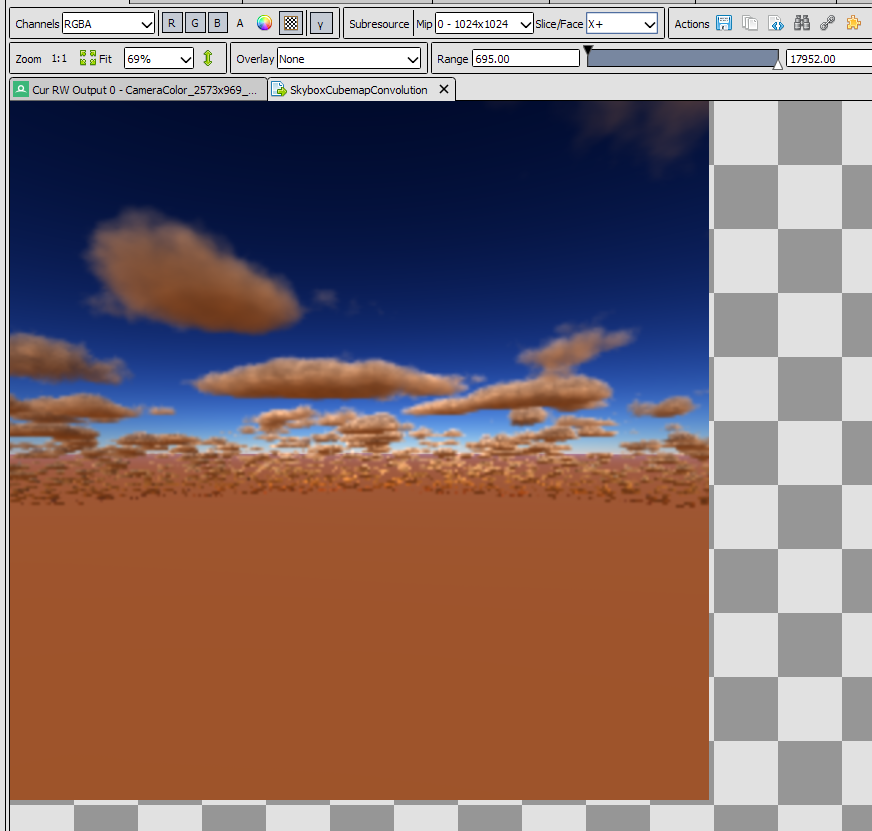
I found that hdrp water use “SkyboxCubemapConvolution” texture from “SkyRenderingContext.cs”
It’s cubemap with clouds and corrected mips (that what I need)
How can I get this texture? Because SkyRenderingContext and SkyManager is private.