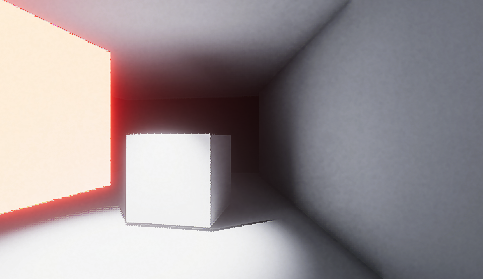
Hello, I try to have some Global Illumination in a HDRP project.
I would like to know if you need the Screen Space Global Illumination in your Volume object?
If YES, i have this error: the current hdrp asset does not support screen space global illumination. How to fixe it?
DXR is not needed for SSGI, unless you explicitely want to use real time raytraced GI.
Maybe you have multiple HDRP assets in your project (look at the quality levels in the quality settings, each one can hold a different HDRP asset), and the current used one doesn’t have SSGI enabled ?
Also, I want to point out if you want to see the effect in the scene view, you also need to enable SSGI in the HDRP default settings (default camera custom frame settings and also scene view camera settings)
Does Global Illumination work with realtime?
When I put the spot light on mixed and I bake lightning I see the indirect light on walls, but if I put the spot light only on realtime and I don’t bake lightning I don’t see the indirect light.
Yes it’s supposed to work with realtime.
If you’re not sure that it works (because sometime the effect can be subtle) you can go to Window > Render Pipeline > Render Pipeline Debug > Lighting > Full Screen Debug Mode > Screen Space Illumination.
That way you can see only the SSGI effect and be sure that something is rendering on that side.
It can be subtle and this screen space technique have several limitations and also limited budget in terms of performance cost, so you shoudn’t really expect the same results with baked lighting and with realtime Screen Space Global Illumination.
If you want something closer than Baked lighting in realtime, you can use Ray traced Global Illumination.
Your approach and checks seems right.
At this point the only idea I have would be that you are editing the wrong HDRP asset, i.e you’re using a quality settings that use another HDRP asset.
If not that, it’s hard to answer without having a look at the project itself.
Just to ask, if I bake the scene, some sort of limited GI should be there right?
I’m baking this basic scene, and it doesn’t relfect anything (the light is set to mixed, and I baked the scene)
My point is if I move the spot light it should “fake bounce” the light around, right?
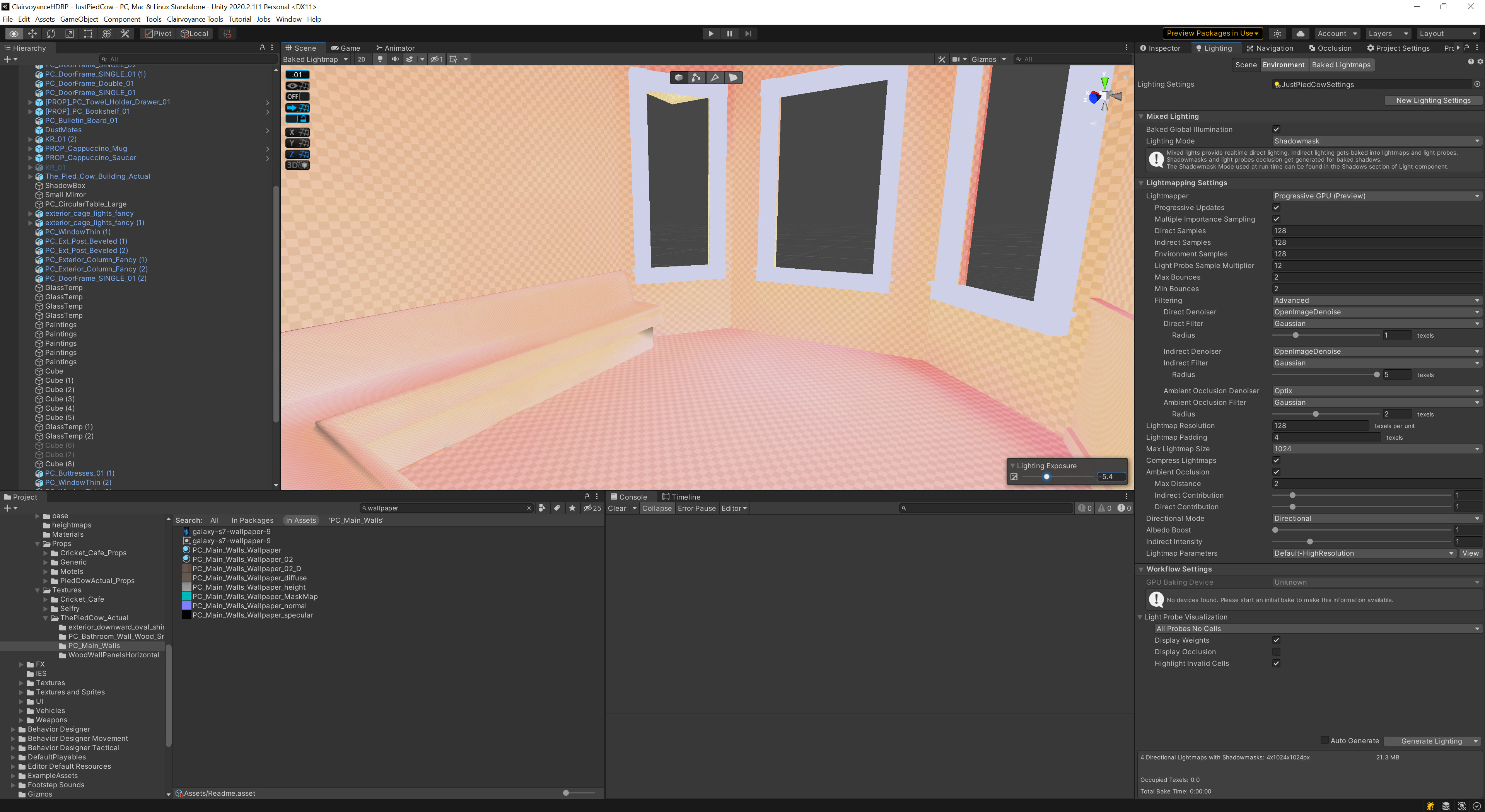
However, your exposure seems very low, so you might not be able to see any bounce lighting in these conditions.
First, disable the light after the scene has been baked. Lower the Exposure value for that scene in your volume, and you should see baked indirect lighting in the vicinity of the light.
(And of course, the mesh renderers in the scene need to be set to Contribute GI and Receive GI from Lightmaps.)
Thank you for the clarification, so to give more perspective, it still seems bugged. So if I move a mixed lighting in a baked scene it should still like “change” GI with its movement or am I wrong?
Eg. (Bake works fine, but moving the light has no affected on Realtime GI:
I’m actually having a similar problem, the baked indirect isn’t working for GI contributing meshes the way it used to in previous versions, or at all potentially?
I have an indirect override controller to test, set it to default, then to 10 for the indirect diffuse, the blend probes adjust correctly and so all the dynamic objects increase their indirect intensity, but the static meshes do not.
In the Baked Lightmap view mode I also have to crank the Lighting Exposure Way down or its just full white.
Something definitely IS happening though, it’s just not what I’ve seen in PRE 2020.2 versions of Unity.
In fact, when I upgraded and re-baked each level, one by one, my old nice lighting bakes turned into these really flat ones as I went through them, very confused!