I’m very new to using the shader graph, in fact this is the first shader I’m making without directly following a tutorial. I would appreciate some help. I’m trying to make a meteor for my game, and this is what I came up with (it’s somewhat inspired by what I learned following a tutorial on how to make trails).
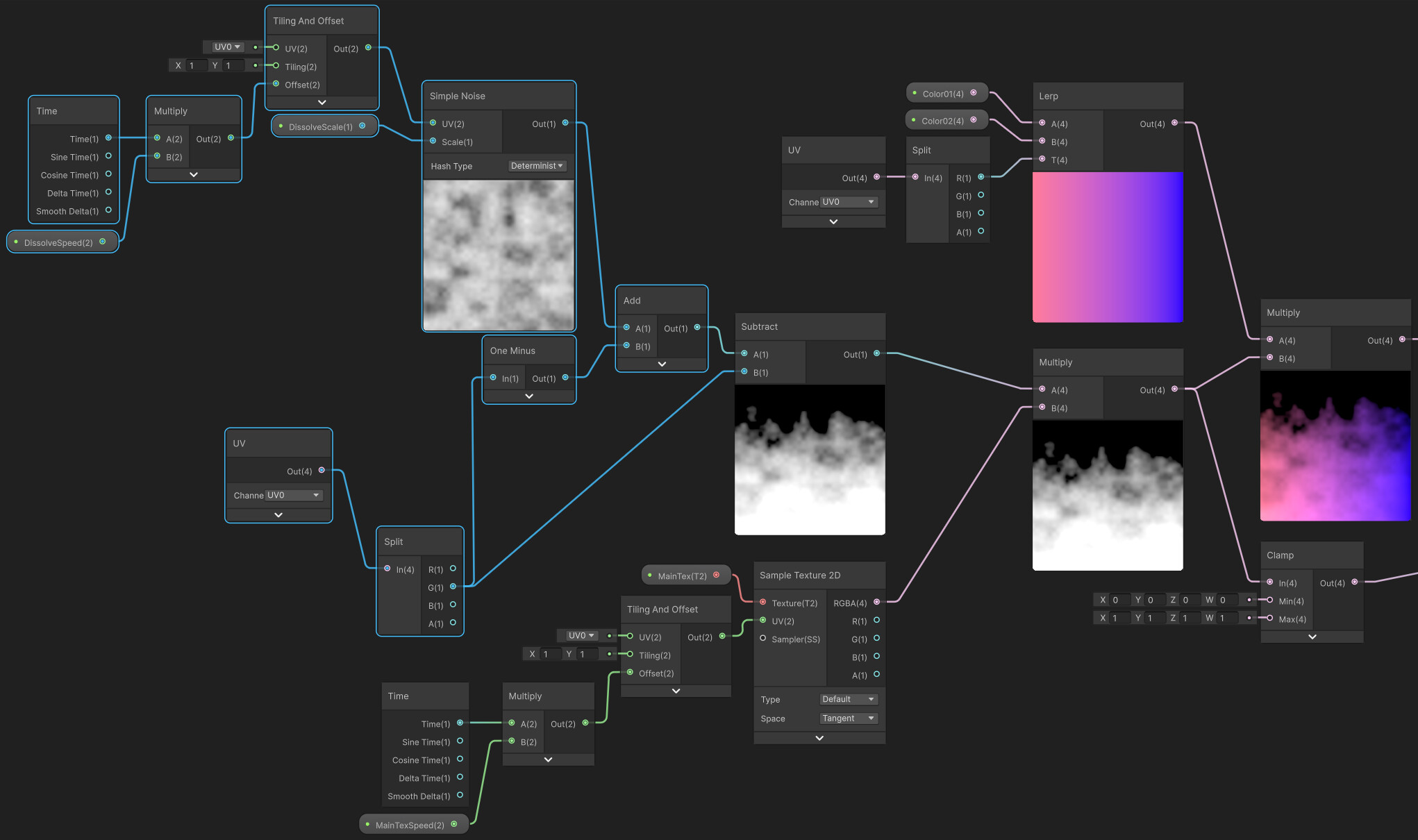
I need help figuring out how to control which portion of the mesh this covers. Right now it looks like on the image bellow and covers maybe 1/5 of the entire mesh. I want this fade to only happen at the end and most of my meteor to be this red and orange gradient.

From my understanding I should be using a Position node set to Object for that, as well as a Split node, but I’m not sure into what exactly I’m supposed to feed their output. I’m sorry for such a noob question, and I greatly appreciate any answer I get from you kind strangers!