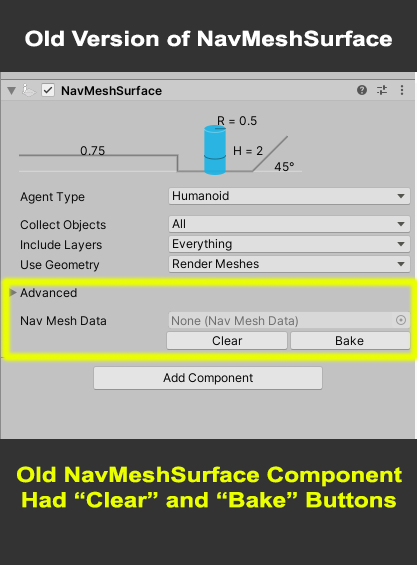
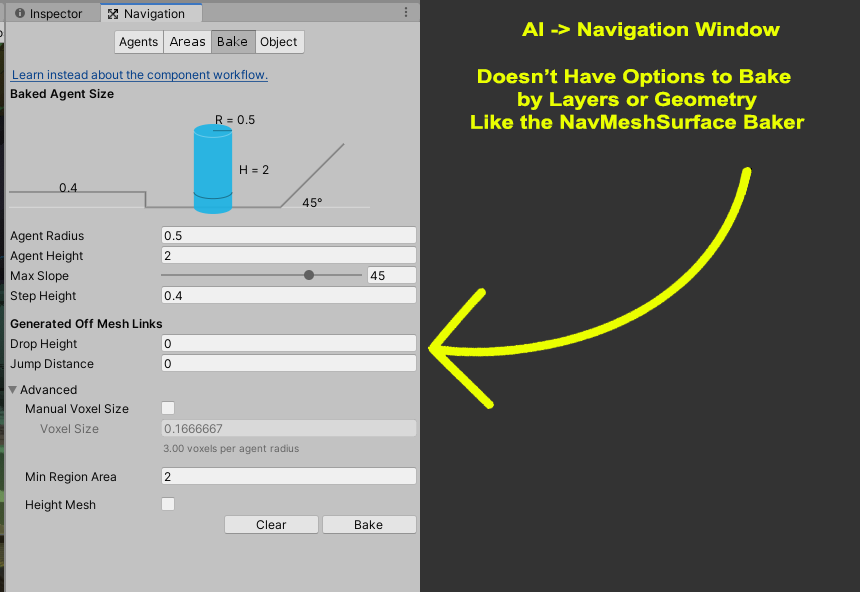
The NavMeshSurface previously had the “Clear” / “Bake” buttons right there in the inspector of the component. However, the buttons are gone in the latest version of the NavMeshComponents. I understand that I can find NavMesh baking options in “AI->Navigation”, however it doesn’t offer the NavMeshSurface option to bake by layers. With that said, how do you bake navmesh surfaces with the options the NavMeshSurface component previously offered (specifically baking by layers)?

Hii, if someone wants to bake Navmesh by a specific layer (like ground and not building floors and roof tops), you simple clear the baked mesh and uncheck the static button on what you don’t want the navmesh to be baked on and then bake again. You should see the new baked navmesh has not applied for the specific layer you wanted to be baked on.