For weeks I am reading from unity how the new APV is the next big thing and it may be true if there were actually some guides how to properly use it not some pre made scenes where they show off “hey look at this new system we ve made but we will never properly show you how we did it!”. Anyway, here is my sample scene

whenever i try baking it, it has these artifacts as if I am baking with the lowest possible lightmap resolution and produces weird black spots. I have tried to “up” the settings by playing around and there are a lot of probes distributed yet it looks horrible. This is a fully baked emissive plane only scene.
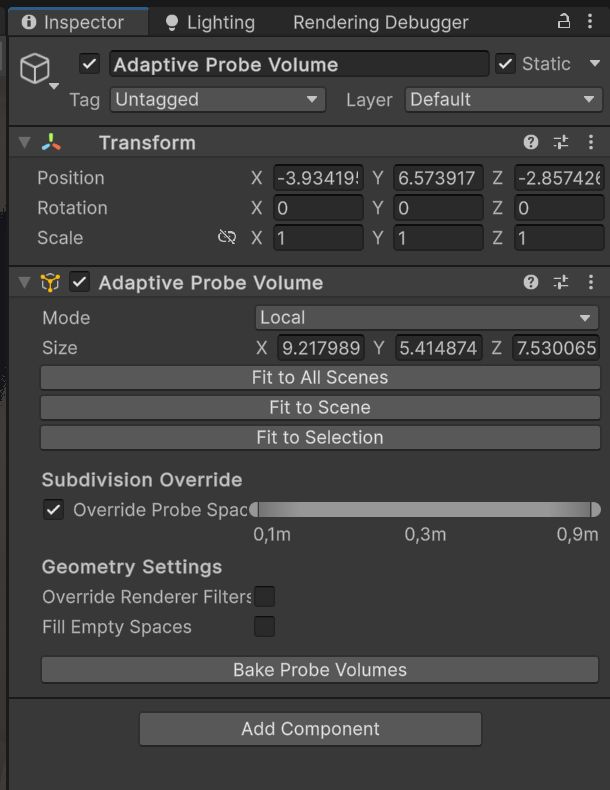

any help would be greatly appreciated…
