Hey everyone,
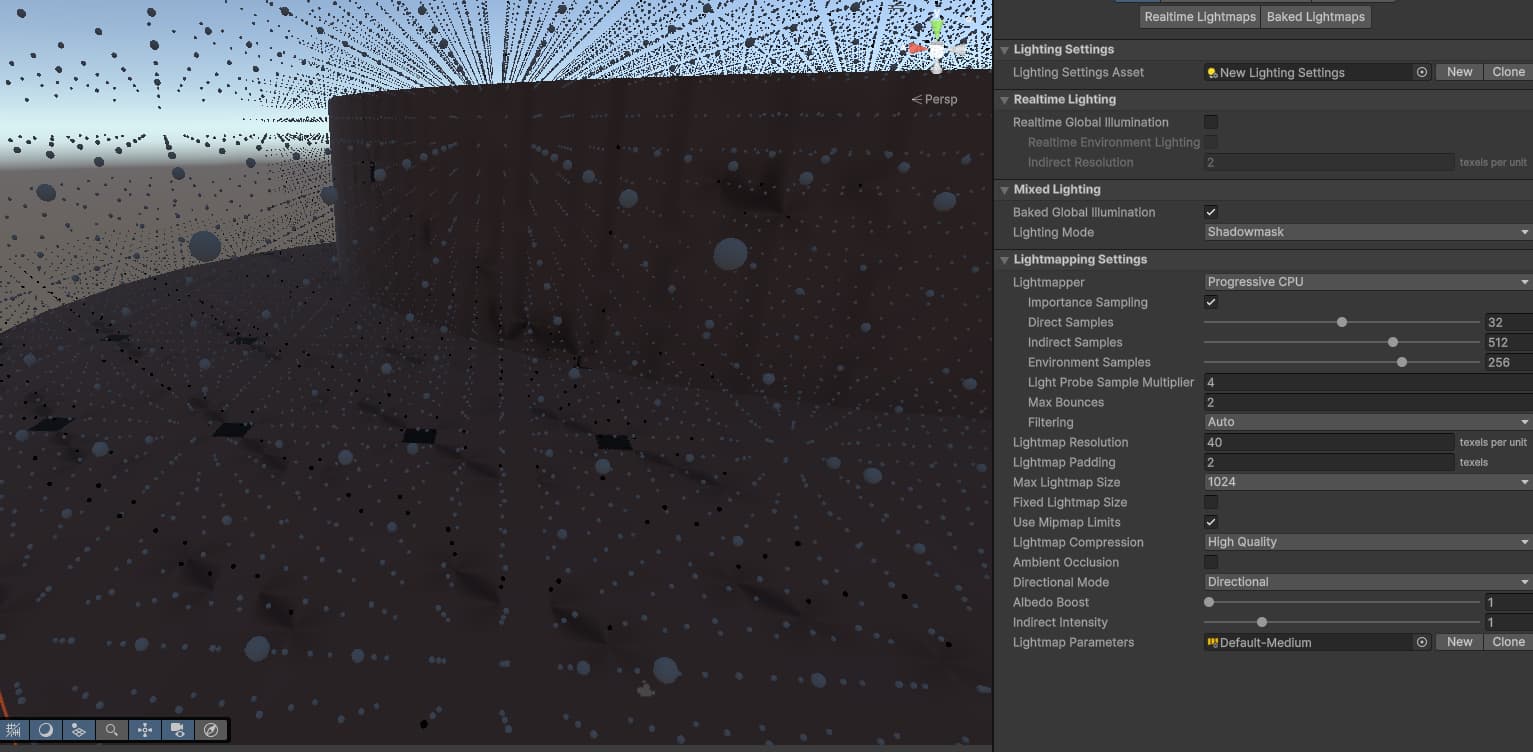
I’ve been diving into Unity’s Global Illumination and Adaptive Probe Volumes (APV) recently, just to get a better handle on lighting setups. For my little test scene, I placed a few static cylinders.
But here’s the issue: when I generate the lighting, I’m seeing some pretty nasty artifacts. I’ve tried tweaking a bunch of settings but haven’t had any luck getting rid of them.
Anyone else run into this kind of problem? I’d really appreciate any tips or ideas on how to clean this up!
Check this page for some tips on how to mitigate leaking Fix issues with Adaptive Probe Volumes | High Definition RP | 17.0.3
In particular, you’ll probably want to look into Virtual Offset and and maybe Normal Bias.
Thank you!
Somehow Virtual Offset does nothing, but you did push me in the right direction with the article.
Dilation was unchecked, and the moment i checked it, 80% of the artifacts are gone.
There are still some light artifacts left:
But I’ll try to tweak some settings to see if I can get rid of them.
Virtual offset relies on finding a nearby wall the “push the probe out of”. If the search distance is set too low, or the probe spacing is too high, the probe might not be close enough to a wall to find it. You can try fiddling with those settings (in the lighting window)