Hey everyone,
I am trying to make a combat system and I created enemy AI but it’s not going that good. Can anyone tell me how to create enemy AI with slot system like you fighting with multiple enemies. Maybe provide me with script that you wrote or any tutorial?
I can’t even begin to imagine where you could find tutorials in today’s world.
Tutorials and example code are great, but keep this in mind to maximize your success and minimize your frustration:
How to do tutorials properly, two (2) simple steps to success:
Step 1. Follow the tutorial and do every single step of the tutorial 100% precisely the way it is shown. Even the slightest deviation (even a single character!) generally ends in disaster. That’s how software engineering works. Every step must be taken, every single letter must be spelled, capitalized, punctuated and spaced (or not spaced) properly, literally NOTHING can be omitted or skipped. Fortunately this is the easiest part to get right: Be a robot. Don’t make any mistakes. BE PERFECT IN EVERYTHING YOU DO HERE!!
If you get any errors, learn how to read the error code and fix your error. Google is your friend here. Do NOT continue until you fix your error. Your error will probably be somewhere near the parenthesis numbers (line and character position) in the file. It is almost CERTAINLY your typo causing the error, so look again and fix it.
Step 2. Go back and work through every part of the tutorial again, and this time explain it to your doggie. See how I am doing that in my avatar picture? If you have no dog, explain it to your house plant. If you are unable to explain any part of it, STOP. DO NOT PROCEED. Now go learn how that part works. Read the documentation on the functions involved. Go back to the tutorial and try to figure out WHY they did that. This is the part that takes a LOT of time when you are new. It might take days or weeks to work through a single 5-minute tutorial. Stick with it. You will learn.
Step 2 is the part everybody seems to miss. Without Step 2 you are simply a code-typing monkey and outside of the specific tutorial you did, you will be completely lost. If you want to learn, you MUST do Step 2.
Of course, all this presupposes no errors in the tutorial. For certain tutorial makers (like Unity, Brackeys, Imphenzia, Sebastian Lague) this is usually the case. For some other less-well-known content creators, this is less true. Read the comments on the video: did anyone have issues like you did? If there’s an error, you will NEVER be the first guy to find it.
Beyond that, Step 3, 4, 5 and 6 become easy because you already understand!
Finally, when you have errors… DO NOT POST HER! Go fix your errors. Here’s how:
Remember: NOBODY here memorizes error codes. That’s not a thing. The error code is absolutely the least useful part of the error. It serves no purpose at all. Forget the error code. Put it out of your mind.
The complete error message contains everything you need to know to fix the error yourself.
The important parts of the error message are:
the description of the error itself (google this; you are NEVER the first one!)
the file it occurred in (critical!)
the line number and character position (the two numbers in parentheses)
also possibly useful is the stack trace (all the lines of text in the lower console window)
Always start with the FIRST error in the console window, as sometimes that error causes or compounds some or all of the subsequent errors. Often the error will be immediately prior to the indicated line, so make sure to check there as well.
All of that information is in the actual error message and you must pay attention to it. Learn how to identify it instantly so you don’t have to stop your progress and fiddle around with the forum.
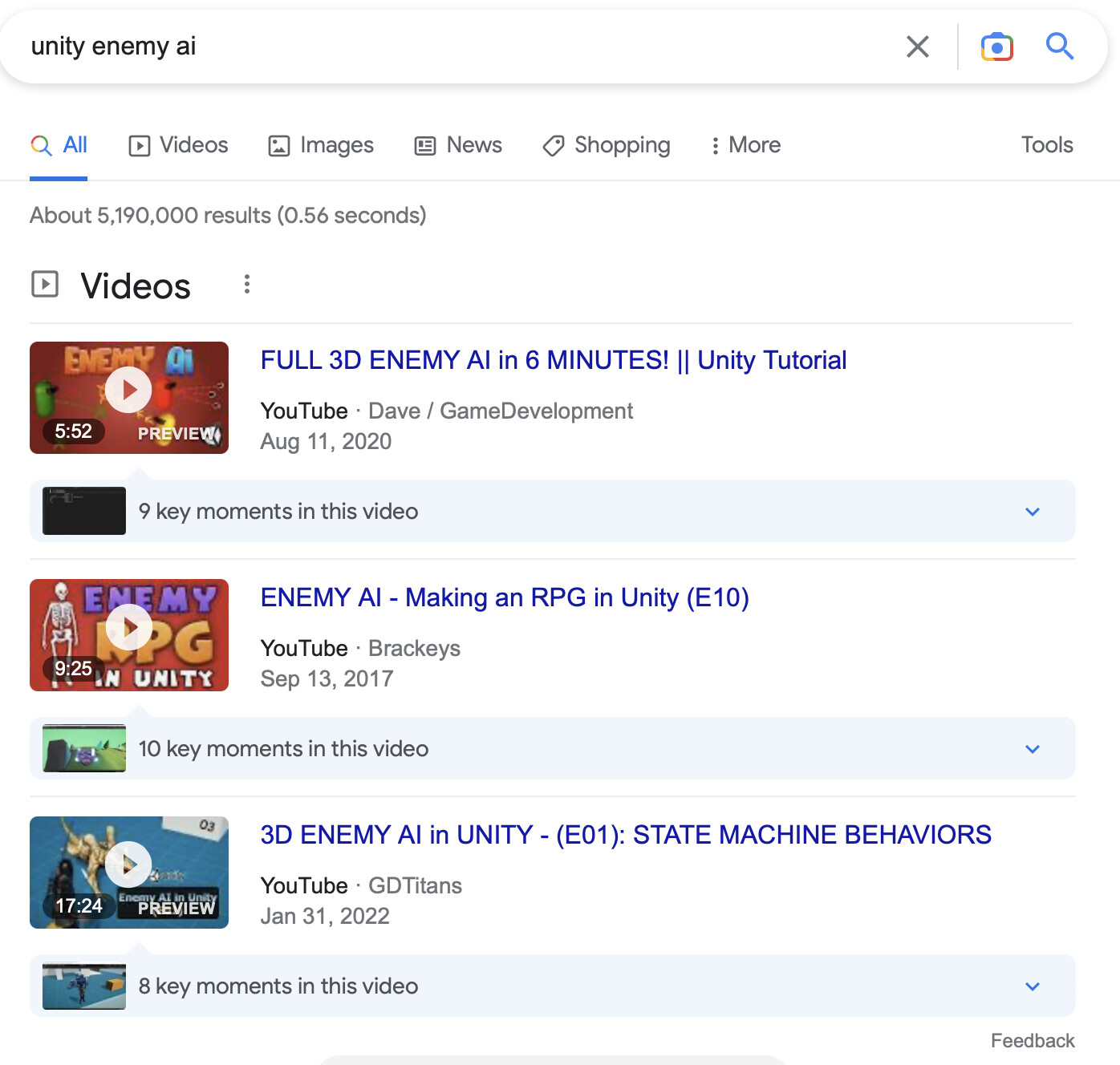
I searched on google before coming here and what I was is melee combat enemy ai, in some of them it’s either fpp or with guns or 2d.
That’s why I came here, I want something like when character is alone fighting with multiple enemies at once and all enemy attack one by one, like in spiderman or assassin’s creed or batman games
Generally any time you have more than one computer agent and you want them to behave differently based on what the other(s) are doing, there needs to be some kind of over-arching manager.
In your case you might call it an AttackManager and it would be responsible for knowing who is involved in an attack and sequencing their attacks so it isn’t just a mobfest.
The AttackManager would tell ALL the enemies to back off except for 1 (or 2 or whatever) at a time, then switch them out.
Another common construct might be an AggroManager that ramps up the attacks based on whatever you consider “aggro” in your enemies.
Okay so I think I should get all enemies within a radius and then choose at random who will attack and rest will be at standby. I can use coroutines to wait before another enemy attacks