Hello! I recently downloaded the long awaited Linux Unity Hub, created an account, and tried to sign in.
When I click the sign in button, this appears:
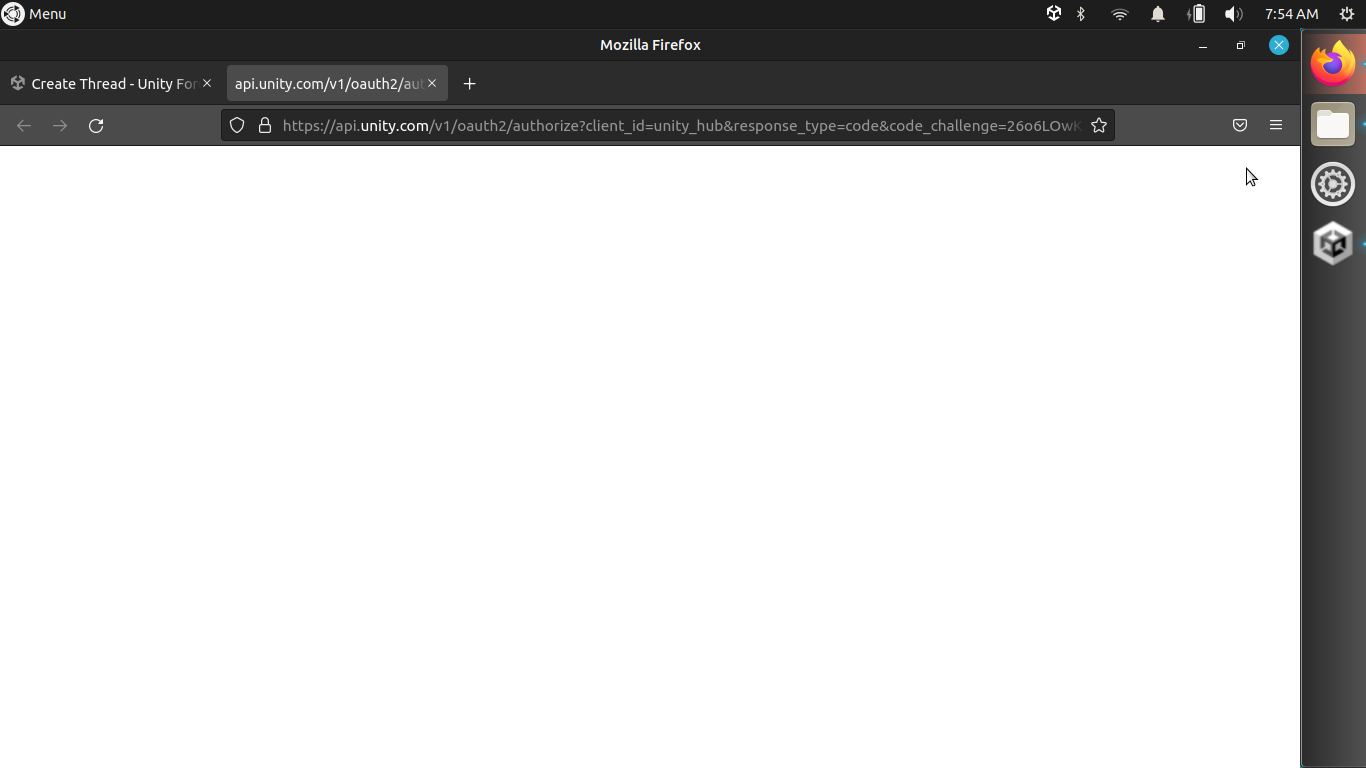
i waited for 5 minutes, but nothing happened. I am using Ubuntu mate.
Hello! I recently downloaded the long awaited Linux Unity Hub, created an account, and tried to sign in.
When I click the sign in button, this appears:
I do have the same Issue.
At first I could login on the unity Website once, but the Site would not redirect me do the Desktop Application so I clicked again on the “Sign In”-Button and until then I get the same issue as you.
Go into the folder you downloaded, and run the file “Install.sh”
1- Check if you have the file unityhub.desktop in /usr/share/applications/, if not create it and if you have it already, make sure it has the below entries. In case you can also download my file here
Name=Unity Hub
Exec=/opt/unityhub/unityhub %U
Terminal=false
Type=Application
Icon=unityhub
StartupWMClass=unityhub
Comment=The Official Unity Hub
Categories=Development;
TryExec=unityhub
MimeType=x-scheme-handler/unityhub;```

2- Make sure **Exec** and **TryExec** are pointing to the right location; in my case is **/opt/unityhub/unityhub**

3- Execute via terminal the following. With this command, Firefox will display xdg-open window and you will be finally able to log in.

```xdg-mime default unityhub.desktop x-scheme-handler/unityhub```