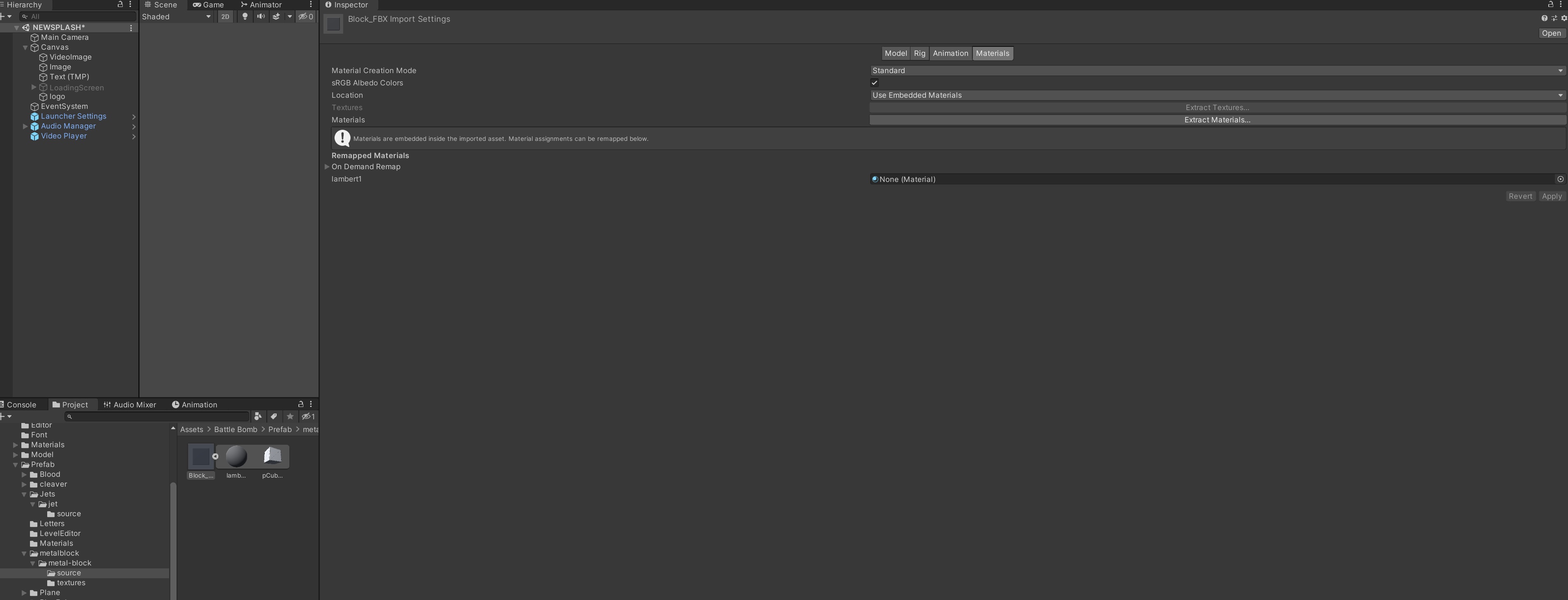
so after its unzipped, everything is in the metal-block directory. the fbx is in source directory, and 4 png files are in textures directory. there are no other files. why are the textures not getting applied to the fbx?
Thanks. Great idea! Didn’t realise you could do that. I think I am almost there but just not sure about getting the roughness applied correctly:
There are 4 pngs in the textures folder. So I have applied the albedo to the material using the basecolor png, the normalmap using the normalmap png, and the metallic using the metallic png. However there is also a roughness png. How do I apply that? Or in unity does it not use a png for that but rather the smoothness slider / source ?
For the standard shader, you need a combined map for smoothness and metalness. So you’ll need to open the two maps in a paint app or something and create a new map to combine them.
Paste the metalness map into the red channel of the combined map. The smoothness needs to go in the alpha channel.
If you have a roughness map, “roughness” is the inverse of “smoothness”, so you’ll also need to invert the colors. Most paint apps have a menu option to do that automatically.