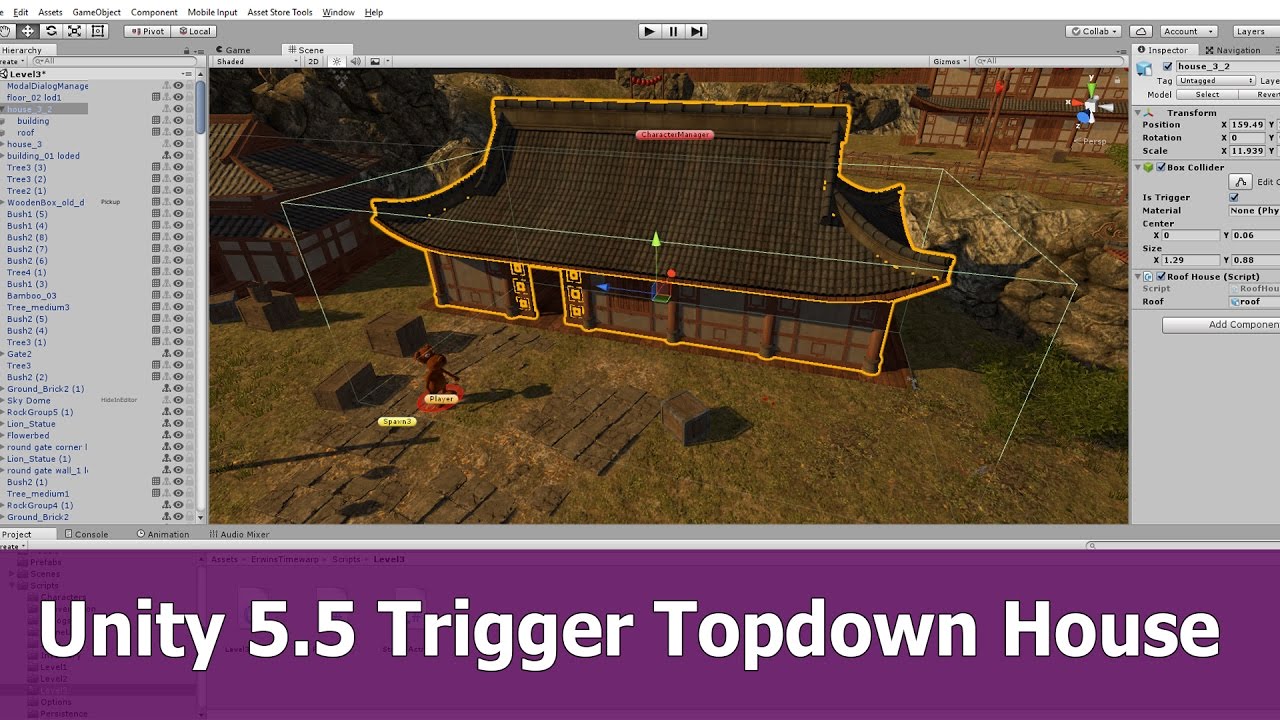
I found this tutorial, maybe this is what I need.
However, I did not understand what should be in “OnTriggerEnter”?
How can I make my character be the trigger?
Also, should I make each floor from separate walls or can I divide the entire wall of the house into different parts?
Thanks
There are a lot of different objects that might register OnTriggerEnter with a trigger collider. If you want to write code that only responds to a specific object (like your player character) then you just have to identify the object. One easy way is to use tags. You could give the player object a tag called “Player”. Then in your OnTriggerEnter you can use CompareTag to see if the object’s tag matches. There is an example in the manual: https://docs.unity3d.com/ScriptReference/Component.CompareTag.html
First of all, thanks a lot for your reply and Info!
Honestly, I took the script from this video (well, or another video on his channel …) and I managed to use it. Unfortunately, I did not understand why I could not write If (gameObject.name == "Character") as an input trigger, but I wrote it like this and everything began to work: If (other.tag == "Player")
Now i have this task:
Make it so that when I go up to the second floor, the lower floor becomes visible along with the ceiling, and all the upper floors are still transparent. Well, I think you understand my idea.
Also, I would like not the whole country to disappear entirely, but a small strip remained at the bottom and also in the corners. I’ll attach a picture.
The script does not work correctly, because I can hit the wall and one part of the character climbs over the texture of the wall and the trigger is falsely triggered. How can i fix this?
And of course I am looking for the most optimal solutions. After all, I want to make a whole city, not a couple of three houses️
II appreciate any help and I will be glad if you can tell me something about at least one of these points.
Have a nice time!
I’d like to review this post with a new answer and another question related to this topic.
1. “See-trough Shader” from Unity asset store
Check out this paid asset on the asset store, it might provide a flexible and easy solution to this problem.
2. Lighting question
As seen in the tutorial video, upon deactivating the gameobjects, the room becomes sun-lit and behaves like an outdoor area (from a lighting perspective). This is a no-go for me, as this takes away the feeling of being in an indoor area.
How can a game object be cut/deactivated or excluded from the player camera, while still blocking light?