Camera wizards! Cinemachine v2 is out on the Asset Store and has a pile of new features - documentation! - and numerous fixes and improvements.
Get Cinemachine
Requires Unity 2017.1.0 or higher.

- Target multiple objects: CinemachineTargetGroup. This allows you to target multiple objects and set the weighting between them. It creates a logical group based on any number of subjects that positions itself according to the position of its members. It can be used as a LookAt and Follow target when tracking a group of objects. Great for 2D as well.
- Dynamically frame multiple objects: CinemachineGroupComposer vcam Aim component. This will dynamically auto-frame a group of targets based on their postitions. If the objects move apart, Cinemachien will adjust the FOV or dolly (or both) depending on a set of rules you create. When the LookAt target is a CinemachineTargetGroup, this composer will ensure that the entire group gets framed correctly. Uses a configurable combination of zoom and dolly in/out.
- Added support for orthographic cameras. If the brain is on an orthographic camera, Cinemachine will function correctly. 2D support.
-
New Completely open API. Code against any Cinemachine aspect. Easily custom configure Cinemachine to get exactly the camera behaviour your project needs
-
Dolly track. Create film-like dolly track and have your camera smoothly move through your worlds. Keyframe the camera down the path or have Cinemachine auto-follow the subject. Ideal for cinematic sequences or game cameras where you want the camera to follow the subject down a set of rails. forTrackedDolly: Options for up vector: match path or follow target. If no lookAt target, camera will orient itself according to this setting, allowing you to create a rigid rig on a track.
-
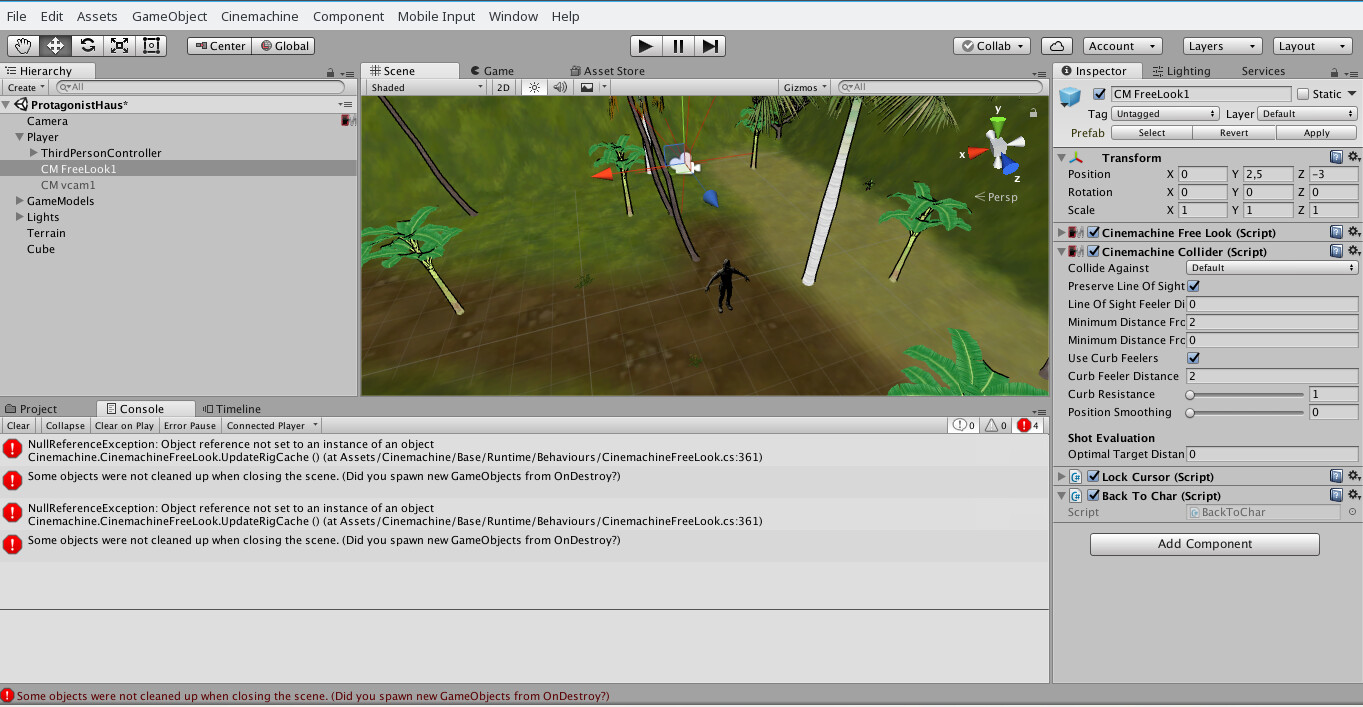
Collider. Improvements to the collision system. Added automatic Line of Site distance, and Minimum Obstacle Distance From Target parameter. No need to manually set the Collider look-at distance
-
ClearShot. Cinemachine ClearShot will dynamically choose the best camera based on shot priority and how good the shot is. Did something move into frame wrecking the shot? No problem, Cinemachine will cut to the next best camera. Incredible for replays or any other cinematic sequence of a variable scenario. Randomization features allow for variability of cutscenes for boss or game intros - create a few cameras and have Cinemachine randomize them and always pick the best shot
-
Shote Evaluation. Improvements to Cinemachine’s shot evaluation and auto-editing capabilities: boost quality for shots that are closer to optimal distance. Optimal distance setting allows for better shot evaluation based on your desired shot target distance
- Follow camera improvements: Orbital Transposer: Improvements and additional controls for heading bias, follow based on position delta, vector, world heading. Multiple blend modes, per-axis damping controls. Easily create sophisticated follow cameras.
- FollowZoom: Cinemachine will automatically adjust FOV based on subject distance to keep objects the same size on screen. You can control object size between cuts even when distances change. Incredibly powerful when used with ClearShot to do dynamic cutscenes - head sizes will match even if characters move around.
- Added damping to FollowZoom. Allows camera to slowly zoom in/out to track target. Feels very sports broadcast.
- CinemachineSmoother: Module adds damping to any camera rig for an extra level of smoothness. Added LookAt filter
- Improved FreeLook spine shape. It’s easier to make a perfectly smooth spherical / rounded shape for Cinemachine Free-Look, an incredibly powerful 3rd person action adventure camera
- State Driven Camera. This allows for code-free linking of cameras and animation states. Easily trigger different camera behaviors from animations. Configure ‘Roadie run’ handheld cameras when the character sprints - within seconds. Effortlessly adjust any camera parameter from any animation state with full in-out blending control. Very powerful in state-machine setups.
- Cinemachine supports SaveDuringPlay! SaveDuringPlay refactor: now it’s opt-in based on a class attribute. Multiple instances of a behavior on a single game object will not be confounded.
-
Bug fixes:
-
bugfix: target marker in composer guide was sometimes drawn in the wrong place (if target was a bone and nontrivial scaling was involved)
-
bugfix: vcams invalidate previous state when targets are changed
-
bugfix: Camera blends now always take the same amount of time, regardless of framerate
-
bugfix: Collider will report lower quality while its influence is decaying because of smoothing
-
bugfix: vcam tansfrom always reflects camera state, even if no targets
-
AddComponent menu name changes: “Cinemachine” appears where it should.
-
Added Create Dolly menu item. Creates a Dolly vcam with an empty dolly track.
-
Added Create Target Group Camera menu item. Creates an empty TargetGroup and a camera that targets it with th GroupComposer.
-
CinemachineCore exposes a delegate to override the default System.Input.GetAxis() to make it easier to use custom input systems with the FreeLook and OrbitalTransposer.
-
OrbitalTransposer exposes axis input value property in addition to axis value property for even more input control. Drive it any way you like.
-
CinemachineBrain: added checkbox to show/hide white camera frustum.
-
Removed CinemachineDebugLogger, which was not compatible with Windows builds
We love your feedback
Don’t hesitate to reach out with any questions, issues or feature ideas.
Our goal is to give you the most powerful tools available
so you can create amazing experiences.