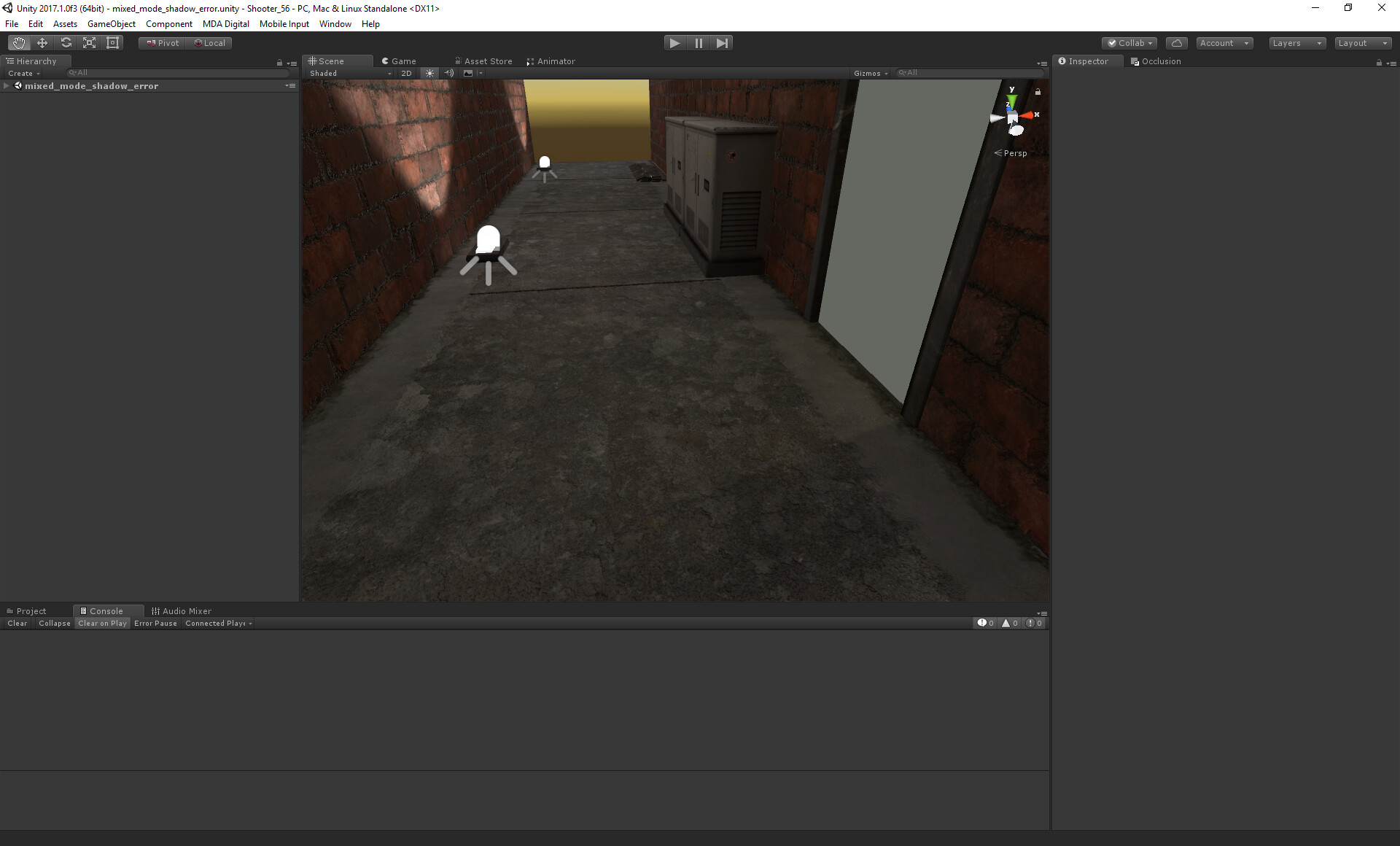
Hey, we have a door thats a dynamic object you can interact with. The doorway and wall is static and thus baked (Shadowmask mode). The dynamic door does not block all light from the mixed mode point light

We are on 2017.1
Hey, we have a door thats a dynamic object you can interact with. The doorway and wall is static and thus baked (Shadowmask mode). The dynamic door does not block all light from the mixed mode point light
We are on 2017.1
I don’t have time to run tests this time around but it looks like your door is higher up with a gap, so the light will get through under it. IF that isn’t the case then, for now, I would suggest adding a unity plane in front, hide it and allow it to cast shadow thus blocking light from reaching another side.
Hi there.
No, its like Unity belives this is the correct darkness of the shadow being cast, If I place a dynamic cube you can see it does not cast any shadow because unity things there is no light to cast, which is correct, but the darknesslevel is wrong.
Here with the door removed, and the cube casts a shadow
Is it because the mixed mode already baked the light and that is why there is light, have you tried re-baking it? And if you do, try the plane in front like I suggested. If possible, send me the files and I can have a quick look.
No, the light was not baked while in baked mode, its in mixed mode, if I turn off the mixed light I get the correct shadow level. Any dynamic object, plane or cube etc gives the same result, the shadow is too bright
I tried a similar basic setup but couldn’t observe the issue:

Here is why I think you’re encountering this problem: You have many mixed or realtime lights that affect dynamic objects. One of the light sources could be contributing additional lighting, thus increasing the brightness of your shadowmap. Make sure that you’ve something like this in your shadowmask debug view and I’m pretty sure about that but ensure that your light source behind the door is set to mixed as well
Is that a point light? I use point lights. Anyway, there are 3 mixed mode lights in this entire scene plus the dir.light but its disable here becasue we are underground
Here is the shadow mask mode tells me nothing to be honest 
Well, I mean it’s pretty clear why it’s not working then 
I was using a spotlight but changed it to point light and got the same result, something in relation to shadowmasks is not working obviously in your scene. Shadowmask mode shouldn’t be completely black 
Maybe it’s my ambient settings? Shouldn’t the Realtime shadow use the same ambient settings? I will try some to repro in a smaller scene
Manged to reproduce in small scene, not as apperent with default ambient settings, but the bug is still there, will Pm you in a second
Found the problem, its a property called strengh on the real time shadow, it was not set to 1.0 for some reason!
The section under the shadow looks correct but I assume you’re referring to light leaks at the corners? Tweaking bias or normal bias didn’t help?
No. Ambient lighting is realtime when you enable realtime GI. Otherwise you can see that Ambient Mode becomes “Baked” and it is baked into lightmaps. And in your lighting settings, I can see that realtime GI is disabled.