Hi all
I would like to use the voronoi noise generator as a normal map in my shader graph.
How can I do that?
Any help is much appreciated.
Phil
Hi all
I would like to use the voronoi noise generator as a normal map in my shader graph.
How can I do that?
Any help is much appreciated.
Phil
Hi Remy
Yes, that is exactly what I need, but where can I find this “Normal From Height” node?
I can’t find it anywhere.
Phil
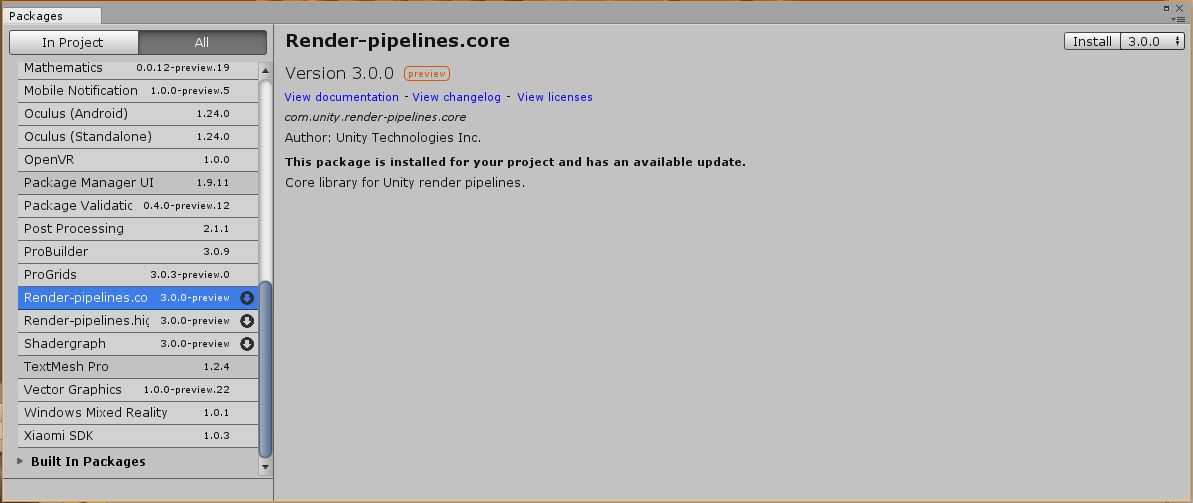
Sorry, I didn’t pay attention to the version I was using when I made the capture, so if you can’t find the node, try to update your LWRP/HDRP/Shadergraph package.
And I don’t event remember in which category it was, I simply typed “normal” in the searchbar after rightclick or space key in the graph background.
Hi Remy
I updated my Unity installation to 2018.2.18f1 personal edition.
Lightweight render pipeline updated to 3.0.0 as well.
But still, there is no “Normal To Height” Node available.
What am I doing wrong?
Regards,
Phil
Sorry, so I guess that the “Normal to Height” node appeared in a higher version of the package (for unity 2018.3.x or 2019.x).
But you can reproduce how it works by doing this :
Hi Remy
Thanks for this work around.
Cheers,
Phil
That will only work properly if the mesh UVs are perfectly aligned with the screen.
There’s a lot more to that “Normal from Height” node. You need to transform screen space normal (what the above graph produces) into tangent space for it to be really useful.
https://github.com/Unity-Technologies/ScriptableRenderPipeline/blob/master/com.unity.shadergraph/Documentation~/Normal-From-Height-Node.md
I’m trying to create normal from voronoi, just like on first picture, but I’m failed. Normals looks different when rotate object, or camera…they are flowing, change their light sides incorrect. Then I’m trying second method, but it looks same to me. What happened, and what am I doing wrong?
I am getting the same problem, have you solved your issue?