Thanks, I’ll keep you posted. Strange thing is we got alot of Unity generated uv2s in our game that does work.

Default material no lights, no reflection probes
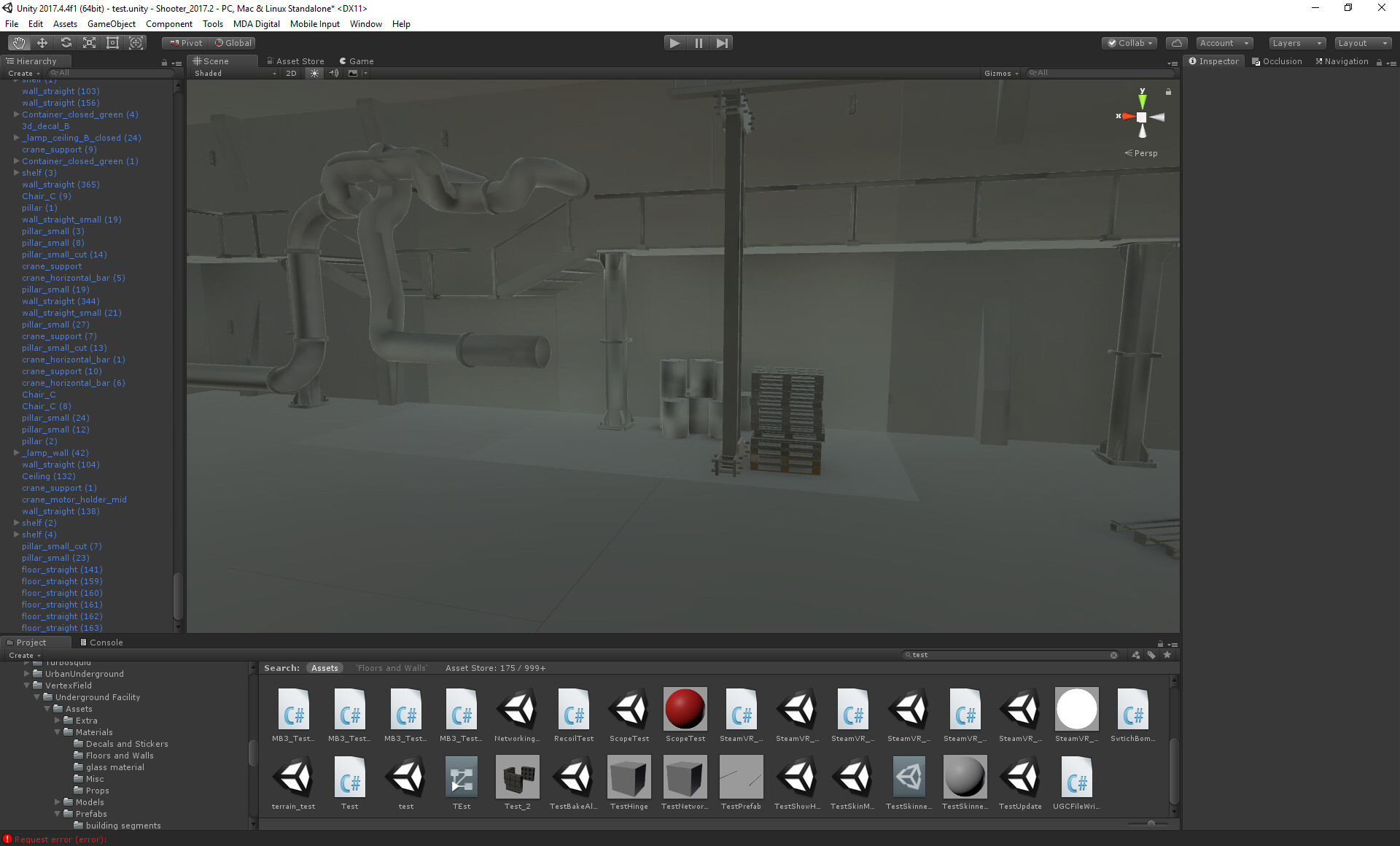
hmm, it seems it syncs with the system debugger view, but not sure


Some input from Unity would be very, very welcomed, thanks
Are you using a default plane for the tiles. . . If you are then the next test, is to remove all point/area lights and light the entire scene with just one directional light.
After you’ve done this post back with your results.
This time around its the mesh from the asset, give me a sec
1 Like
Dude, we’re trying to figure out if it is the mesh that is at fault here LOL.
This is interesting, I changed the uv2 on the windows (red arrow), cleared cache and rebaked, now the missmatch moved

System view

Stick with the plan otherwise you’re just punching in the dark, hide all existing tiles and replace with unity’s standard plane.


OK and there is no reflection or light probes in the scene right.
So now please deselect all point/area lights and light the scene with only one directional light and post back with your results.
There is no lights or reflection probes in the scene
Just sent you pm.
Isnt this really strange, I baked with 4096 lightmap size, it ended up with one lightmap. But in the systems view I end up with alot of systems

And offcourse color missmatch

Tried using a custom custom light parameter for the walls, floor and cealing, setting sytem tag to 1. Didnt help, still lots of systems

@JamesArndt1 Hey James, I remembered you had a problem with systems? I’m now being hit by it too I think, did you ever get that sorted?
No not that I can recall. It was still an issue.
It’s really annoying since it’s only one atlas they should all go on the same, I hope unity will show some interest soon because I’m out of ideas
1 Like
Yeah there was nothing I could do to be honest. No one was giving me a concrete answer on how to solve this. I halted work on that project as it required baked lightmaps and it was consuming too much time finding workarounds. I think the last thing I was doing was baking lighting to vertex colors in 3ds Max and trying to use that combined with a shadow “decal sheet”. I was basically rendering different shapes for shadows for objects and then using those as decals.
Might be important to note this was a mobile project for Android so the lightmapping thing was a blocker issue on that project.
1 Like
So I tried to bake it under 2018.1.3, low res didnt have time to wait for the bake so get some edge bleed, which I think will be fixed by a higher res bake. But the color miss match seems to be gone, so please what ever you are doing in 2018 back port to 2017.4.5 (LTS and all that). We cant move to 2018 right now. For example the shaders for this very asset break in 2018 so thats why I have to use default materials

1 Like
Man I’m still amazed the light baking is still this broken. Even on low settings you shouldn’t be seeing what I am seeing in this image. Massive UV shell seams everywhere with horrible bleeding across them. Setting the quality to low should produce a little bleeding and no massively sized UV shell seams. That’s what a well done lightmapper should work like. This is really pitiful and from my perspective one of the weakest aspects of the Unity editor.
1 Like