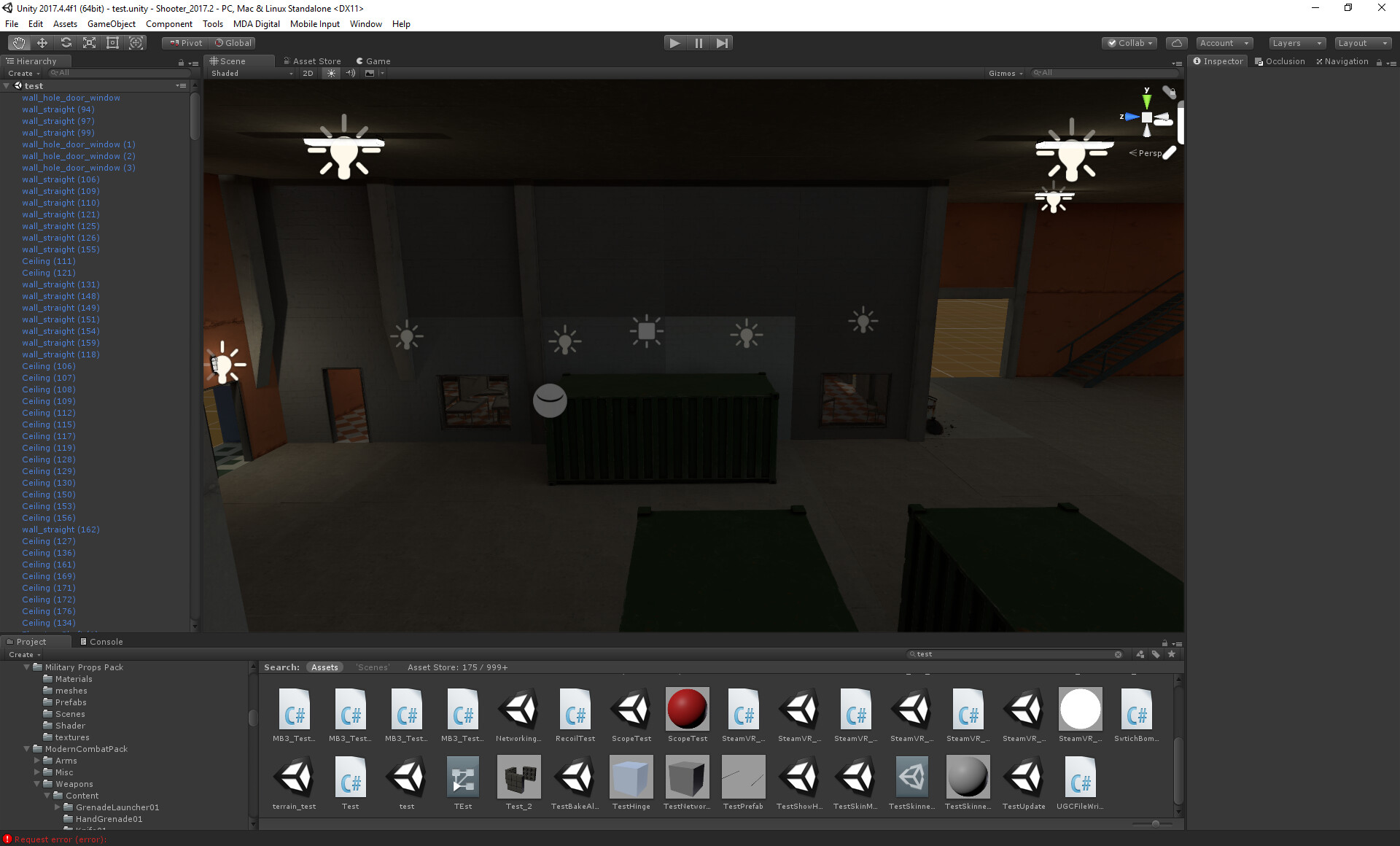
Hey guys, this artifact looks like the one you get when you have a missing reflection probe and the material uses the skybox instead, but as you can see they use the same reflection probe
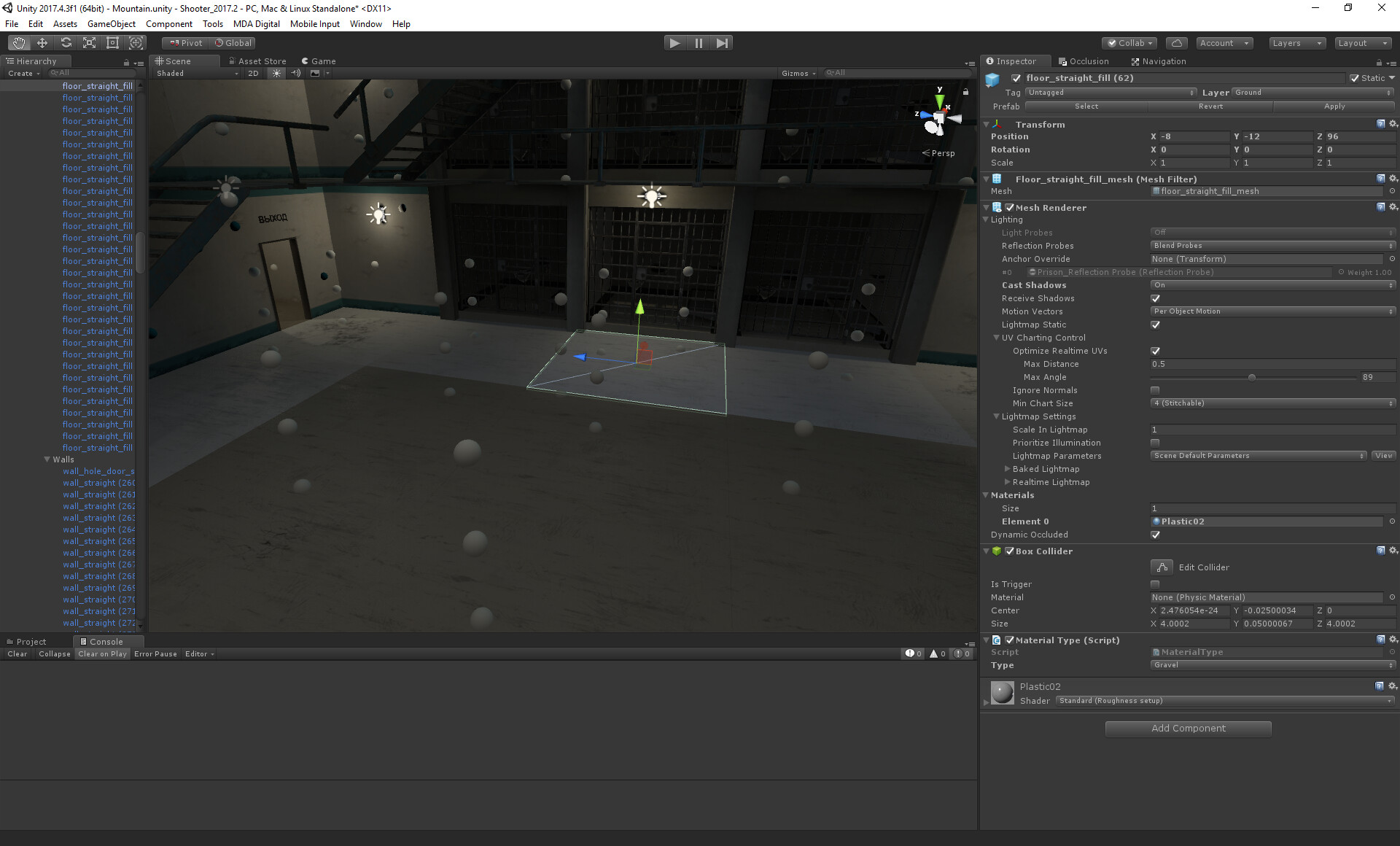

Whats going on?
Hey guys, this artifact looks like the one you get when you have a missing reflection probe and the material uses the skybox instead, but as you can see they use the same reflection probe
Whats going on?
So I havent been able to fix this, any ideas?
Anyother problem which is not completly related is that the mesh uses a lower prio probe even though the higher prio probe completely surrounds the mesh, as you can see here it applies 0.07 from the ourdoor reflection probe
I know you guys lurk in this part of the forum so I hope its ok I ping you directly. I have huge problem with this scene
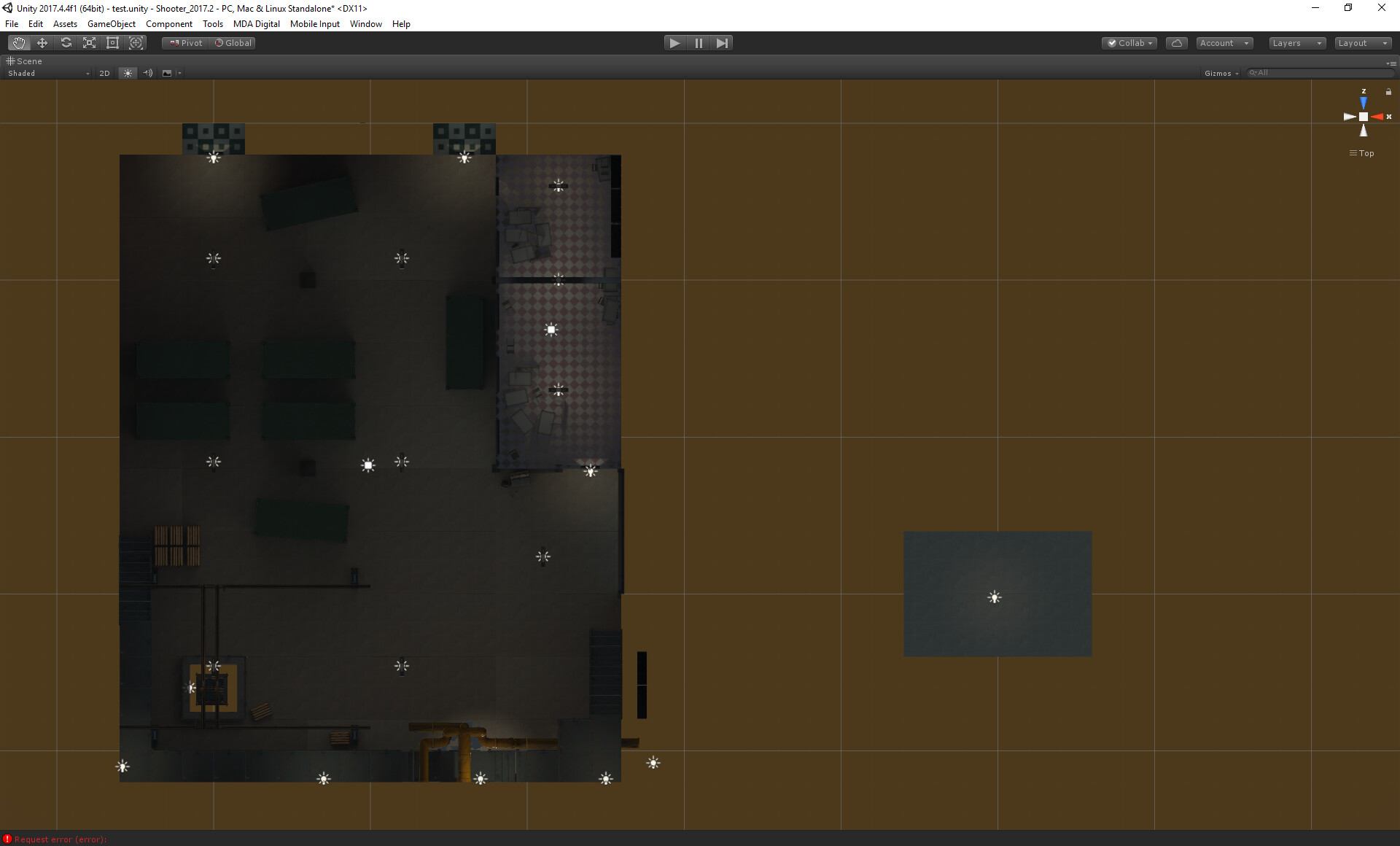
As you can see above the tiles missmatch
Here is a example with huge difference, same mesh, same material, same reflection probes
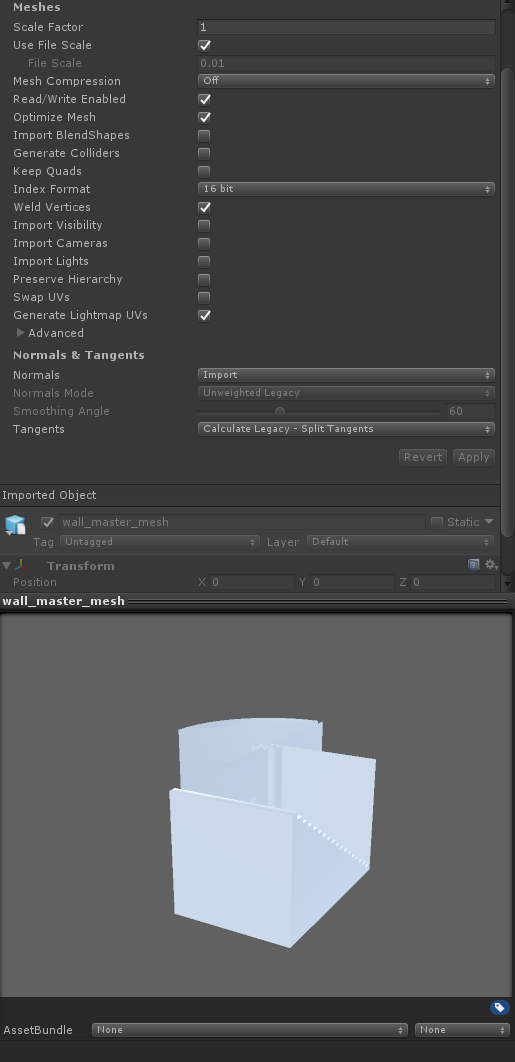
The mesh is configured for lightmaps using the UV2 generation function
Material
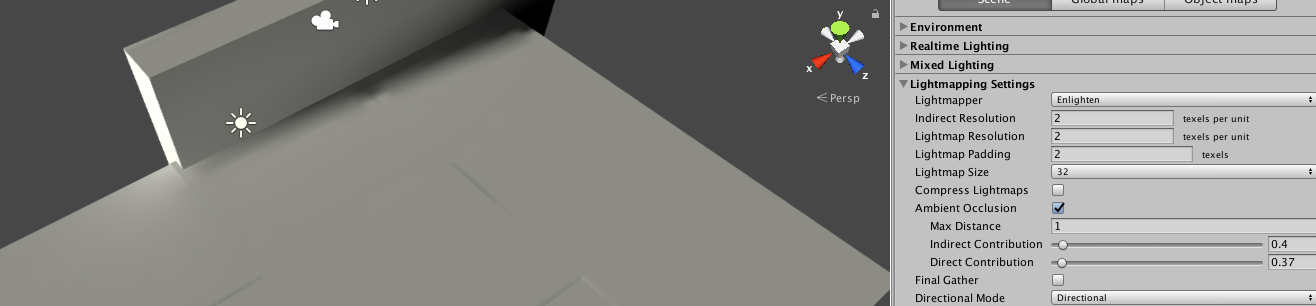
Light settings
So, I really need help with this, thanks.
Hey @frosted I reply here instead, better than kidnapping the other thread.
Thanks, will look into it further, but if it was a res problem it would be for all tiles I guess? Here it loos fine, same meshes used btw
This is at the default 40 res, we have other scenes with similar size with no problems. I’m at a loss
edit: There is a seam problem in above screen though, but that can be fixed with baking the tiles, a bit sad Unity cant handle that for us
@frosted I tested your resolution theory, here I bake at 100 res, problem remains
Did you check the import/lightmapping settings on the mesh (from the mesh import, not scene instance).
Also - object lightmap scale in scene instance.
Yeah 1.0 scale, uv2 generate, mesh import settings above btw
Did you ever fix this?
Here’s some ideas.
Try another vanilla scene with nothing except one tile with one material, no specular maps and one directional/point light to illuminate the scene.
Step repeat those tiles across to cover say cover 10 / 20 tiles - no light probes no reflection probes.
Do a bake with same settings you have now? Is there a problem.
Some daft questions… that seem obvious but always catch people.
Are those tiles perfectly aligned and exactly the same colour/material?
The last picture from above is from a isolated scene, problem remains but the color shifting is different.
I will try your idea.
Yeah, same mesh and material, yeah, aligned perfect to whole meters
I did a quick test, with tiles and the only thing I could see to cause the inconsistent colors was moving the reflection probe? Enlighten settings set really low at about 2 to show it isn’t a resolution problem
What do you think?

If that doesn’t work maybe you could wetransfer the scene and I could have a peak.
The only other thing as mentioned by frosted is having an insufficient lightmap res.
I mean here, I had to set the lightmap size to something really small like 32 and lightmap res to ‘2’ to even notice the edges.
But then my scene is much smaller than yours, comparatively it might be the same.
Another daft, question but is there any reason you are working in that modular tiling way, and not just making a single plane for the floor?

I tried at 100 res, no difference
Its a modular asset, I guess I could combine them with Meshbaker, but its not a perfect workflow and some negative aspects like lower resolution lightmap per mesh and occlusion will not be as good etc.
Btw, I also tried the built in cubes and they work like they should, no color missmatch so I lean towards something with the mesh, but I use uv2 generation in Unity so cant really understand what it could be
Right OK so replace the tile you are using with a single plane from unity and see if you still get colour problems.
Gameobject > 3d Object > plane
Then step and repeat in your scene. Make sure to hide your existing tiles by turning them off in the inspector window.
That will prove if it is your tile that is the problem then as opposed to anything else.
I removed all reflection probes also added some new floor tiles to the right.
No change to the old part of the scene, but the new tiles dont get the problem. It only has one light on it, can it be related to multiple lights? will test
Let’s not jump ahead so quickly, keep one variable fixed so we know exactly what’s the problem.
So the new tile doesn’t show this problem right?
Now fill the rest of the scene with all these new tiles keeping the lights exactly the same and report back with your findings.
(And to clarify this new tile is just the standard unity plane with a single texture on it)
how you getting on buddy?
@AndersMalmgren dude how you get on?
Sorry, missed your reply somehow. I’m at boring dayjob will need to play more with this tonight, Though about replacing it all with default material keep everything else and see if problem remains.
Thats not the standard plane thats the same tiles that show the problem inside the hangar. I tried the standard plane inside the hangar didnt show any problem.
Well if it is the plane / meshes, you can send it to me and I can uv unwrap it properly then send it back FYI.