Hi,
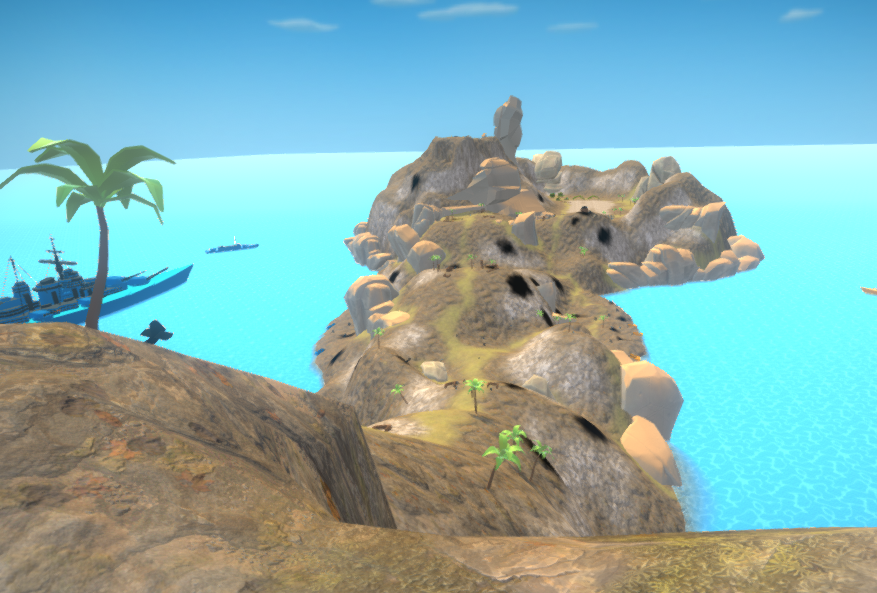
I am experiencing an odd situation - My terrain swaps layers/colors after I close the project.
The new layers and colors keep the same colored pattern on the ground, but everything is now made up of unknown materials and layers, that I did not add to the terrain paint texture. Yes - I’ve saved the project and double checked everything.
Kindly see attached photos. terr1 is before (what I want) and terr2 is after I close the project.
Any advice on why this is happening and how to solve this will be appreciated!
Thank you!