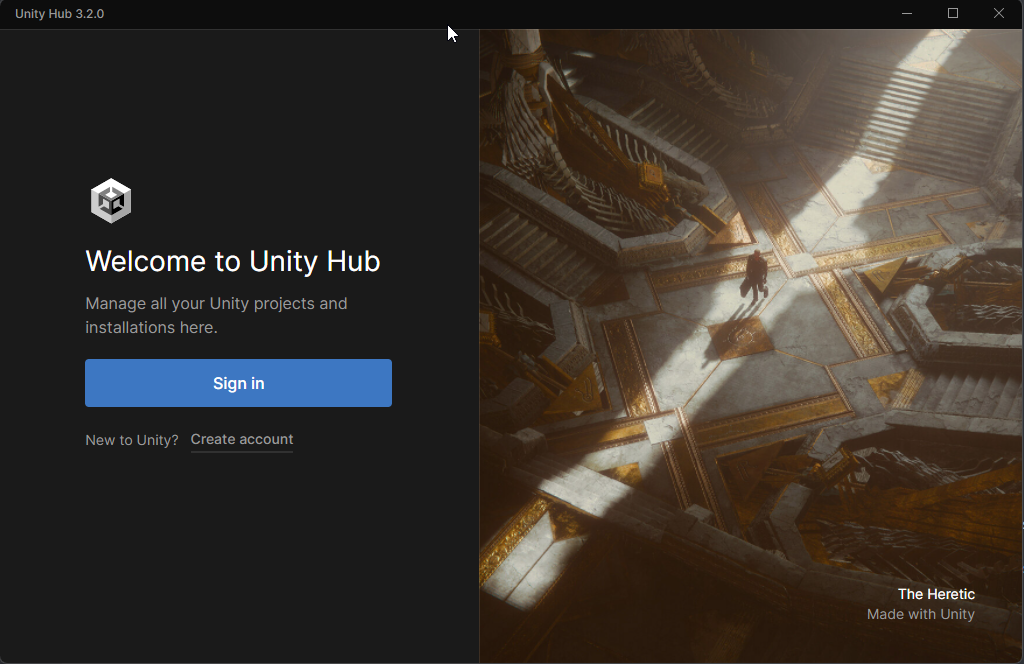
Today, we released Hub v3.2.0. This release features quality-of-life improvements that will accelerate your productivity.
Dig into what’s included by checking out the release notes. To see what we’re working on next or to share your ideas on what features we should build, visit the Unity Hub roadmap.
Finally, we would like to thank the beta community for providing feedback to make our product stronger.
I still waiting for Unity Hub supports native Apple silicon. because when I use the Intel version is always freezing. And I wish the “add module” feature is back to the latest unity hub, because It will help a lot of people when they need another module when development
I see that Unity Hub still doesn’t recognize the PlayStation 5 and Xbox Series modules even one year after Unity added support for it in the regular Editor releases.
I see that changing the Editor version still ask for confirmation twice – that used to work correctly in the white edition of Unity Hub.
The release notes say that hovering states of the sys-menu buttons were fixed; i didn’t notice it before, but now that i read it i have to say the hoverstates still don’t seem to work correctly in 3.2.0, atleast for me. The close button sometimes shortly flashes red when randomly hovering, but apart from that it only changes visually when pressed.
I have Unity Hub installed, but when I click the Sign In button it doesn’t do anything. I have tried reinstalling it from scratch, installing it to another drive, etc. It pretty much does the same thing. when I try to click on the sign-in button it doesn’t do anything. I also tried to click on the Create Account button but it doesn’t do anything either.
Hey, I have the same problem!
I clicked on the Sign In and then an Browser Window opened, like @MiTschMR said, but then this window is frozen. I opened it in Chrome.
Does somebody know how to fix this?
If you’re on Windows. try to launch the HUB as Administrator or set “Run this program as an administrator” by right clicking on the shortcut, select “Properties” and it’s located close to the end of the “Compatibility” tab.
For me, it’s common for applications to not properly open web page without Administrator access because it’s security feature activated by default in Windows 10 to avoid security risks when an user open an app that might open a webpage that might contain something “wrong” (as Windows Defender doesn’t scan the webpage, but only the App/Program and a web link doesn’t give much of information.)
Unrelated to that problem, the Hub installation got corrupted when I pressed “Restart” for the latest update to be finished/installed. Reinstalling it by downloading the installer from the website made it work as if nothing happened, but I should warn others that it might also happen to them.
After installing this update, when UnityHub is active I’ve got THOUSANDS responses to clientstream.launchdarkly.com. 1 respond per 2 seconds. This is actually insane.
Can you guys stop doing that shady malware things? Please, can you provide link to previous version?